
Online Appointment Booking Systems for Small Businesses: A 2027 Guide

For a salon, tutor, consultant, wellness studio or repair business, an empty appointment slot is more than a gap on the calendar. It can mean lost working time, an inconvenient phone call or a customer who decides to book elsewhere.
An online appointment booking system should make those everyday situations easier to manage. Customers need a straightforward way to request a suitable time, while staff need confidence that the availability shown is accurate. A booking form alone does not solve the problem if employees still have to compare calendars, resolve overlaps and chase confirmations manually.
If you are choosing appointment booking software for a small business in 2027, start with the way your business actually operates. A solo consultant, a five-chair salon and a repair service with several branches do not need exactly the same scheduling rules.
Start with the booking journey, not a feature checklist
Imagine a salon offering a 45-minute treatment, followed by 15 minutes for cleaning and preparation. Two employees can deliver the treatment, but they work different shifts, and one has approved leave on Wednesdays.
When someone requests an appointment at 10:00 AM, the system needs to consider more than an open space in a calendar. It should establish whether the requested service is offered at that location, whether an eligible employee is working, whether that person is already booked, and how much time must remain free after the service.
For this example, a 10:00 AM start occupies the employee's time until 11:00 AM, including the buffer. Offering a second appointment for the same person at 10:45 AM would be a scheduling mistake.
Before comparing products, document the basics of your booking process:
- Services and durations: What can customers book, and how long does each appointment take?
- Staff selection: Can customers choose an employee, or should the business assign one?
- Working patterns: What are the normal hours, shift changes, breaks, holidays and leave arrangements?
- Locations: Do services and employee assignments vary by branch?
- Booking limits: How early or late can customers make an appointment?
- Changes: Who can cancel or reschedule, and what happens to the released time slot?
- Communications: Which confirmations and reminders need to be sent, and by which channel?
This exercise reveals your real requirements far more reliably than a long list of dashboard features.
Seven features that make appointment booking software useful
1. Availability that reflects real working hours
A customer should only see an appointment time that can actually be fulfilled. The availability calculation needs to take account of existing bookings, staff schedules, time off and location closures.
If your services require cleanup buffers, shared equipment or specific rooms, check whether the software supports those rules. Do not assume every booking product handles every kind of resource or buffer automatically.
2. Staff schedules, leave and exceptions
Business hours and employee hours are not the same thing. Your location may open at 9:00 AM while one employee starts at 11:00 AM, another works a shorter shift, and a third is on leave.
Look for a practical way to manage individual schedules and exceptional days. A manager should be able to block unavailable time without rebuilding the weekly timetable.
3. Services with clear duration and pricing
A short consultation and a lengthy repair assessment should not occupy the same amount of time. Service records should make it clear what the customer is booking and how much time is needed.
Check how the platform handles service changes. Historical appointments should remain understandable even when a service is renamed, deactivated or removed from the active booking list.
4. A simple mobile-friendly booking experience
Customers should be able to select the relevant location, service, employee and available slot without calling the business to decipher the calendar.
Keep forms focused on the details needed to manage the appointment. Long registration processes and unnecessary questions create friction, especially on a phone.
5. Confirmations, reminders and appointment statuses
Booking information should not disappear after the customer submits a form. A useful system records whether an appointment is scheduled, cancelled or otherwise updated, and communicates relevant changes to the people involved.
Email reminders can help customers remember their appointments, but you should verify how messages are configured and delivered. Ask what happens when an email fails, whether an SMTP service is needed, and whether SMS or WhatsApp notifications would require an additional integration.
6. Multiple business locations
A business with two branches needs more than a location field on a booking form. Different branches may have different staff, services, availability and closure dates.
Check that the chosen system can connect an appointment to the correct branch and prevent an employee from being scheduled where they are not available.
7. Customer history and useful management visibility
Customer records and appointment history help staff prepare for visits and answer routine questions. A calendar view and searchable appointment records also make it easier for managers to understand upcoming work.
For more advanced measures such as staff utilization, no-show rates and revenue per service, confirm that the specific reporting functionality exists. A basic appointment dashboard does not necessarily include all of those analytics.
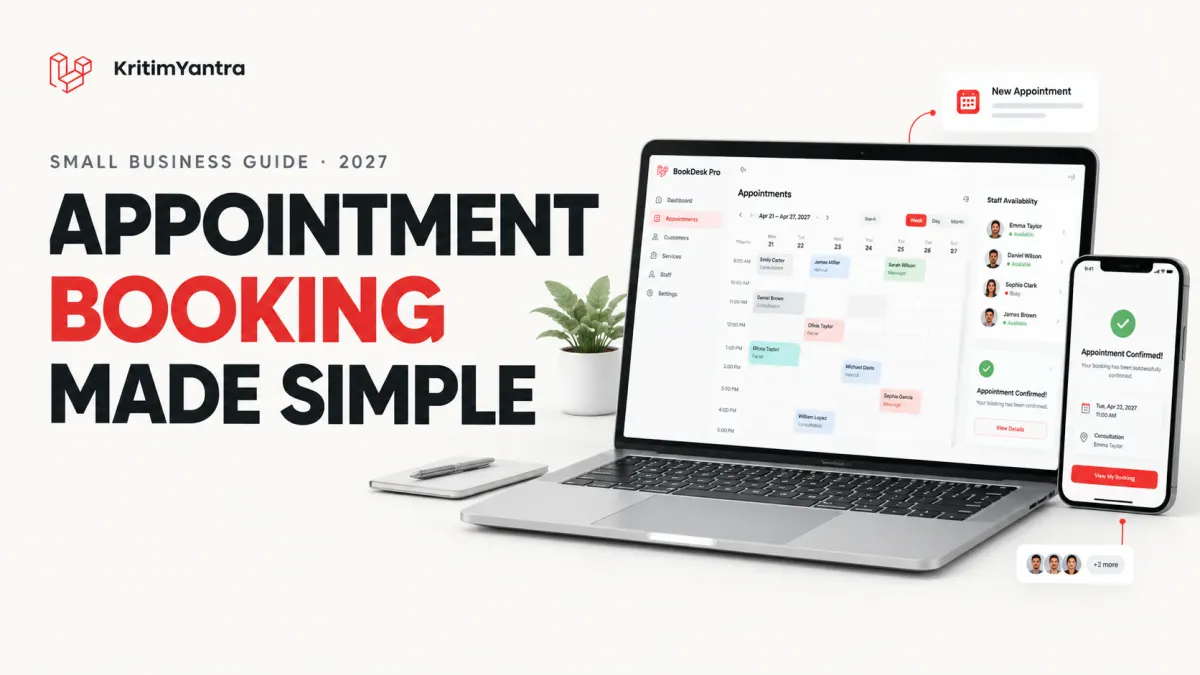
A practical implementation of several of these core features is BookDesk Pro, KritimYantra's Laravel appointment booking system. Its published feature list includes a public booking interface, staff schedules and leave, services with pricing and duration, multi-location availability, appointment records and email reminders. If you are evaluating software, compare those capabilities against the actual rules you identified for your own business.
Test real scheduling problems before choosing a system
A polished demo can make booking software look effortless. The more revealing test is what happens when a booking conflicts with everyday operations.
| Test scenario | What to check |
|---|---|
| A customer books an 11:00 AM appointment | The appointment appears against the correct employee, service and location. |
| Another customer requests the same employee at the same time | The system rejects or prevents an overlapping confirmed booking. |
| An employee takes approved leave | Unavailable times no longer appear as ordinary bookable slots. |
| A location closes for a holiday | Customers cannot book appointments during the closure. |
| A manager cancels an appointment | The booking status and availability update consistently. |
| Two customers request the final available slot at once | The server handles the conflict safely rather than accepting both. |
That final scenario matters. Two customers can open the same booking page before either finishes. Hiding occupied slots in the browser is not sufficient: availability needs to be revalidated on the server when a booking is confirmed, with suitable protection against concurrent requests.
If your business needs customer-initiated rescheduling, deposits, approval workflows or shared-room scheduling, test those separately. They are not universal features of appointment booking software.
Hosted booking subscriptions vs. self-hosted source code
There are two common ways to adopt an online booking system. Neither is automatically the better choice.
| Consideration | Hosted subscription | Self-hosted application |
|---|---|---|
| Setup | Usually quicker to start with a provider-managed service | Requires deployment and configuration |
| Hosting and routine infrastructure | Generally handled by the provider | Handled by you or your technical partner |
| Customization | Limited to supported options and integrations | Can be extended if you have appropriate code access and licence rights |
| Ongoing cost | Subscription and possible usage-based fees | Hosting, maintenance and optional development costs |
| Control | Depends on the provider's platform and export options | More direct control of deployment and data storage |
A hosted product can work well for an owner who wants minimal technical administration. A self-hosted project can make more sense when a developer, agency or business wants to adapt the booking workflow, maintain its own deployment and avoid depending entirely on a third-party platform.
But buying source code does not mean buying a fully managed service, and a source-code licence is not the same thing as acquiring the software's copyright. Review the licence, compatibility requirements, deployment responsibility and expected maintenance before purchasing.
What BookDesk Pro offers businesses and developers
BookDesk Pro is a self-hosted appointment booking and staff scheduling project from KritimYantra. Its published technology stack includes Laravel 13, Vue 3, TypeScript and MySQL, with deployment documentation and Docker configuration supplied in the source-code download.
The project provides a public booking page and an administration workspace for appointments, team schedules, leave, services, location closures and customer details. It also includes appointment confirmation, cancellation and reminder emails through a configured SMTP service.
This makes it relevant to businesses looking for a starting point they can deploy and customize, and to developers building solutions for appointment-led services.
Check the current scope carefully: the published version does not include payment gateway processing, SMS or WhatsApp notifications, Google Calendar integration, subscription billing, customer self-service cancellation or separate staff login accounts. Those requirements would need an alternative product or additional development. Hosting, installation and ongoing maintenance are also separate from the standard source-code purchase.
Calculate the total cost, not just the purchase price
The advertised price tells you only part of what a booking platform will cost to operate. Make a realistic estimate that includes:
- Initial setup, migration and employee training.
- Hosting, domain and secure HTTPS configuration where applicable.
- Email delivery costs and any third-party services.
- Backups, security updates, monitoring and troubleshooting.
- Customization and integration work that is essential to your booking process.
- Time spent by staff managing exceptions and maintaining the appointment calendar.
A lower purchase price may still result in a higher total cost if your team needs extensive modifications. Equally, a recurring subscription may be worthwhile if it removes technical tasks you would otherwise have to manage.
A simple checklist before going live
Once you have chosen a system, do one trial booking from the customer's perspective and follow it all the way through the business's workflow.
- Create a real service with the correct duration and assigned staff.
- Set up working hours, leave and any planned location closures.
- Book an appointment from a phone and confirm the details appear correctly in the administration area.
- Try to create a conflicting appointment and verify that it is blocked.
- Cancel an appointment through a supported administrative workflow and check the resulting status.
- Confirm that email notifications are configured and delivered successfully.
- Check staff access, customer-data handling, backups and your process for operational support.
Do not launch merely because the public booking page looks attractive. The system is ready when the people who operate it can handle routine changes and mistakes confidently.
Frequently asked questions
What is an online appointment booking system?
It is software that lets customers request or reserve appointments and helps a business manage services, employee availability, appointment records and scheduling changes. Features vary by product.
Can a small business use appointment booking software with multiple employees?
Yes. Look for individual staff schedules, leave records, service eligibility and conflict prevention. Test those rules with your actual working patterns before selecting a platform.
How can appointment software help reduce double bookings?
It should consider existing appointments when showing availability and verify the selected time again when the booking is confirmed. Server-side checks and appropriate concurrency controls are important when multiple people book at once.
Is a self-hosted appointment booking system better than a subscription?
It depends on your priorities. Self-hosting provides more deployment and customization control but requires technical setup and ongoing maintenance. A subscription typically reduces infrastructure work in exchange for recurring fees and platform limitations.
Does BookDesk Pro include online payments or SMS reminders?
Not in the version described on KritimYantra's project page. It includes email confirmations, cancellations and scheduled reminders through SMTP, while payment gateways and SMS or WhatsApp messaging would require additional functionality.
Final thoughts: choose a system your team can trust
The best appointment booking software for a small business in 2027 is not necessarily the platform with the longest feature list. It is the one that reflects how your services, employees and locations actually operate.
Start with accurate availability, straightforward booking, dependable appointment records and a clear process for managing cancellations or changes. Then weigh the time saved against the full cost of running and maintaining the system.
If source-code access and a customizable Laravel-based foundation fit your plans, explore BookDesk Pro's features and included source code on KritimYantra. Review the listed capabilities, requirements and licence before deciding whether it is the right starting point for your business or client project.
Projects to explore next
Source-code projects from the KritiMyantra catalogue. Check each project's details before buying.

Laravel 12 + ReactJS Starter Kit: Add Multi-Language Support (Arabic, English, Spanish) with Blog CRUD
🚀 Installation & Setup Download & Extract Get the ZIP from kritimyantra.com and extract it. Includes preconfigu...
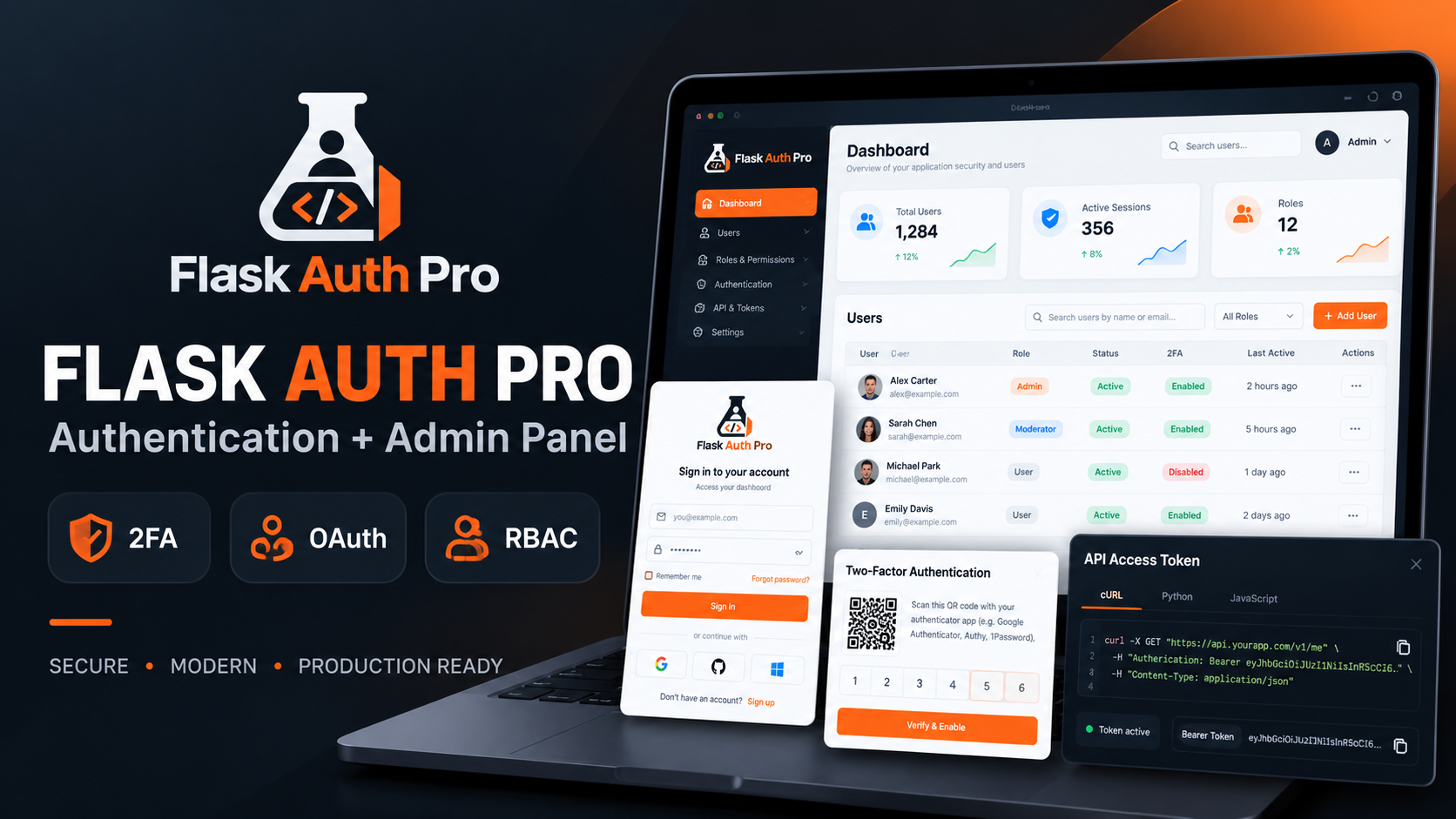
Flask Authentication System with Admin Panel - Kritim Yantra
Flask Auth Pro with Admin PanelA complete Flask authentication and user management system built for developers who want...
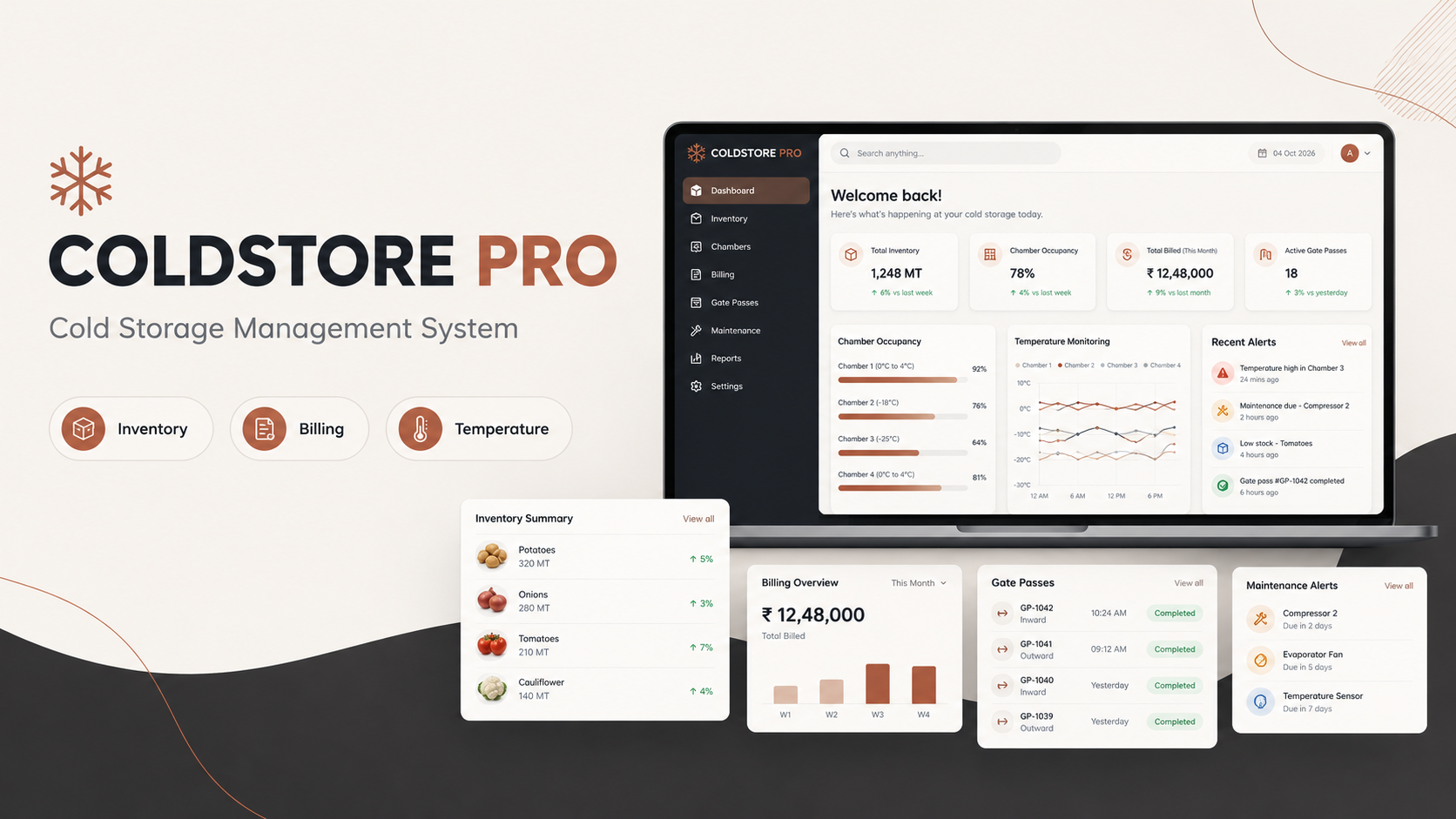
ColdStore Pro – Laravel Cold Storage Management System with Billing & Inventory
ColdStore Pro – Complete Cold Storage Management System ColdStore Pro is a complete Laravel-based management system buil...
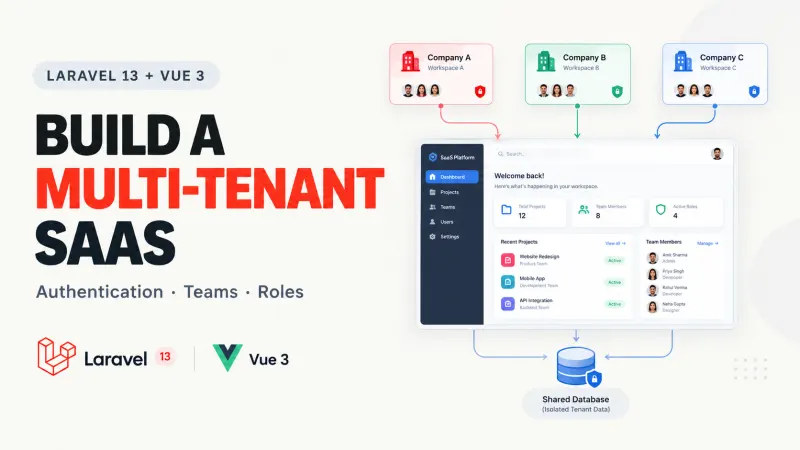
Laravel 13 Multi-Tenant SaaS with Vue 3: Full Guide
Building a Laravel application for one company is fairly straightforward. You create users, add authentication, build your dashboa...
Next.js 16.4 Partial Prefetching for Faster Navigation
Imagine an e-commerce dashboard displaying 50 product links. You want navigation to feel immediate, but preloading every product p...

Vue.js 3.6 RC13: Features, Risks & Upgrade Advice
A new Vue release is tempting, especially when it promises a faster reactivity system and a way to render components without a vir...

PostgreSQL 19: New Features, Performance & Upgrade Guide
Database upgrades are easy to justify when they promise faster queries. They're harder to justify when a production system is alre...
Cold Storage Inventory Management: Track Lots, Racks & Gate Passes
When a customer arrives to collect 60 bags of potatoes, your warehouse team should know exactly where those bags are stored. Nobod...
Comments
No comments yet. Be the first to comment.
Sign in to join the discussion.