
Vue.js 3.6 RC13: Features, Risks & Upgrade Advice


A new Vue release is tempting, especially when it promises a faster reactivity system and a way to render components without a virtual DOM. But upgrading a production application is rarely as simple as installing the latest package.
Vue 3.6.0-rc.13 was released on October 23, 2026. As of October 26, Vue 3.5.44 remains the latest stable release.
My recommendation is straightforward: test Vue 3.6 RC13 in a separate branch, but keep production applications on Vue 3.5 for now. There are worthwhile improvements in 3.6, particularly Vapor Mode, but the compatibility questions deserve more attention than the release candidate number.
The interesting part is that Vue 3.6 changes two different things: how reactivity works internally and, optionally, how components render. Understanding that distinction makes the upgrade decision much easier.
What's Actually New in Vue 3.6?
1. A reworked reactivity engine
Vue 3.6 includes a substantial refactor of @vue/reactivity, built on ideas and implementation from the alien-signals project.
Vue's reactivity system is responsible for tracking which values a component depends on and updating the relevant effects when those values change.
Consider a familiar example:
import { ref, computed } from 'vue'

const quantity = ref(2)
const price = ref(150)

const total = computed(() => quantity.value * price.value)

quantity.value = 3
The application-level API remains familiar. Internally, Vue tracks the dependencies between quantity, price, and total so it can invalidate and recalculate values appropriately.
Vue 3.6 changes the underlying machinery with the aim of improving execution efficiency and memory usage.
The important distinction is that this reactivity refactor applies even when you don't use Vapor Mode. Upgrading Vue itself means adopting a substantially revised internal implementation.
That creates an opportunity for performance improvements without rewriting components. It also means regression testing should cover ordinary reactive behavior, not just new features.
I wouldn't assume a particular speed improvement without measuring the application. A dashboard with large reactive collections and frequent updates may behave differently from a mostly static marketing site.
2. Vapor Mode: rendering without the virtual DOM
Vapor Mode is arguably the most interesting addition to Vue 3.6.
Traditional Vue rendering uses a virtual DOM representation to help determine how the actual DOM should change. Vapor Mode compiles supported Vue Single-File Components into code that creates and updates DOM elements more directly.
The goal is to reduce rendering overhead and the baseline JavaScript bundle size.
Vapor Mode is entirely opt-in. For example:
<script setup vapor>
import { ref } from 'vue'

const count = ref(0)
</script>

<template>
  <button @click="count++">
    Count: {{ count }}
  </button>
</template>
Adding vapor tells Vue to compile this component using the alternative rendering approach.
The component still looks like Vue. You can use familiar Composition API patterns, but some runtime capabilities differ.
In applications that use only Vapor components, createVaporApp() can avoid including the traditional virtual DOM runtime. That is where some of the potential bundle-size savings become particularly interesting.
However, adopting Vapor inside a conventional Vue application requires additional consideration.
What Changed Specifically in RC13?
It's worth distinguishing the broader Vue 3.6 release from RC13 itself.
According to the official RC13 changelog, October 23's release focuses heavily on correcting behavior in Vapor's compiler, rendering runtime, transitions, and hydration.
Several changes stand out:
Asynchronous components: Restores the default 200 ms delay before displaying the loading component.
Transitions: Fixes cases involving transitions that are interrupted, unmounted, or combined with asynchronous component setup.
Hydration: Improves handling of text line breaks and updates involving asynchronously initialized Vapor components.
VDOM interoperability: Addresses edge cases involving slots,
KeepAlive, and transitions between Vapor and traditional Vue components.Rendering optimization: Improves tree-shaking of unused interoperability code and reduces unnecessary checks for list items.
RC13 also adds support for transitions involving rows from Vapor slots within a traditional VDOM TransitionGroup.
These changes matter because rendering bugs often hide in interactions that basic tests miss.
A component may render correctly on initial load but behave differently after switching tabs, completing an asynchronous request, or removing an element during an animation.
The RC13 fixes target precisely these kinds of interactions.
That's encouraging progress. It is not, however, proof that every combination of application components and libraries is ready for production.
Compatibility: The Risks Worth Checking
The most important compatibility question is not whether an existing Vue component looks valid. It is whether the component, or a library it depends on, relies on features that Vapor intentionally handles differently.
Vapor doesn't support every Vue API
The Vue 3.6 release candidate notes document several limitations.
Vapor components do not support the Options API, v-memo, or app.config.globalProperties in the same way as traditional VDOM components. getCurrentInstance() returns null, and component template refs do not expose the usual public-instance properties such as $el or $refs.
Custom directives also use a different interface.
This is particularly relevant when an application depends on third-party component libraries, older plugins, or custom abstractions built around Vue's component instances.
A library can be fully compatible with Vue 3 and still require careful evaluation before its components are used within Vapor.
Mixing Vapor and traditional components adds complexity
Vue provides vaporInteropPlugin to allow Vapor and conventional VDOM components to work together.
For an ordinary Vue application created with createApp(), the documented integration looks like this:
import { createApp, vaporInteropPlugin } from 'vue'
import App from './App.vue'

createApp(App)
  .use(vaporInteropPlugin)
  .mount('#app')
This example illustrates the interoperability registration. Existing applications must preserve their own router, store, and other plugin setup.
The interoperability layer supports common component interactions such as props, events, and slots, but the maintainers acknowledge that edge cases may remain.
There is also an important performance trade-off: mixing rendering modes can retain the traditional VDOM runtime, reducing the potential bundle-size advantage.
For a large application, I would experiment with an isolated, performance-sensitive component rather than convert an entire component library.
An easily missed event-handling difference
Vapor delegates eligible DOM events through document.
If an ancestor intercepts an event and calls stopPropagation() before the event reaches document, the delegated handler may never execute.
This difference can matter in complex interfaces involving modal overlays, nested menus, or custom interaction handlers.
Vue documents ways to bypass delegation by using alternative event-binding forms, but the key lesson is broader: similar-looking templates do not always imply identical runtime behavior.
For Laravel applications using Inertia and Vue, this is a good reason to test interactive forms, navigation, shared layouts, and third-party UI components carefully.
If server-side rendering is enabled, hydration and asynchronous component behavior should receive particular attention.
None of this means Laravel or Inertia is inherently incompatible with Vue 3.6. It means compatibility needs to be established for the versions and integration patterns used by the actual application.
How I Would Evaluate RC13 Before Upgrading
Rather than replace Vue in an active production branch, start with a disposable testing branch.
Install the exact RC version:
npm install --save-exact vue@3.6.0-rc.13Then inspect the resolved dependency versions:
npm ls vue @vue/compiler-sfc @vitejs/plugin-vueThe goal is to identify version mismatches, duplicated Vue packages, or tooling that needs its own compatibility review.
Vue's release documentation also notes that newer compilers can produce output incompatible with older runtimes. This is especially relevant to libraries that distribute precompiled Vue components.
Once the application builds, I would focus testing on four areas.
Reactivity correctness. Check computed values, watchers, form validation, asynchronous data updates, and store subscriptions. These help exercise the internal engine refactor even if Vapor is not enabled.
Component behavior. Test conditional rendering, transitions, KeepAlive, Teleport usage, and complex nested components. If experimenting with Vapor, include interactions involving VDOM components.
SSR and hydration. Where applicable, compare server-rendered output with browser behavior, particularly when content changes during asynchronous initialization.
Performance with real workloads. Compare production builds, initial JavaScript size, memory usage, and interaction responsiveness against the current stable version. Keep the same application, test conditions, and measurement method.
Run the project's configured build, type-checking, unit-test, and browser-test commands. A successful build alone is not sufficient.
One practical consideration is rollback. Record the baseline lockfile and make sure the release candidate can be removed without unrelated dependency changes.
The point of this exercise is to establish whether 3.6 improves something meaningful in your application, not merely to confirm that the dependency installs successfully.
Production Readiness: Upgrade Now or Wait?
The Vue team explicitly states in its release policy that prereleases are intended for integration and stability testing and should not be used in production.
That makes the production recommendation fairly unambiguous.
| Situation | Recommended approach |
|---|---|
| Existing production application on Vue 3.5 | Stay on a supported stable 3.5 release |
| Development or internal evaluation environment | Test RC13 with exact versions |
| Large Vue application considering Vapor | Start with isolated components |
| New small experimental application | Evaluate a Vapor-first approach |
| Application dependent on complex UI libraries | Audit compatibility before migration |
For teams maintaining substantial applications, there is another useful distinction: upgrading to Vue 3.6 and adopting Vapor Mode are separate decisions.
Once a stable Vue 3.6 release becomes available, teams may be able to adopt the new reactivity implementation while continuing to use their existing VDOM components.
Vapor can remain a targeted architectural experiment rather than an immediate requirement.
That approach preserves more flexibility and avoids combining a framework upgrade with a large rendering migration.
Final Verdict
Vue 3.6 is worth paying attention to. The reactivity refactor offers the possibility of meaningful internal improvements, while Vapor Mode introduces a different approach to generating Vue interfaces.
RC13 demonstrates continuing work on the difficult details: hydration, component interoperability, and asynchronous rendering.
For a production application, though, I would wait for the stable Vue 3.6 release and test that version against the project's dependencies before deploying.
In the meantime, RC13 is useful for answering two questions: Does the new reactivity engine behave correctly in your application, and does Vapor offer measurable benefits for any performance-sensitive component?
Those answers will be far more valuable than upgrading simply because a newer version exists.
Projects to explore next
Source-code projects from the KritiMyantra catalogue. Check each project's details before buying.

Flask Authentication System (Free Version) - Kritim Yantra
🛠 Features✔ Google & GitHub Authentication✔ User Registration & Login✔ Profile/Dashboard Access✔ Secure & Mi...

Flask Blog CMS with Admin Dashboard — Python Source Code
A Flask-based blogging website with a built-in admin dashboard. Manage articles, images, categories, tags and featured p...

Laravel 12 + ReactJS Starter Kit: Add Multi-Language Support (Arabic, English, Spanish) with Blog CRUD
🚀 Installation & Setup Download & Extract Get the ZIP from kritimyantra.com and extract it. Includes preconfigu...
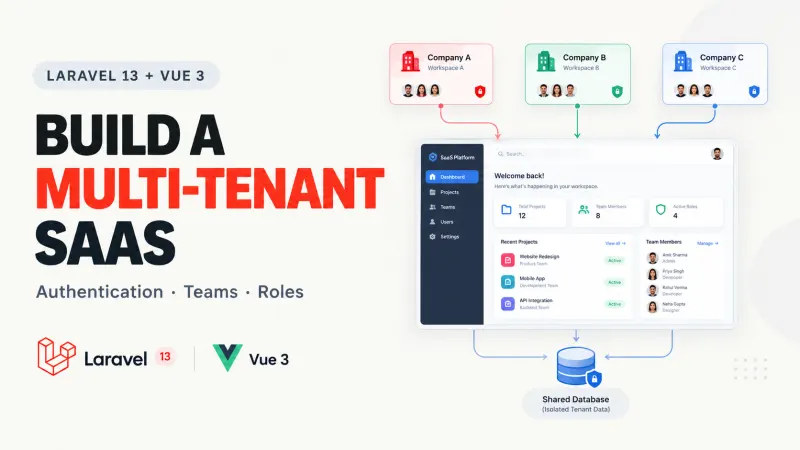
Laravel 13 Multi-Tenant SaaS with Vue 3: Full Guide
Building a Laravel application for one company is fairly straightforward. You create users, add authentication, build your dashboa...

PHP2Shell Vulnerability 2026: Which PHP Versions Are Affected and How to Fix Them (Complete Guide)
Severity: Critical (CVSS 9.2/10)Vulnerabilities: CVE-2026-109618 and CVE-2026-109619If your website uses PHP, there is an importan...
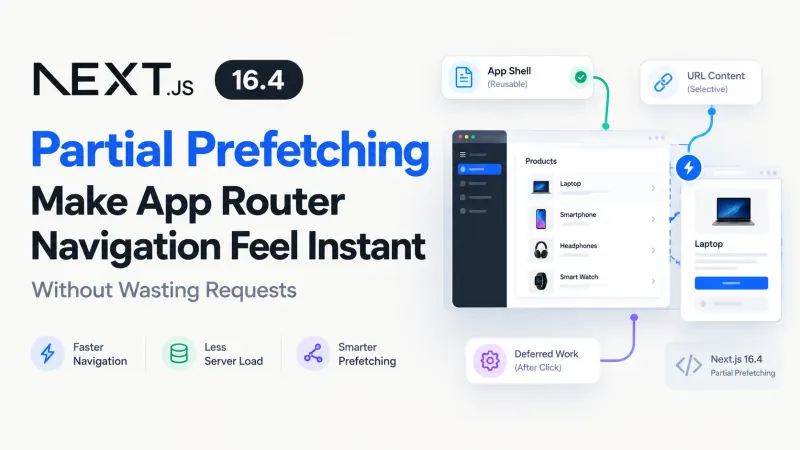
Next.js 16.4 Partial Prefetching for Faster Navigation
Imagine an e-commerce dashboard displaying 50 product links. You want navigation to feel immediate, but preloading every product p...

PHP 8.6 Laravel Compatibility: What to Test Before Upgrading
PHP 8.6 is getting close to release, and the temptation is familiar: update the runtime, run php artisan test, see green, and assu...

Laravel Authentication Bypass Vulnerability: Affected Versions, API Security Risks, and How to Fix It
Updated: October 25, 2026 | Security Advisory: CVE-2026-114509An API endpoint protected by authentication middleware should reject...
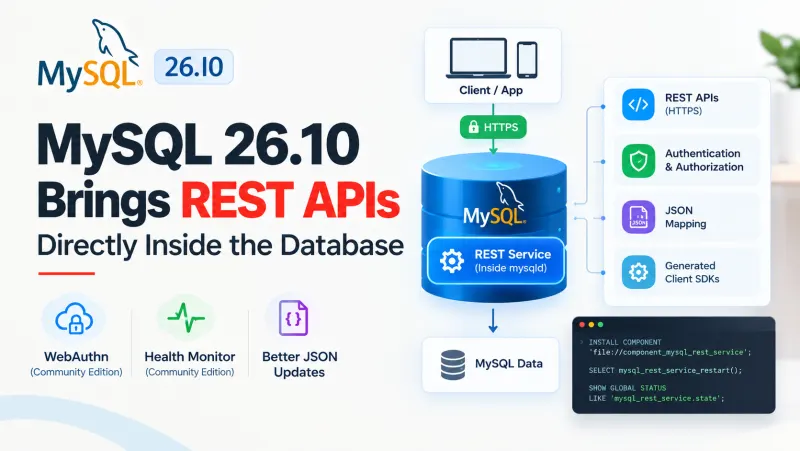
MySQL 26.10: What's New in REST APIs, Authentication, and Database Performance?
Building a REST API around MySQL usually involves more than writing SQL queries. You need an application server, database connecti...
Comments
No comments yet. Be the first to comment.
Sign in to join the discussion.