
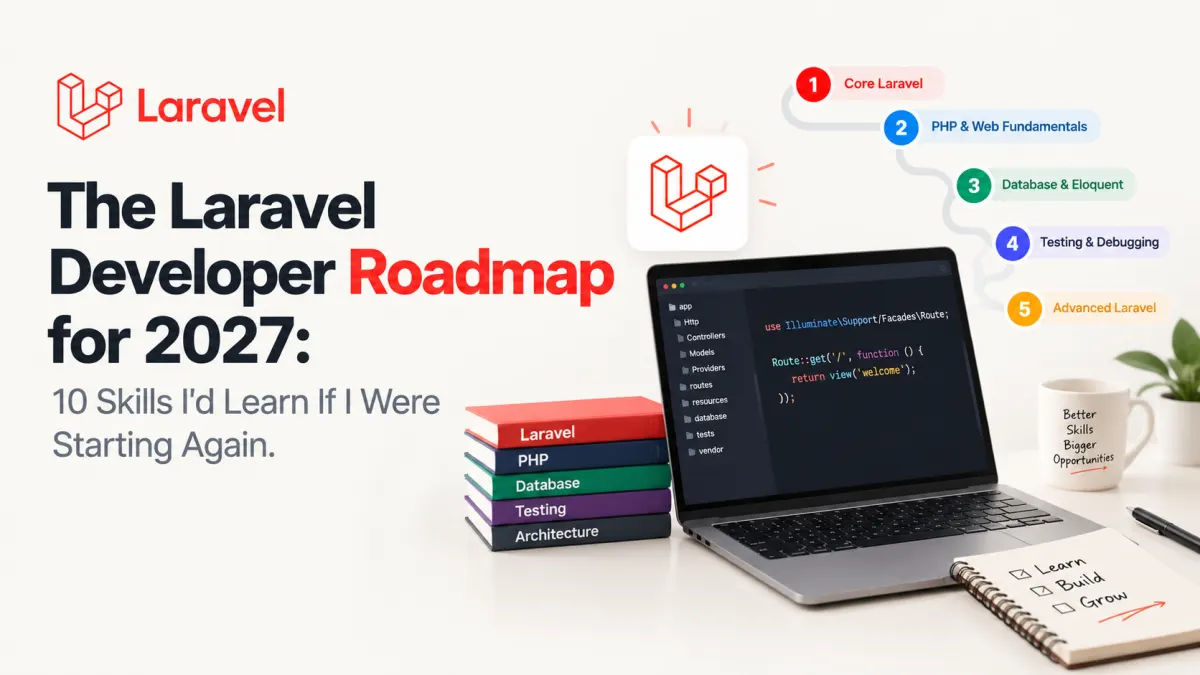
The Laravel Developer Roadmap for 2027: 10 Skills I'd Learn If I Were Starting Again

Imagine building a Laravel application that works perfectly during development. Users can register, submit orders, upload files, and receive notifications.
Then something unexpected happens. A queue job runs twice. Two customers update the same inventory record. A deployment succeeds, but background workers continue executing old code.
Suddenly, knowing how to create controllers and Eloquent models isn't enough.
That's the distinction I'd build my Laravel developer roadmap for 2027 around: learning Laravel syntax is useful, but learning to build reliable software is what makes you a stronger developer.
If I were starting again, I wouldn't spend months collecting packages, memorizing Artisan commands, or jumping between frontend frameworks.
I'd focus on ten skills that help me understand, build, test, deploy, and maintain a complete application.
This roadmap works for beginners learning Laravel, junior developers preparing for bigger responsibilities, and experienced PHP developers who want to identify gaps in their engineering fundamentals.
Build Your Foundation: PHP, Laravel Internals, and Databases
1. Learn Modern PHP Before Memorizing Laravel
Laravel makes PHP productive, but it can also hide weaknesses in your understanding of the language.
If you don't understand dependency injection, interfaces, exceptions, or object lifecycles, framework features can feel like magic.
I'd focus on:
PHP types, enums, attributes, and modern object-oriented programming.
Interfaces, composition, and dependency injection.
Exception handling and predictable error behavior.
Composer, namespaces, autoloading, and dependency management.
Static analysis with PHPStan or Larastan.
What about PHP versions?
Laravel 13, released March 17, 2026, requires PHP 8.3 or newer and officially supports PHP 8.3 through 8.5.
According to the PHP support schedule, PHP 8.5 receives security support through December 2029.
For a learning environment, I'd choose a stable, supported PHP version compatible with the Laravel release I'm using. There's little benefit in learning an unreleased language version before understanding the features already available.
Practice project: Build a small expense calculator in plain PHP using typed value objects, interfaces, exceptions, and PHPUnit or Pest tests. Then expose the functionality through Laravel.
The goal is to recognize what PHP does and what Laravel adds.
2. Understand the Laravel Request Lifecycle
A developer can build dozens of CRUD screens without understanding what happens between an HTTP request and a response.
That becomes a problem when authentication fails unexpectedly, middleware runs in the wrong order, or a dependency needs to be replaced during testing.
Learn how Laravel processes a request through routing, middleware, controllers, service-container resolution, and response generation.
More importantly, understand the purpose of each layer.
A controller should coordinate an HTTP request. It shouldn't automatically become the home for payment calculations, inventory reservations, notification logic, and reporting queries.
That doesn't mean every application needs repositories, actions, services, and interfaces for every operation.
I'd start with straightforward controllers and extract business behavior when it becomes complex, reusable, or independently testable.
Practice project: Build a task-management module with Form Request validation, authorization policies, and one dedicated class for a meaningful business operation.
Be able to explain why each responsibility belongs where you've placed it.
3. Become Comfortable With SQL and Database Design
If I could prioritize one technical skill that continues to pay off long after learning Laravel, it would be SQL.
Eloquent is excellent at reducing repetitive database code. It cannot replace understanding what the database actually does.
Learn relational modeling, foreign keys, indexes, joins, constraints, transactions, and query execution plans.
Pay particular attention to how an application's data model changes as requirements become more realistic.
Consider a subscription application. It's tempting to represent a subscription with one is_active boolean. But what happens when a subscription is cancelled, expires, renews, or is temporarily suspended?
The correct design depends on which states and transitions the business actually needs.
Practice project: Model a small order-management database with customers, orders, order items, products, and payments.
Add appropriate constraints and indexes. Use EXPLAIN to investigate a deliberately slow query rather than guessing which index might help.
Learn to Protect Data and Business Rules
4. Master Eloquent Without Ignoring Its Costs
Eloquent relationships, scopes, casts, and model events are useful abstractions. Experienced developers also need to recognize when those abstractions produce unnecessary queries or obscure application behavior.
Start with N+1 query problems and eager loading.
For example:
$orders = Order::with('customer')->paginate(20);Assuming the relationship is defined, this avoids retrieving the customer separately for every order during rendering.
But eager loading isn't a universal performance fix. Loading thousands of unnecessary related records can create its own memory problems.
Learn to measure query counts, inspect generated SQL, select appropriate columns, and paginate large datasets.
Then move into transactions and concurrent updates.
Practice project: Create an inventory reservation workflow where simultaneous orders cannot accidentally reserve more stock than is available.
This introduces an important engineering lesson: validating stock before updating it isn't enough when another request can change the same record concurrently.
5. Treat Authentication and Authorization as Different Skills
Authentication answers who the user is.
Authorization answers what that user is allowed to do.
That distinction sounds simple until an application introduces teams, shared resources, managers, administrators, and customer-specific data.
Learn Laravel's policies and gates alongside password handling, CSRF protection, input validation, session security, and rate limiting.
Don't confuse hiding a button with protecting an operation.
A user who cannot see an administrative action in the interface may still attempt to call its endpoint directly.
The server must enforce the permission.
Practice project: Extend the task manager into a multi-team application. A team member should not be able to read or modify another team's private tasks, even by guessing resource IDs.
Write authorization tests for both permitted and forbidden operations.
That's a much stronger demonstration of security understanding than simply adding a login page.
Build Software That Survives Failures
6. Learn Automated Testing and Static Analysis
I'd introduce tests earlier than many beginner roadmaps suggest.
Not because every line needs a test, but because meaningful tests force you to specify how the application should behave.
Learn feature testing with Pest or PHPUnit, database factories, HTTP assertions, test doubles, and how to test both successful and unsuccessful outcomes.
Then add static analysis to catch problems that tests may not exercise.
For example, an order-creation feature should probably test more than the happy path.
What happens when an item is unavailable? When the user lacks permission? When the same request is submitted twice?
Laravel's testing tools support these workflows without requiring an elaborate test architecture.
Practice project: Write tests for an order endpoint covering validation, authorization, insufficient inventory, successful creation, and duplicate submissions.
Aim for meaningful behavior coverage, not an impressive-looking coverage percentage.
7. Understand Queues, Retries, and Idempotency
Queues are one of the first places where otherwise clean application code meets distributed-system behavior.
Sending emails, processing uploads, generating reports, and calling external APIs can happen outside the original HTTP request.
But moving work into a queue introduces new responsibilities.
A job can fail, time out, execute more than once, or run before the database transaction that created its data has committed.
Laravel provides an afterCommit() dispatch option to address that last problem.
Consider this illustrative example, assuming an existing order and a queued SendOrderConfirmation job:
DB::transaction(function () use ($order) {
    $order->update([
        'status' => 'confirmed',
    ]);

    SendOrderConfirmation::dispatch($order->id)
        ->afterCommit();
});
Laravel waits until the open database transaction commits before dispatching that job. If the transaction rolls back, the job is discarded.
However, afterCommit() does not make the job idempotent.
If the job is retried after a partial failure, it may repeat an external side effect. A payment or webhook integration may require an idempotency key, uniqueness constraint, or another explicit duplicate-prevention strategy.
That's the kind of detail I'd learn before reaching for more advanced queue infrastructure.
See the Laravel queue documentation for transaction-aware dispatch, retries, and failed-job handling.
Practice project: Implement asynchronous report generation. Deliberately cause a failed job, retry it, and ensure it doesn't create duplicate reports.
8. Learn One Frontend Path and Build Reliable APIs
I wouldn't try to master React, Vue, Svelte, Livewire, and every frontend package simultaneously.
Instead, I'd choose based on the application.
For PHP-heavy internal applications, Blade and Livewire can be straightforward choices.
For a more interactive interface where the team already knows JavaScript or TypeScript, Inertia with React or Vue may make more sense.
Laravel's frontend documentation supports both approaches.
Regardless of the frontend, understand HTTP status codes, validation responses, pagination, authentication, API resources, and backward-compatible API changes.
Practice project: Give your task manager a JSON API and a usable frontend.
Document its endpoints and error responses. Make sure pagination, empty states, loading behavior, and validation errors work correctly.
A finished user experience matters more than how many frontend libraries appear in package.json.
Learn to Ship, Operate, and Adapt
9. Learn Deployment, Observability, and Basic DevOps
A Laravel application isn't finished when php artisan serve works.
Learn environment configuration, web servers, PHP-FPM, HTTPS, deployment pipelines, database migrations, background workers, logging, health checks, and rollback procedures.
You don't need to become a Kubernetes specialist.
You do need to understand how your application runs in production.
For example, Laravel 13 provides a php artisan reload command for gracefully reloading supported long-running services. Outside managed environments, a process monitor must be configured to restart those processes appropriately.
This is documented in the Laravel deployment guide.
Also learn to investigate failures through logs, exceptions, query timings, and queue monitoring.
Practice project: Deploy an application with a production database, HTTPS, automated tests in CI, a supervised queue worker, and basic error monitoring.
Then perform a deployment that changes both application code and database structure. Document how you would recover if it failed.
10. Use AI as an Engineering Tool, Not a Substitute for Judgment
AI-assisted development deserves a place on a 2027 roadmap, but I'd learn it last, not first.
Laravel 13 introduced a first-party AI SDK supporting capabilities such as agents, structured generation, embeddings, and vector-store integrations.
Those capabilities open useful possibilities. They don't remove the need to understand authorization, data handling, testing, cost, and failure behavior.
I'd practice using AI to explain unfamiliar code, draft tests, compare designs, and investigate errors.
Then I'd review the result as carefully as any code submitted by another developer.
For AI-powered product features, learn to evaluate output quality, handle provider failures, control spending, and protect sensitive information.
Practice project: Add an optional AI-generated summary to a support-ticket application. Require user confirmation before saving the summary, restrict what information is sent to the provider, and provide a normal workflow when generation fails.
The useful skill is deciding when AI adds value and when ordinary application logic is the better solution.
A Practical Laravel Learning Plan for 2027
Ten skills can become an intimidating checklist. I'd organize them around projects rather than studying every topic in isolation.
These are suggested milestones, not guaranteed completion times.
| Stage | Project | Evidence of progress |
|---|---|---|
| Junior foundation | Team task tracker | Authentication, policies, validation, relationships, tests, and deployment |
| Mid-level engineering | Order and inventory system | Transactions, concurrency protection, queues, idempotency, APIs, and monitoring |
| Stretch project | Support desk with optional AI summaries | External integrations, failure handling, privacy controls, cost limits, and operational documentation |
For each project, maintain a Git repository with setup instructions, a short architecture explanation, automated tests, and a working deployment.
Don't rebuild the entire project every time you learn a new tool. Improve it as new requirements expose limitations.
For experienced developers, I'd use the same projects differently: audit where the design breaks under concurrent requests, where query plans become expensive, and how confidently the application can be deployed or recovered.
That turns a beginner exercise into a meaningful engineering assessment.
What I'd Deliberately Skip at First
I'd postpone microservices, Kubernetes, event sourcing, complicated repository abstractions, and large AI-agent architectures until a specific problem justifies them.
Those technologies can be valuable. But introducing distributed services before understanding transactions and retries usually increases the number of failure modes you need to manage.
A well-structured Laravel monolith with a sensible relational database, reliable queues, appropriate tests, and observable deployments can support substantial applications.
The right time to add architectural complexity is when you can explain what existing limitation it solves.
The Skill That Matters Most in 2027
If I were starting Laravel development again, I'd measure progress differently.
Not by how many tutorials I'd completed, how many packages I'd installed, or how quickly I could generate a CRUD application.
I'd ask whether I could take a real requirement, build it securely, test its edge cases, deploy it, and diagnose what went wrong afterward.
Modern PHP, SQL, Laravel internals, testing, queues, frontend development, and operational knowledge all contribute to that ability.
The framework will continue evolving. Some tools popular in 2027 may look different from those available today.
But the ability to reason about data, failures, security, and maintainability will remain useful long after a particular Laravel release stops receiving updates.
My recommendation: build fewer demo projects, finish them more thoroughly, and learn to explain the trade-offs behind your implementation.
That's the Laravel developer roadmap I'd choose.
Projects to explore next
Source-code projects from the KritiMyantra catalogue. Check each project's details before buying.

Flask Authentication System (Free Version) - Kritim Yantra
🛠 Features✔ Google & GitHub Authentication✔ User Registration & Login✔ Profile/Dashboard Access✔ Secure & Mi...

Flask Blog CMS with Admin Dashboard — Python Source Code
A Flask-based blogging website with a built-in admin dashboard. Manage articles, images, categories, tags and featured p...

Laravel 12 + ReactJS Starter Kit: Add Multi-Language Support (Arabic, English, Spanish) with Blog CRUD
🚀 Installation & Setup Download & Extract Get the ZIP from kritimyantra.com and extract it. Includes preconfigu...
AI Can Build a Laravel App in Minutes. But Can It Maintain One for Five Years?
AI is making software development faster. But the real test of a Laravel application isn't how quickly it can be generated. It's w...
8 Years With Laravel: What AI Coding Still Gets Wrong
AI can write Laravel controllers, generate migrations, build APIs, and even troubleshoot complex applications. But after eight yea...
PHP Isn't Dead. AI Might Give It a Second Life.
AI is changing how software gets built. But the biggest opportunity for PHP might have less to do with generating code and more to...

Laravel 14 isn't here yet. But you can already build serious AI agents with Laravel today.
Laravel 14 is on the horizon, but the foundations of AI-native development are already here. Here's how I'd architect a Laravel AI...
Preparing for Laravel 14: PHP 8.4, Symfony 8, and Breaking Changes You Can Investigate Now
The next Laravel upgrade is not just about framework compatibility. It is an opportunity to discover how much your application dep...
Laravel 14 Release Date: What's Confirmed for 2027
Laravel 14 is already being discussed, but there is an important difference between knowing when a framework is likely to arrive a...
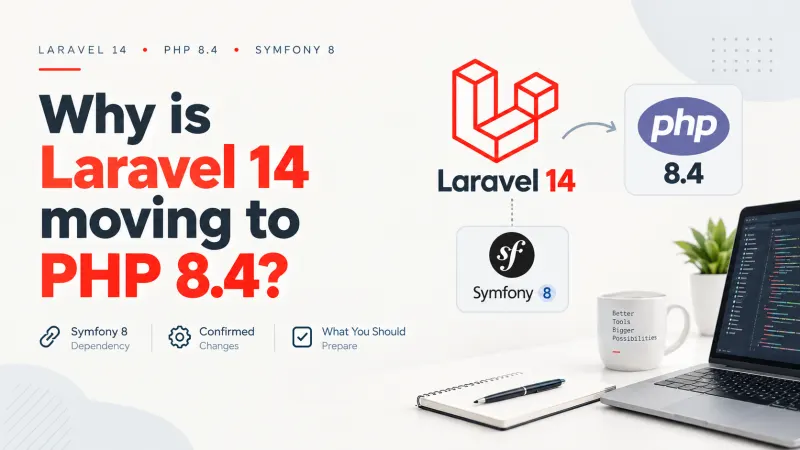
Laravel 14 and PHP 8.4: Why Symfony 8 Matters
Laravel 14 is expected to raise its minimum PHP requirement to 8.4. At first glance, that might look like another routine version...
Laravel 14 Upgrade Risks: Eloquent, Queues and Cache
A Laravel application can pass its test suite, boot successfully after an upgrade, and still behave differently in production. An...
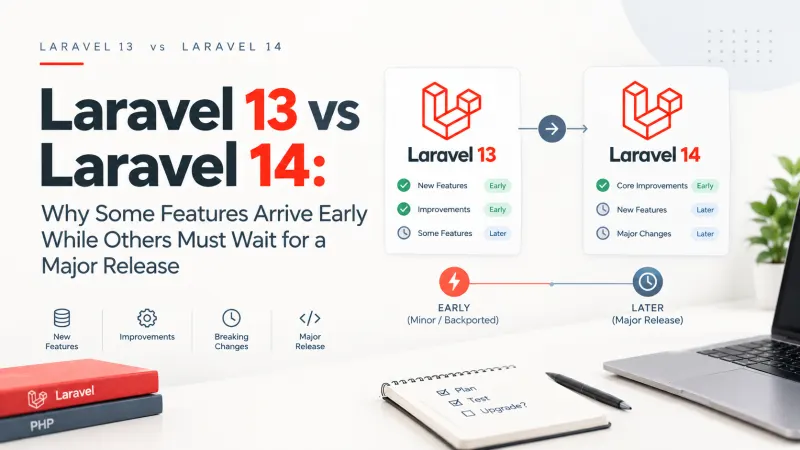
Laravel 13 vs Laravel 14: Why Some Features Arrive Early While Others Must Wait for a Major Release
One interesting thing about Laravel is that some genuinely useful features appear in ordinary framework updates, while seemingly s...
Will AI Replace Laravel Developers by 2030? Here's What I'd Tell a Junior Developer Today
An AI coding agent can generate a Laravel controller, Eloquent model, migration, API resource, and a reasonable first draft of the...
Comments
No comments yet. Be the first to comment.
Sign in to join the discussion.