
Laravel Authentication Bypass Vulnerability: Affected Versions, API Security Risks, and How to Fix It

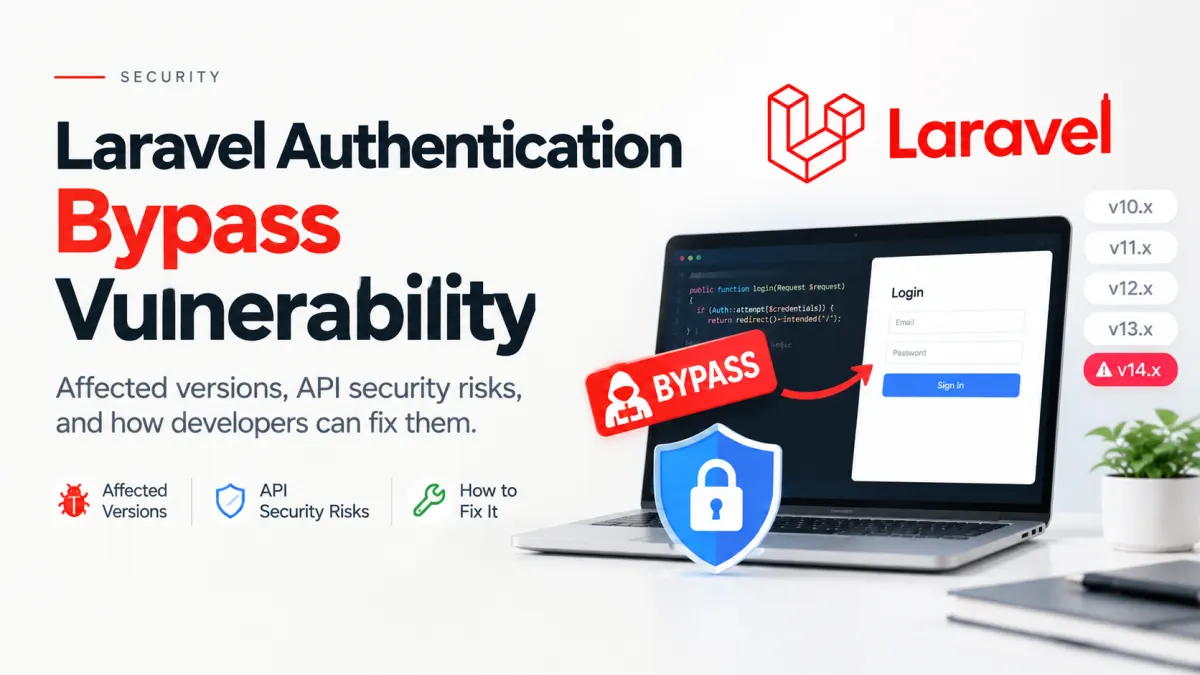
Updated: October 25, 2026 | Security Advisory: CVE-2026-114509
An API endpoint protected by authentication middleware should reject requests that don't contain valid credentials. But what happens when the authentication system accepts a credential that isn't even a string?
That's the problem behind CVE-2026-114509, a critical Laravel authentication bypass vulnerability disclosed on October 19, 2026.
The vulnerability affects Laravel's built-in TokenGuard. Under certain MySQL or MariaDB configurations, an attacker may be able to authenticate as an existing user without knowing that user's API token.
The vulnerability has a CVSS v4 severity score of 9.2 (Critical). Laravel has already released the fixes in versions 12.68.0 and 13.29.0.
For developers maintaining production APIs, the important questions are straightforward: Does your application use the affected authentication guard? Which framework versions need attention? And how can you verify the fix without disrupting legitimate API clients?
What Causes the Laravel Authentication Bypass?
Laravel supports several authentication mechanisms, including session authentication, Sanctum, Passport, custom guards, and its built-in token-based API guard.
This particular vulnerability exists in Illuminate\Auth\TokenGuard, which authenticates requests using an API token associated with a user.
The guard can obtain token credentials from request parameters, an Authorization Bearer header, or HTTP Basic authentication.
The problem was that the vulnerable implementation didn't adequately check the credential's data type before passing it to the user provider for a database lookup.
The authentication failure
Before the fix, the relevant condition in TokenGuard::user() was effectively:
$token = $this->getTokenForRequest();

if (! empty($token)) {
    // Look up the user using the token.
}
This looks reasonable at first glance. An empty token shouldn't authenticate anyone.
However, empty() does not guarantee that a value is a string.
PHP request parameters can contain arrays, and a non-empty array passes that condition.
The authentication system could therefore pass an unexpected credential type into the database lookup. Under affected MySQL or MariaDB configurations, the resulting query could match an unintended user record.
An attacker might gain access to an account without obtaining its valid token.
How Laravel fixed it
Laravel's maintainers changed the guard to reject non-string credentials before performing the lookup.
The corrected condition is:
$token = $this->getTokenForRequest();

if (is_string($token) && ! empty($token)) {
    // Look up the user using the token.
}
The validate() method received a corresponding type check.
It's a small change with significant security implications.
The lesson is worth remembering: Checking whether a credential is present is not the same as checking whether it's valid input.
Authentication code must enforce the expected data type before passing untrusted values into another component.
The changes are documented in the Laravel TokenGuard security fix.
Which Laravel Versions Are Affected?
According to the official Laravel security advisory GHSA-f9x3-7vq9-cph6, the affected and patched versions are:
| Laravel version | Affected range | Fixed version |
|---|---|---|
| Laravel 12.x | Below 12.68.0 | 12.68.0 or later |
| Laravel 13.x | 13.0.0 to below 13.29.0 | 13.29.0 or later |
| Older Laravel releases | Included in the advisory's range below 12.68.0 | No older-branch fix listed |
One interesting detail is the disclosure timeline. The patched versions were released on August 25, 2026, while the security advisory was published on October 19, 2026.
That means some applications had already received the fix through routine dependency updates before the vulnerability became public.
But upgrading the framework version alone doesn't tell you how exposed an application was.
Which applications are actually at risk?
The specific bypass concerns applications using Laravel's built-in token authentication driver.
A typical configuration may contain:
// config/auth.php

'guards' => [
    'api' => [
        'driver' => 'token',
        'provider' => 'users',
    ],
],
Routes protected by this guard might use:
Route::middleware('auth:api')->group(function () {
    Route::get('/profile', [ProfileController::class, 'show']);
});
If your application uses this configuration, runs an affected Laravel version, and relies on a vulnerable database configuration, it deserves immediate attention.
However, don't assume that every route using auth:api necessarily uses TokenGuard. The middleware name identifies a configured guard, and that guard's driver determines the underlying authentication implementation.
What about Laravel Sanctum and Passport?
Sanctum and Passport use different authentication mechanisms. The reported vulnerability specifically identifies Laravel's built-in TokenGuard, not every Laravel API authentication system.
Using auth:sanctum does not, by itself, mean this particular TokenGuard bypass is reachable.
Still, applications using alternative authentication systems should keep their framework dependencies patched and review any legacy or custom guards.
Laravel's authentication documentation provides further guidance on selecting authentication mechanisms.
How to Fix the Vulnerability in Your Laravel Application
The safest response is to update the affected framework, confirm the active authentication configuration, and test the behavior before deploying.
1. Check your installed Laravel version
From your project directory, run:
composer show laravel/frameworkThis displays the installed framework package and version.
Check the project's locked dependency version as well, particularly if production deployments install packages from composer.lock.
Then run:
composer audit --lockedComposer checks the dependencies recorded in the lock file against published security advisories.
An audit can identify vulnerable packages, but it cannot determine whether your application actually exposes an affected authentication route.
2. Upgrade the framework
For an application already using a compatible Laravel 12 or 13 dependency constraint, run:
composer update laravel/framework --with-all-dependenciesEnsure the resolved version is at least:
Laravel 12.68.0 for applications on Laravel 12.
Laravel 13.29.0 for applications on Laravel 13.
If Composer cannot resolve a patched version, inspect your composer.json constraints and conflicting dependencies.
Don't bypass dependency compatibility checks just to force the upgrade.
For older Laravel branches, plan a migration to a maintained, patched release rather than assuming that a security fix exists for the unsupported branch.
Commit the updated composer.lock file and deploy the reviewed dependency changes through your normal release process.
3. Verify that malformed credentials never reach the user provider
The framework fix is simple enough to suggest a useful regression test.
A good test shouldn't merely check that an API returns an unauthorized response. It should confirm that malformed token types are rejected before any user lookup occurs.
For example, using PHPUnit and Mockery:
use Illuminate\Auth\TokenGuard;
use Illuminate\Contracts\Auth\UserProvider;
use Illuminate\Http\Request;
use Mockery;

public function test_non_string_token_is_rejected(): void
{
    $provider = Mockery::mock(UserProvider::class);

    $provider->shouldNotReceive(
        'retrieveByCredentials'
    );

    $request = Request::create(
        '/',
        'GET',
        ['api_token' => [0]]
    );

    $guard = new TokenGuard($provider, $request);

    $this->assertNull($guard->user());
}
This example is adapted from the defensive test added by Laravel's maintainers. It assumes your test suite already has PHPUnit and Mockery configured.
Its purpose is precise: even if an incoming request contains a non-empty array in place of an API token, the guard must not attempt to retrieve a user.
The test does not require a particular database engine, which is useful because an HTTP-level authentication test against SQLite could miss behavior that only appears under certain MySQL or MariaDB configurations.
Also verify that the patched application still accepts legitimate tokens.
4. Check authentication and authorization together
Once the dependency update is applied, review protected API endpoints.
Pay particular attention to:
Account profile and personal information endpoints.
Administrative and privileged operations.
Payment, billing, and subscription actions.
Endpoints that modify or export sensitive data.
APIs consumed by mobile applications or external partners.
For each relevant route, verify that missing credentials, invalid tokens, and malformed credentials are rejected.
Then verify that a valid token can access only the resources its owner is authorized to use.
Authentication and authorization are separate controls. Preventing an attacker from impersonating a user doesn't replace policies that prevent one legitimate user from accessing another user's information.
5. Deploy carefully and inspect suspicious activity
After testing, verify the framework version in the actual deployed environment, not just on a developer's machine.
For applications that may have been exposed, review relevant authentication and access logs for unusual activity. Pay attention to unexpected authenticated requests, sensitive data exports, and administrative changes.
Avoid recording raw API tokens in application logs while investigating.
If you find evidence of unauthorized access, follow your incident-response process and consider revoking affected credentials or sessions.
There is no need to assume every vulnerable installation was exploited. The disclosed issue requires specific conditions, and the advisory does not establish that every affected application experienced a compromise.
What if you cannot upgrade immediately?
As a temporary mitigation, an application can reject malformed credential types at the request boundary before the affected guard executes.
However, that validation must cover every credential source your guard accepts. A controller-level validation rule is insufficient if authentication middleware has already processed the request.
A temporary filter should not be treated as equivalent to the framework patch. Prioritize upgrading, and consider restricting access to affected endpoints until remediation is complete if the risk warrants it.
What This Vulnerability Teaches Us About API Security
The surprising part of CVE-2026-114509 is how ordinary the underlying mistake looks.
There is no complicated cryptographic failure involved. The vulnerability arises from a mismatch between the type of data an authentication system expects and the type it actually accepts.
The downstream database behavior makes that mismatch dangerous.
This is also why authentication testing should cover more than valid credentials and obviously incorrect passwords.
Tests should include unexpected types, null values, arrays, empty inputs, and malformed request data at security-sensitive boundaries.
For new Laravel projects, I'd generally prefer Laravel Sanctum for straightforward API-token authentication, especially where token revocation and abilities are useful. Passport remains appropriate when a full OAuth2 implementation is required.
But migrating authentication systems shouldn't be the first reaction to an isolated framework vulnerability. If a patch exists for your current application, applying and verifying that patch is usually the lower-risk immediate response.
The broader architectural improvement can happen separately.
Final Thoughts
CVE-2026-114509 illustrates how a small input-validation oversight can undermine a critical authentication boundary.
The immediate fix is clear: upgrade affected Laravel installations to 12.68.0, 13.29.0, or newer compatible releases.
The more important engineering decision is to verify which authentication guard your application uses, test the behavior at the credential boundary, and confirm that the corrected dependencies are actually deployed.
Security doesn't improve simply because a version number changes. It improves when the vulnerability is removed and the behavior that mattered is verified.
Projects to explore next
Source-code projects from the KritiMyantra catalogue. Check each project's details before buying.

Flask Authentication System (Free Version) - Kritim Yantra
🛠 Features✔ Google & GitHub Authentication✔ User Registration & Login✔ Profile/Dashboard Access✔ Secure & Mi...

Flask Blog CMS with Admin Dashboard — Python Source Code
A Flask-based blogging website with a built-in admin dashboard. Manage articles, images, categories, tags and featured p...

Laravel 12 + ReactJS Starter Kit: Add Multi-Language Support (Arabic, English, Spanish) with Blog CRUD
🚀 Installation & Setup Download & Extract Get the ZIP from kritimyantra.com and extract it. Includes preconfigu...

Build a ChatGPT Plugin: MCP, React & Sidebar
A tool that works in ChatGPT conversation is useful. But what if users need to open that same tool from the sidebar, explore its d...
WebMCP Tutorial 2026: Make Your Website Usable by AI Agents with HTML Forms and JavaScript Tools
Last updated: October 20, 2026Your website already has a search form, a customer dashboard, and several useful actions. A human un...
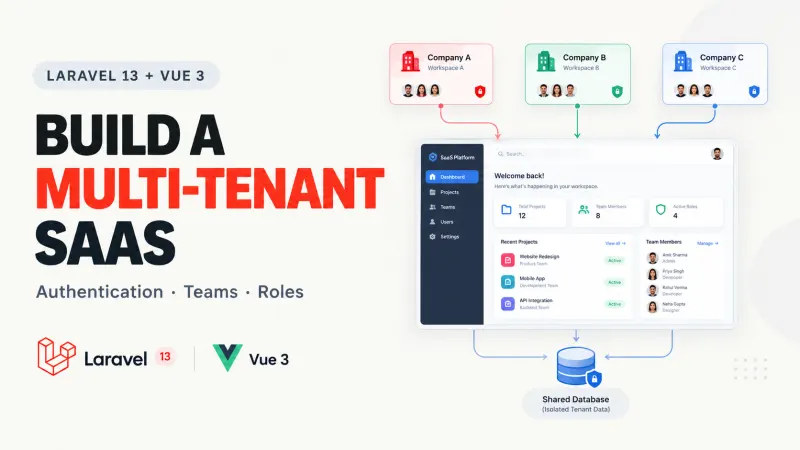
Laravel 13 Multi-Tenant SaaS with Vue 3: Full Guide
Building a Laravel application for one company is fairly straightforward. You create users, add authentication, build your dashboa...
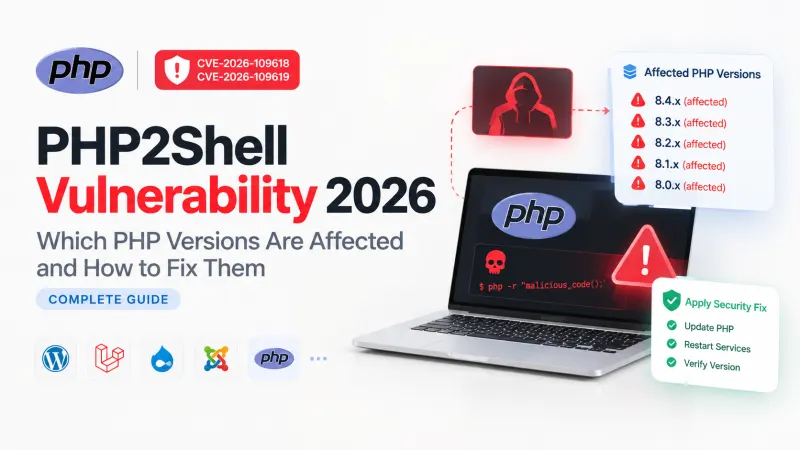
PHP2Shell Vulnerability 2026: Which PHP Versions Are Affected and How to Fix Them (Complete Guide)
Severity: Critical (CVSS 9.2/10)Vulnerabilities: CVE-2026-109618 and CVE-2026-109619If your website uses PHP, there is an importan...
Next.js 16.4 Partial Prefetching for Faster Navigation
Imagine an e-commerce dashboard displaying 50 product links. You want navigation to feel immediate, but preloading every product p...
PHP 8.6 Laravel Compatibility: What to Test Before Upgrading
PHP 8.6 is getting close to release, and the temptation is familiar: update the runtime, run php artisan test, see green, and assu...
Comments
No comments yet. Be the first to comment.
Sign in to join the discussion.