
WebMCP Tutorial 2026: Make Your Website Usable by AI Agents with HTML Forms and JavaScript Tools

Last updated: October 20, 2026
Your website already has a search form, a customer dashboard, and several useful actions. A human understands how to use them. An AI agent might have to inspect the page, guess which button to click, fill in fields, and hope the interface hasn't changed.
What if the website could tell the agent exactly what actions are available?
That's the problem WebMCP is trying to solve.
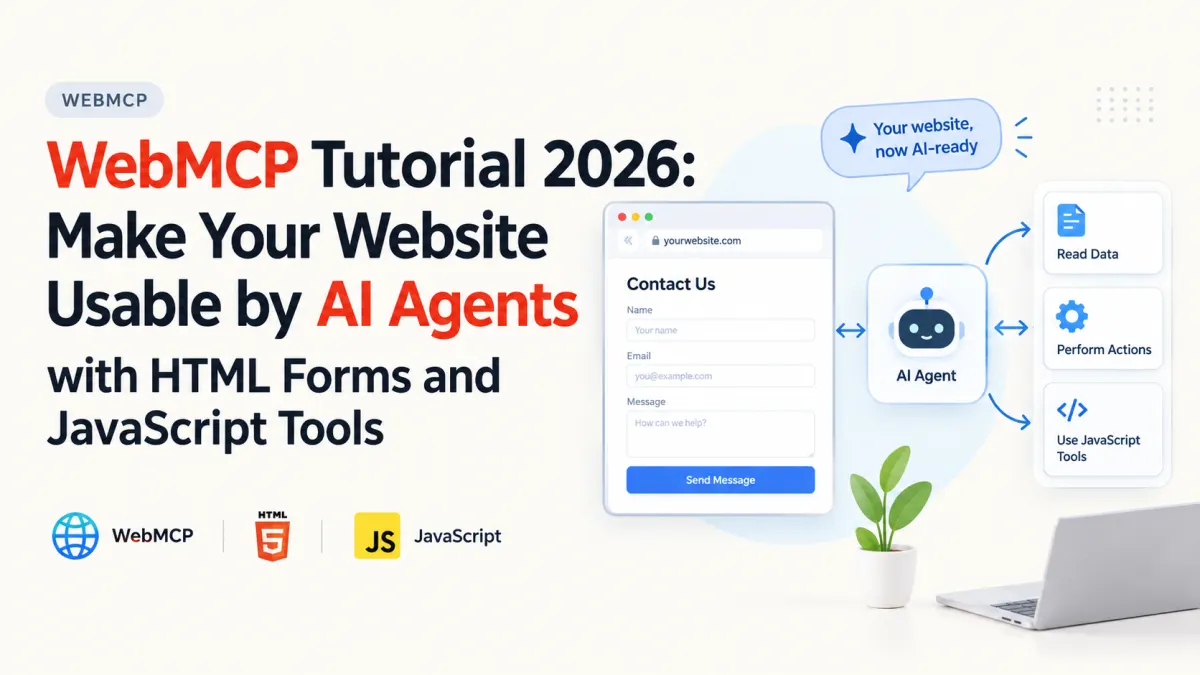
WebMCP is an emerging browser API that allows websites to expose structured tools to AI agents. Instead of relying entirely on screenshots, DOM inspection, and simulated clicks, an agent can discover a tool with a clear name, description, and input schema.
There are two ways to expose those tools: annotate an existing HTML form or register a JavaScript function.
In this tutorial, we'll build a small developer help center that demonstrates both approaches. We'll also examine browser support, testing, and the security decisions that matter before introducing agent-accessible functionality into a production application.
1. What Is WebMCP, and How Does It Work?
WebMCP stands for Web Model Context Protocol. It is being developed through the W3C Web Machine Learning Community Group, with contributions from browser engineers including Google and Microsoft.
The idea is straightforward: let a website explicitly describe the actions an agent can perform within the current page.
Consider a traditional product-search interface.
A browser agent might need to inspect the DOM, identify an input, enter a keyword, locate the search button, and click it.
With WebMCP, the site can instead expose a structured search_products tool that accepts a search query.
The browser handles the connection between the agent and the website's tool implementation.
Two ways to create WebMCP tools
| Approach | How it works | Best suited for |
|---|---|---|
| Declarative API | Adds attributes such as toolname and tooldescription to HTML forms | Search, filtering, and existing form workflows |
| Imperative API | Registers JavaScript functions through document.modelContext.registerTool() | Dynamic interfaces, calculations, and custom application logic |
You can use either approach independently or combine them.
One important distinction: WebMCP is not the same deployment model as a traditional remote MCP server.
A remote MCP server exposes capabilities through a server transport. WebMCP exposes page-associated tools through a supporting browser. Those tools can reuse the JavaScript and application state already present in the user's session.
The WebMCP specification draft describes this relationship, but the proposal is not yet a finalized W3C standard.
As of October 2026, Chrome offers experimental support, including an origin trial introduced with Chrome 149. You should treat the APIs as evolving rather than universally available.
2. Turn an HTML Form Into a WebMCP Tool
The declarative API is the simplest place to start because it builds on something most websites already use: an HTML form.
We'll create a developer help center where visitors can search public guides about queues, deployments, and SQL.
An ordinary search form might look like this:
<form method="get">
  <label for="query">Search guides</label>
  <input id="query" name="q" type="search" required>

  <button type="submit">Search</button>
</form>
A human understands the form immediately. But its purpose is less explicit to an agent.
WebMCP lets us annotate it:
<form
  method="get"
  toolname="search_guides"
  tooldescription="Search public developer guides by keyword."
  toolautosubmit
>
  <label for="query">Search guides</label>

  <input
    id="query"
    name="q"
    type="search"
    required
    minlength="2"
    maxlength="80"
    toolparamdescription="Search keyword, such as queue or deploy."
  >

  <button type="submit">Search</button>
</form>
Three attributes do most of the work.
toolname gives the agent an identifiable action, while tooldescription explains its purpose. The browser examines named form fields and their constraints to create a structured tool schema.
The optional toolparamdescription improves the description of an individual field.
The final attribute, toolautosubmit, is particularly important.
Without it, the browser can populate the form but leaves submission to the user. With it, the agent can submit the form after filling in its values.
For a read-only search operation, automatic submission is usually reasonable. For a form that transfers money, deletes records, or changes account settings, I'd avoid automatic submission without an appropriate confirmation workflow.
The Chrome declarative API documentation explains these attributes and how browsers derive the input schema.
Why this is useful for existing websites
You don't necessarily need to rebuild your backend or introduce another API solely to support a basic agent workflow.
A Laravel application's existing GET search form could be enhanced with WebMCP attributes while retaining its normal controller and query logic.
Users in unsupported browsers would continue using the same form.
That's the practical advantage: WebMCP can be added progressively without making the website dependent on an AI agent.
3. Build a Working WebMCP Demo With HTML and JavaScript
Let's make the example concrete.
We'll build a small, self-contained page with two tools:
search_guides, generated from an HTML form.get_guide_summary, registered using JavaScript.
Both tools operate on public demonstration data, so there's no authentication or database setup.
Step 1: Create the project
Create a folder and an index.html file:
mkdir webmcp-demo
cd webmcp-demo

touch index.html
Add the following complete example to index.html:
<!DOCTYPE html>
<html lang="en">
<head>
  <meta charset="UTF-8">
  <meta name="viewport"
        content="width=device-width, initial-scale=1">

  <title>Developer Help Center</title>
</head>
<body>
  <main>
    <h1>Developer Help Center</h1>

    <form
      method="get"
      toolname="search_guides"
      tooldescription="Search public developer guides by keyword."
      toolautosubmit
    >
      <label for="query">Search guides</label>

      <input
        id="query"
        name="q"
        type="search"
        required
        minlength="2"
        maxlength="80"
        toolparamdescription="Keyword such as queue, SQL, or deployment."
      >

      <button type="submit">Search</button>
    </form>

    <h2>Available guides</h2>
    <p id="count" aria-live="polite"></p>
    <ul id="results"></ul>

    <h2>Selected guide</h2>
    <output id="detail" aria-live="polite"></output>
  </main>

  <script type="module">
    const guides = [
      {
        slug: "queues",
        title: "Laravel Queue Failures",
        summary: "Understand failed jobs, retries, and idempotency."
      },
      {
        slug: "deployments",
        title: "Laravel Deployment",
        summary: "Learn about releases, workers, and configuration."
      },
      {
        slug: "sql",
        title: "SQL Performance",
        summary: "Explore indexes, execution plans, and query costs."
      }
    ];

    const params = new URLSearchParams(location.search);
    const query = (params.get("q") ?? "").trim().slice(0, 80);

    document.querySelector("#query").value = query;

    const matches = guides.filter((guide) =>
      `${guide.title} ${guide.summary}`
        .toLowerCase()
        .includes(query.toLowerCase())
    );

    const results = document.querySelector("#results");

    for (const guide of matches) {
      const item = document.createElement("li");
      item.textContent = `${guide.title}: ${guide.summary}`;
      results.append(item);
    }

    document.querySelector("#count").textContent =
      `${matches.length} guide(s) found`;

    // Register the JavaScript tool if WebMCP is supported.
    if ("modelContext" in document) {
      try {
        await document.modelContext.registerTool({
          name: "get_guide_summary",

          description:
            "Get the public summary of a developer guide by slug.",

          inputSchema: {
            type: "object",
            properties: {
              slug: {
                type: "string",
                enum: ["queues", "deployments", "sql"],
                description: "The guide to retrieve."
              }
            },
            required: ["slug"]
          },

          annotations: {
            readOnlyHint: true
          },

          execute: async ({ slug }) => {
            const guide = guides.find(
              (item) => item.slug === slug
            );

            if (!guide) {
              return "Guide not found.";
            }

            document.querySelector("#detail").textContent =
              `${guide.title}: ${guide.summary}`;

            return JSON.stringify({
              title: guide.title,
              summary: guide.summary
            });
          }
        });
      } catch (error) {
        console.error("WebMCP registration failed:", error);
      }
    }
  </script>
</body>
</html>
This is a complete illustrative demo, though its WebMCP behavior must be verified in a supported experimental browser.
The page is intentionally unstyled so the two integration approaches remain easy to inspect.
Step 2: Understand the imperative JavaScript tool
The interesting part is this registration:
await document.modelContext.registerTool({
  name: "get_guide_summary",

  description:
    "Get the public summary of a developer guide by slug.",

  inputSchema: {
    type: "object",
    properties: {
      slug: {
        type: "string",
        enum: ["queues", "deployments", "sql"]
      }
    },
    required: ["slug"]
  },

  annotations: {
    readOnlyHint: true
  },

  execute: async ({ slug }) => {
    // Application logic runs here.
  }
});
Unlike the declarative form, this tool explicitly defines a JSON Schema and an execute callback.
The schema tells agents which arguments are expected. The callback determines what actually happens when the tool is invoked.
Notice that get_guide_summary updates the visible page and returns a machine-readable string.
That keeps the result useful to both the agent and the human.
The readOnlyHint annotation communicates that the operation does not change underlying application data. It is a hint to the browser and agent, not an authorization control.
The official Chrome imperative API documentation covers tool registration, annotations, execution, and lifecycle management.
Step 3: Run the example locally
From the project folder, start a simple static server:
python3 -m http.server 8000Open:
http://localhost:8000The page should display the complete list of guides.
Search for queue using the form. The page should reload with the matching guide.
This behavior uses ordinary browser form submission and JavaScript rendering. It doesn't require an AI agent.
That matters because the application still provides its intended functionality if WebMCP is unsupported.
For a production Laravel implementation, I'd keep the search results server-rendered or backed by the existing API. The static dataset here is useful for learning the protocol, not a replacement for real application persistence or server-side filtering.
4. Test WebMCP Tools in Chrome
Loading the example in an ordinary browser is only the first test. You also need to confirm that the browser recognizes the tools.
Enable experimental WebMCP support
Chrome's October 2026 documentation describes local testing through an experimental browser flag.
Open:
chrome://flags/#enable-webmcp-testingEnable the flag and relaunch Chrome.
Use a compatible Chrome build. For deployed origins, Chrome introduced a WebMCP origin trial starting with version 149.
Now visit the local demo again.
Open DevTools and check whether the API exists:
console.log("modelContext" in document);In a supported and correctly configured environment, this should return true.
Discover registered tools
The imperative API includes a way to inspect exposed tools.
Run:
const tools = await document.modelContext.getTools();

console.table(
  tools.map((tool) => ({
    name: tool.name,
    description: tool.description
  }))
);
You should look for the names registered by the example, including the JavaScript tool and the annotated form tool, according to the capabilities of your experimental browser build.
You can also invoke the JavaScript tool directly:
const tool = tools.find(
  (item) => item.name === "get_guide_summary"
);

if (tool) {
  const result = await document.modelContext.executeTool(
    tool,
    { slug: "queues" }
  );

  console.log(result);
}
The expected result is a serialized object containing the queue guide's title and summary.
The page's selected-guide area should also update.
This confirms an important part of the integration: the registered tool calls real application code.
For the declarative form, test agent-driven field population and submission using the browser's supported WebMCP debugging facilities. Submitting that form navigates the page, so its behavior is different from the JavaScript tool that returns a value directly.
Chrome also documents a DevTools-based WebMCP debugging workflow for inspecting and testing these integrations.
Don't assume that every AI assistant automatically discovers WebMCP tools. The agent must run in, or integrate with, a browser environment that supports this API.
5. Security, Laravel Integration, and Production Trade-offs
The biggest mistake would be treating tool registration as a security boundary.
A tool can describe its inputs and behavior, but that doesn't mean the agent invoking it is authorized to perform every possible operation.
Keep validation and authorization on the server
Suppose you extend this tutorial to an authenticated Laravel application.
A JavaScript tool could request an order's status using the application's existing API.
However, the backend still needs to verify that the signed-in user has permission to view that order.
Passing an order ID through a structured tool schema doesn't establish ownership.
Laravel policies, validation, authentication middleware, and appropriate rate limits should remain in place.
For authenticated POST requests, retain the application's normal CSRF protections and API authorization rules. WebMCP doesn't replace them.
Be careful with automatic actions
The difference between searching guides and deleting an account is substantial.
For low-risk, read-only forms, toolautosubmit can remove unnecessary interaction.
For consequential actions, build an explicit review and confirmation flow into the application. Tool metadata, including annotations such as consequentialHint, can communicate intent, but should not be your only protection.
The current specification also discusses risks involving prompt injection, misleading tool descriptions, and privacy leakage.
An agent may encounter untrusted text from a website or tool result. That content must not be treated as instructions with higher authority than the user's intent and established security controls.
Manage tool lifecycle in dynamic applications
In a single-page application, the available tools may change as users navigate.
A user who leaves an order-details page should not continue seeing tools that depend on an order that is no longer active.
The imperative API supports registration with an AbortSignal, allowing applications to withdraw a tool when it is no longer relevant.
For example:
const controller = new AbortController();

await document.modelContext.registerTool(
  {
    name: "read_current_view",
    description: "Describe the currently selected view.",
    inputSchema: {
      type: "object",
      properties: {}
    },
    execute: () => document.title
  },
  {
    signal: controller.signal
  }
);

// When the relevant application view is removed:
controller.abort();
The signal controls the tool's registration lifecycle. It shouldn't be confused with cancelling an execution that has already begun.
That distinction becomes important in React, Vue, and other applications where components mount and unmount without full-page navigation.
When would I use WebMCP instead of a backend MCP server?
I'd consider the deployment and interaction model first.
WebMCP is attractive when the functionality already exists in a browser application and an agent needs to work alongside the user within that interface.
A conventional backend MCP server makes more sense when tools need to be accessible independently of an open browser tab, run in server-side workflows, or connect to remote agent clients.
These approaches are complementary.
A Laravel application might expose a secure backend API while using WebMCP as a thin browser-facing layer that reuses those same business operations.
That avoids duplicating validation and authorization logic in two unrelated systems.
Is WebMCP Ready for Production in 2026?
WebMCP is promising, but its experimental status should influence how you adopt it.
The W3C Community Group draft dated October 16, 2026 is not a finalized web standard. Chrome provides early implementations and testing facilities, but support across browsers and agent products is not universal.
I wouldn't make a critical customer workflow depend exclusively on WebMCP today.
I would, however, experiment with it on existing read-only workflows such as documentation search, dashboards, and filters.
Those use cases provide a useful learning opportunity without introducing unnecessary transactional risk.
The architectural principle is worth paying attention to even if the API evolves: websites can expose the meaning of their actions directly instead of making agents reverse-engineer their interfaces.
For developers maintaining Laravel applications or modern JavaScript frontends, that could make agent integration much less dependent on brittle automation.
Start with one useful form. Make sure it works for humans. Give it a clear tool description. Then introduce JavaScript tools where the form model becomes limiting.
The result is a website that remains usable in an ordinary browser while offering a more structured way for supporting AI agents to interact with it.
Projects to explore next
Source-code projects from the KritiMyantra catalogue. Check each project's details before buying.

Laravel 12 + ReactJS Starter Kit: Add Multi-Language Support (Arabic, English, Spanish) with Blog CRUD
🚀 Installation & Setup Download & Extract Get the ZIP from kritimyantra.com and extract it. Includes preconfigu...
ColdStore Pro – Laravel Cold Storage Management System with Billing & Inventory
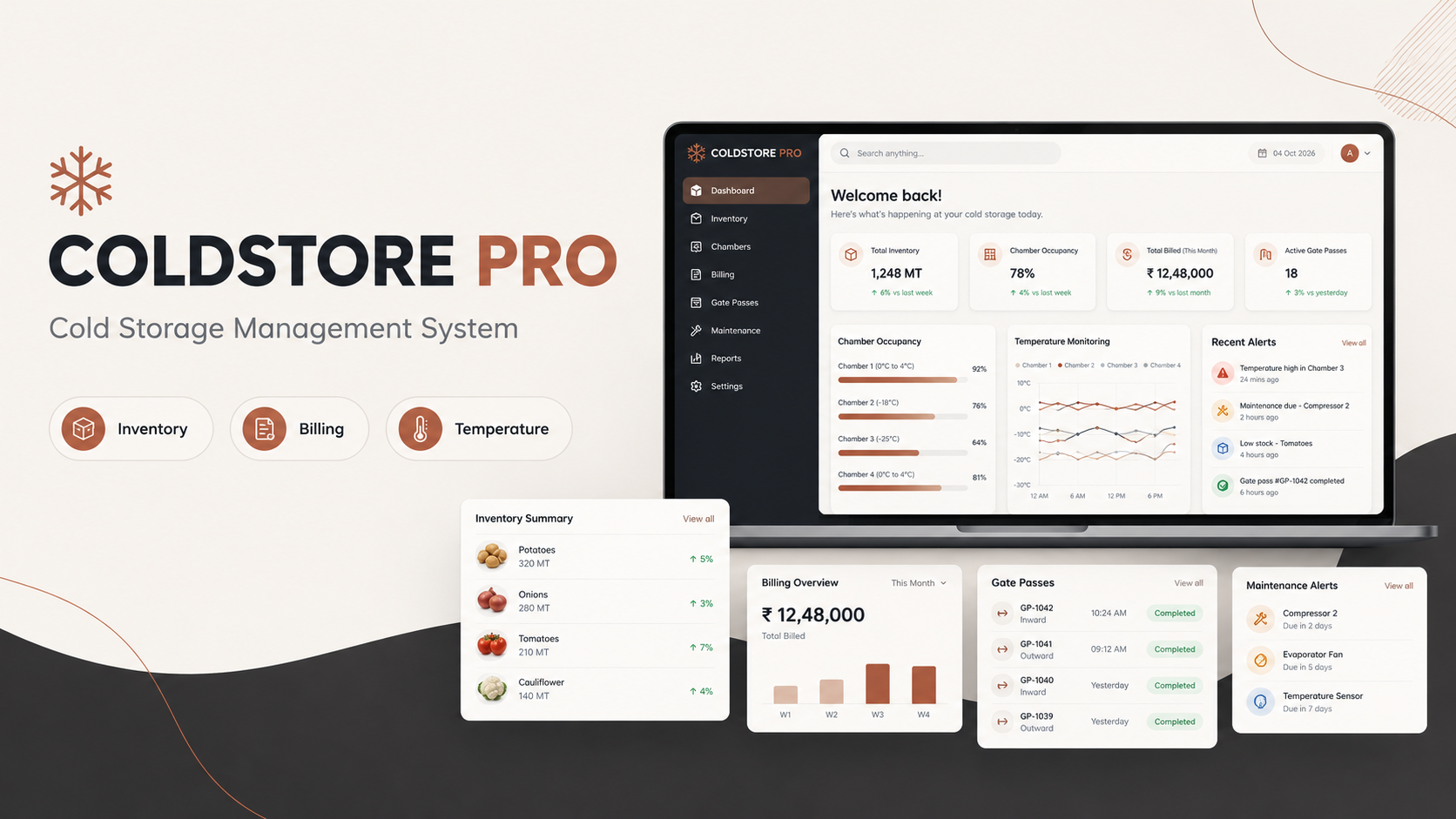
ColdStore Pro – Complete Cold Storage Management System ColdStore Pro is a complete Laravel-based management system buil...
TenantForge – Laravel 13 Multi-Tenant SaaS Starter Kit with Vue 3
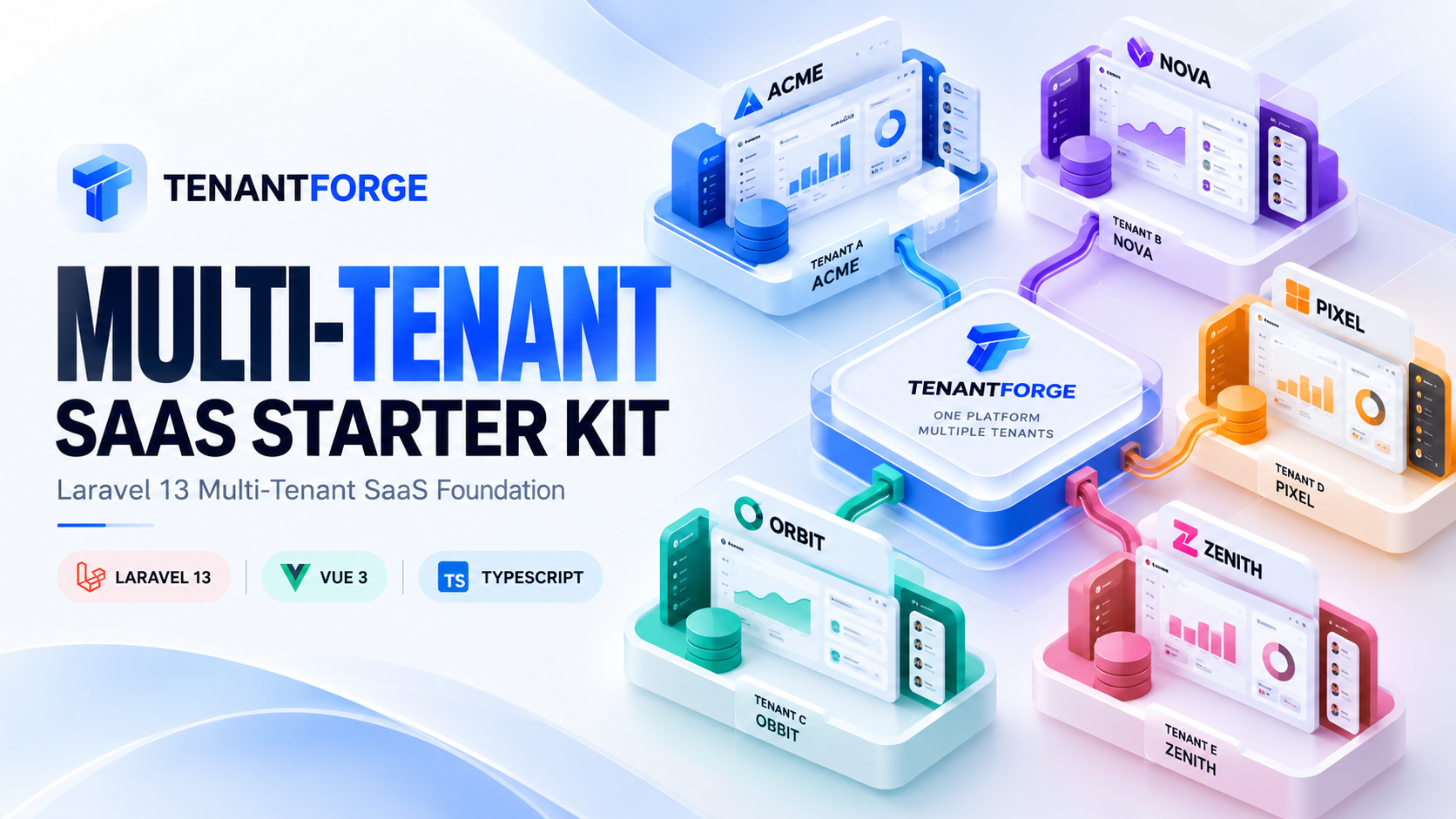
TenantForge is a Laravel 13 and Vue 3 multi-tenant SaaS starter kit with workspace management, authentication, two-facto...
Laravel 12 AI SDK: Build Real AI Features with Code
Laravel 12 ships with an official AI SDK that lets you build AI features using the same patterns you already know:services, facade...
XAMPP MySQL Shutdown Unexpectedly? My Permanent Fix Using Docker
XAMPP MySQL Shutdown Unexpectedly? My Permanent Fix Using Docker You open XAMPP, click Start beside Apache, then start MySQL. For...

Laravel 14: 12 Features It Needs in the AI Era
Laravel 14 Shouldn't Just Add More AI. It Should Change How We Build Software. 12 things I want from Laravel 14 after eight years...
AI Can Build a Laravel App in Minutes. But Can It Maintain One for Five Years?
AI is making software development faster. But the real test of a Laravel application isn't how quickly it can be generated. It's w...
8 Years With Laravel: What AI Coding Still Gets Wrong
AI can write Laravel controllers, generate migrations, build APIs, and even troubleshoot complex applications. But after eight yea...
PHP Isn't Dead. AI Might Give It a Second Life.
AI is changing how software gets built. But the biggest opportunity for PHP might have less to do with generating code and more to...
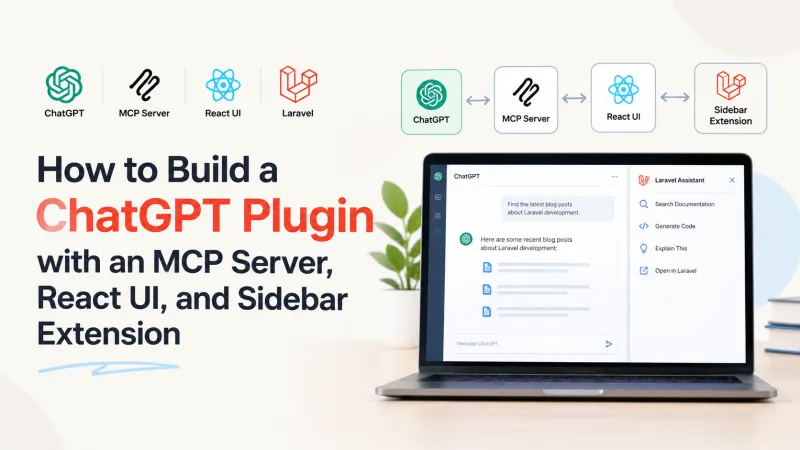
Build a ChatGPT Plugin: MCP, React & Sidebar
A tool that works in ChatGPT conversation is useful. But what if users need to open that same tool from the sidebar, explore its d...
Comments
No comments yet. Be the first to comment.
Sign in to join the discussion.