
Cold Storage Management Software: 12 Smart Features That Make Your Business Easier in 2027

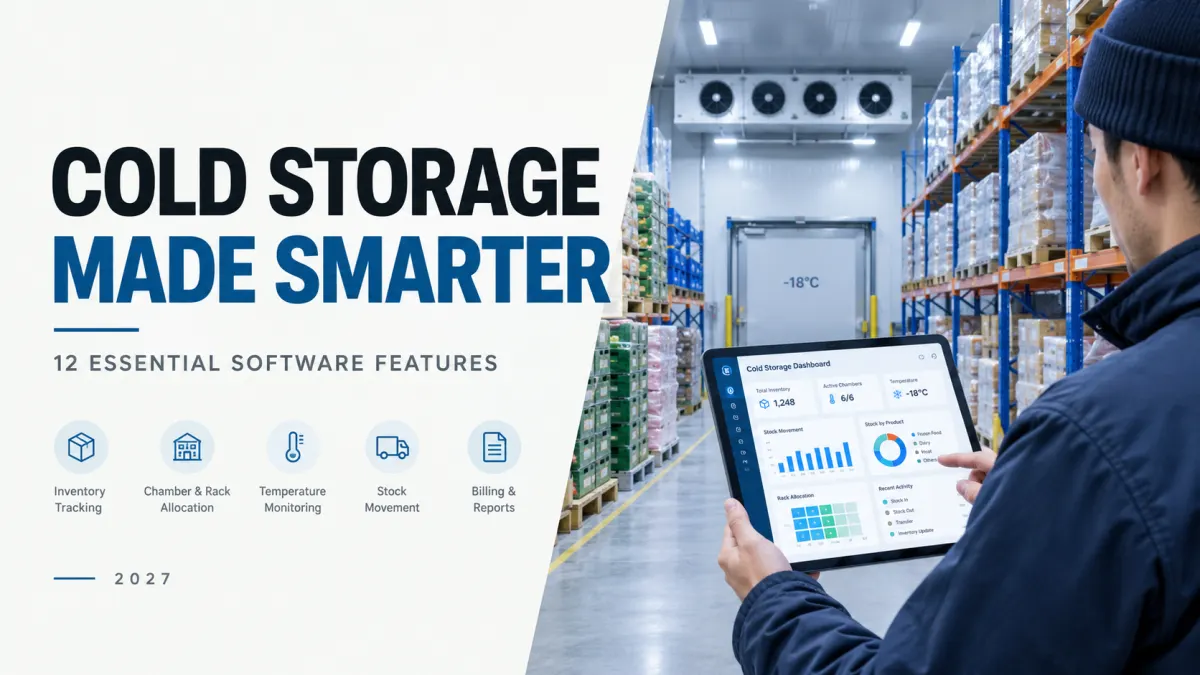
Running a cold storage business is complicated enough. Managing it shouldn't be.
Imagine starting your day without searching through registers, calling staff to locate stock, or spending hours calculating storage charges.
You open one dashboard and instantly know:
How much stock is in your facility
Where every customer's goods are stored
Which goods are ready for dispatch
How much storage rent is due
Which chambers need attention
Sounds convenient, right?
That's exactly what modern cold storage management software is designed to do.
Whether you manage a small cold storage facility or a large warehouse with multiple chambers, the right software can turn complicated daily tasks into simple, organized processes.
But here's the thing: you don't need software packed with features you'll never use. You need features that actually make your work easier.
Let's explore the 12 features that matter most in 2027.
1. Customer Management: Everything About Your Customers in One Place
How often do you need to check a customer's stock, contact details, or outstanding payments?
Imagine having all that information available in seconds.
A good cold storage management system keeps every customer's information neatly organized, including their stored commodities, transactions, billing details, and payment history.
How it makes life easier:
No more searching different files or registers. Simply select a customer and see everything you need.
It's like having a digital customer register that never gets messy.
2. Easy Inward Stock Entry: Record Goods in Minutes
Every bag, box, or pallet entering your facility needs to be recorded accurately.
With digital inward stock management, your staff can quickly enter the customer name, commodity, quantity, arrival date, and other necessary details.
The software can assign a unique lot number, making the goods easier to track throughout their storage journey.
How it makes life easier:
Imagine receiving 500 bags of potatoes. Instead of completing multiple paper records, your operator creates one inward entry, and the stock becomes part of your inventory records.
Faster entries. Fewer mistakes. Better organization.
3. Chamber and Rack Management: Know Exactly Where Everything Is
"Where did we keep those 200 bags?"
If your staff regularly asks this question, you need better stock location tracking.
Cold storage software allows you to assign goods to specific chambers, racks, or storage areas.
Even if a customer's stock is spread across multiple locations, the system can keep track of every allocation.
How it makes life easier:
When a customer requests their goods, staff can find the storage location immediately instead of searching the entire facility.
Less searching. Faster dispatches. Happier customers.
4. Stock Transfer Management: Move Goods Without Losing Track
Goods don't always stay in the same place.
You might need to move stock between chambers, reorganize racks, or shift products for maintenance.
A stock transfer feature lets you record these movements while keeping the inventory balance accurate.
For example, moving 50 bags from Chamber A to Chamber B should update both locations without changing the total quantity in storage.
How it makes life easier:
Every movement is recorded, so your team knows where goods came from, where they went, and when they were moved.
No confusion. No duplicate counting.
5. Partial Dispatch: Release Only What the Customer Needs
Customers don't always collect all their goods at once.
Suppose a customer has stored 400 bags and wants to collect just 125.
Your software should handle this without requiring you to create a completely new stock record.
| Stock details | Bags |
|---|---|
| Original stock | 400 |
| Goods dispatched | 125 |
| Remaining stock | 275 |
The software maintains the remaining balance against the correct lot.
How it makes life easier:
Your team always knows exactly how much stock remains after every dispatch.
No complicated manual calculations and no guessing.
6. Flexible Storage Rates: Set Charges Your Way
Different customers and commodities may have different storage rates.
Some customers are charged per bag. Others may pay according to weight, storage duration, or an agreed contract.
Your software should let you define these rates according to how your business operates.
How it makes life easier:
Set the customer's storage rate once and use it consistently when calculating their charges.
This reduces billing mistakes and saves your accounting team valuable time.
7. Automatic Rent Calculation: Say Goodbye to Manual Billing
Calculating storage rent manually can be one of the most time-consuming parts of running a cold storage facility.
Think about tracking arrival dates, quantities, storage periods, partial dispatches, and different rates.
That's a lot of information to manage.
With automatic rent calculation, the software uses the recorded transactions and configured billing rules to calculate storage charges.
How it makes life easier:
Instead of working through spreadsheets, your accountant can generate a storage bill using the information already recorded in the system.
The calculations become faster, clearer, and easier to verify.
8. Billing and Payment Tracking: Know Who Has Paid and Who Hasn't
Generating a bill is easy. Keeping track of every payment can be harder.
What if a customer pays only part of their bill? What if they have an outstanding balance from an earlier transaction?
A good cold storage management system tracks invoices, payments, advances, and remaining dues.
How it makes life easier:
Your team can quickly answer questions such as:
"How much does this customer owe?"
"When was their last payment?"
"Which invoices are still unpaid?"
Everything is available in one place, helping you stay organized and manage collections more effectively.
9. Temperature and Humidity Monitoring: Keep Storage Conditions in Check
Temperature and humidity are critical factors in cold storage operations.
A small change in storage conditions can affect the quality of temperature-sensitive goods.
Cold storage management software can help you maintain chamber-wise temperature and humidity records.
Depending on the system and connected equipment, readings may be entered manually or captured automatically.
Systems with suitable monitoring integrations may also provide alerts when readings fall outside configured limits.
How it makes life easier:
Instead of relying only on scattered handwritten logs, your team can review historical readings and identify unusual conditions more easily.
You gain better visibility into storage conditions while your monitoring equipment and operational procedures remain responsible for physical control.
10. Digital Gate Passes: Make Dispatches Faster and More Organized
A busy dispatch area can quickly become chaotic.
Customers are waiting, vehicles are arriving, and staff need to verify quantities before goods leave the facility.
Digital gate passes help simplify the process.
A gate pass can include the customer, commodity, lot number, quantity, vehicle details, and dispatch information.
How it makes life easier:
Your operator can prepare an organized dispatch record without repeatedly writing the same details.
Once the outward movement is confirmed, the appropriate stock balance can be updated automatically.
Faster dispatches and better accountability make a real difference during busy hours.
11. User Roles and Activity Tracking: Give Everyone the Right Access
Your manager, accountant, and warehouse operator perform different jobs.
They shouldn't all need access to the same functions.
With role-based permissions, you can decide who can manage stock, create invoices, record payments, approve dispatches, or change important settings.
Activity tracking can also maintain a record of significant changes made by users.
How it makes life easier:
Your staff can focus on the tasks assigned to them, while managers retain control over sensitive operations.
It also becomes easier to understand who made a change and when.
12. Dashboards and Reports: See Your Entire Business at a Glance
What if you could understand your cold storage operations without calling different departments for updates?
A well-designed dashboard brings important business information together.
You can quickly review stock balances, chamber occupancy, inward and outward activity, customer dues, and other operational information.
Useful reports may include current inventory, customer-wise stock, long-stored goods, outstanding payments, and chamber utilization.
How it makes life easier:
Instead of preparing reports manually, managers can view current information and export reports whenever needed.
It becomes easier to plan storage space, manage collections, and make informed business decisions.
From Busy Work to Smarter Work: How Everything Connects
The real power of cold storage management software isn't just in its individual features.
It's in how those features work together.
Here's a simple example.
A customer arrives with 300 bags of goods.
<escape>Step 1:</escape> Your operator records the inward entry.
<escape>Step 2:</escape> The goods are allocated to available chambers and racks.
<escape>Step 3:</escape> The software tracks the stock and its storage locations.
<escape>Step 4:</escape> A few days later, the customer requests 80 bags.
<escape>Step 5:</escape> Your team prepares the gate pass and completes the dispatch.
<escape>Step 6:</escape> The system now shows 220 bags remaining.
<escape>Step 7:</escape> Storage rent is calculated according to the applicable rates and storage period.
<escape>Step 8:</escape> A bill is generated, and any payment is recorded against the customer's account.
All these activities are connected through the same records.
That's what makes a cold storage management system genuinely useful.
Enter information once. Use it wherever it's needed.
What Should You Look for Beyond the Features?
Before choosing a cold storage management system, consider the people who will actually use it every day.
Your operators need simple screens. Your accountant needs accurate billing. Your manager needs reliable reports.
Here are a few questions worth asking:
Is it easy to use? Daily tasks should be straightforward, even for staff with limited technical experience.
Can it handle your storage process? The software should support your commodities, storage layouts, and billing arrangements.
Can your business grow with it? Adding customers, chambers, locations, or users shouldn't require starting everything from scratch.
Is your information protected? Look for appropriate access controls, backups, and data recovery arrangements.
Can you access the information you need? Reports should be easy to understand, filter, and export.
The right system should feel like a helpful part of your business, not another complicated task for your staff.
Frequently Asked Questions
What is cold storage management software?
Cold storage management software is a digital system that helps businesses manage stored goods, customers, stock movements, chambers, billing, payments, and day-to-day warehouse activities from one place.
Can cold storage software manage multiple chambers?
Yes. Software with chamber and rack management features can track stock across different storage locations and record movements between them.
Does cold storage software calculate storage rent automatically?
Software with configurable billing features can calculate rent using stored quantities, storage periods, and applicable rates. The available billing options depend on the system.
Can I track partial dispatches?
Yes. A system with partial dispatch management can record the quantity released from a lot while maintaining the correct remaining stock balance.
Is cold storage management software suitable for small businesses?
Yes. Small facilities can also benefit from organized inventory, quicker billing, and better customer records. The most suitable solution depends on the business's operations and requirements.
Final Thoughts: Make Cold Storage Management Simple
Running a successful cold storage business requires attention to many moving parts.
Goods arrive. Stock gets allocated. Chambers need monitoring. Customers request dispatches. Rent needs to be calculated. Payments have to be tracked.
Managing all these activities separately takes time and increases the possibility of mistakes.
Cold storage management software brings these activities together so your team can spend less time managing records and more time running the business.
The best software doesn't have to be the most complicated.
It should be easy for your operators to use, reliable for your accountant, and informative for your manager.
Because at the end of the day, smart cold storage management isn't about doing more work. It's about making everyday work easier.
Projects to explore next
Source-code projects from the KritiMyantra catalogue. Check each project's details before buying.

Laravel 12 + ReactJS Starter Kit: Add Multi-Language Support (Arabic, English, Spanish) with Blog CRUD
🚀 Installation & Setup Download & Extract Get the ZIP from kritimyantra.com and extract it. Includes preconfigu...
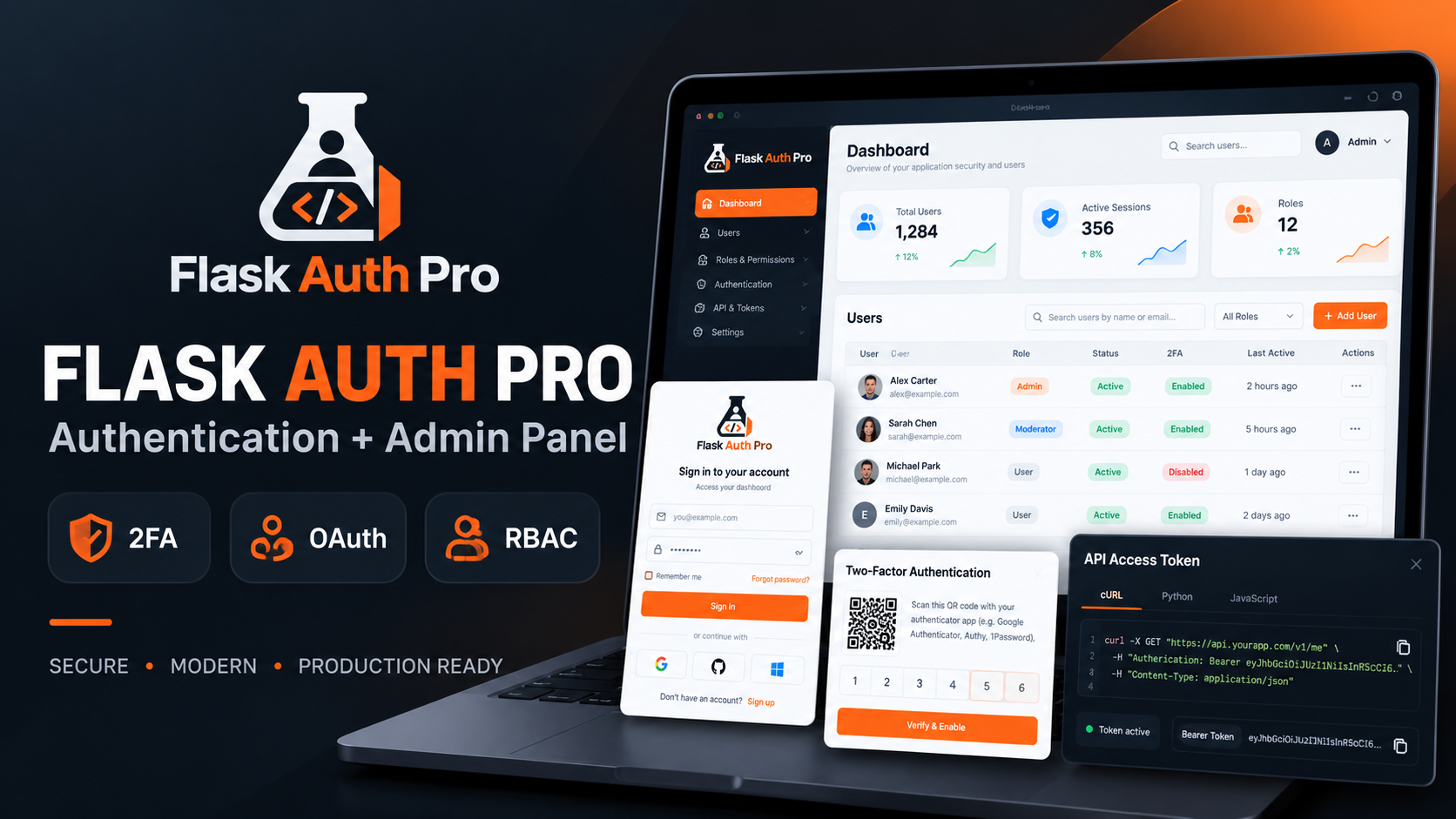
Flask Authentication System with Admin Panel - Kritim Yantra
Flask Auth Pro with Admin PanelA complete Flask authentication and user management system built for developers who want...
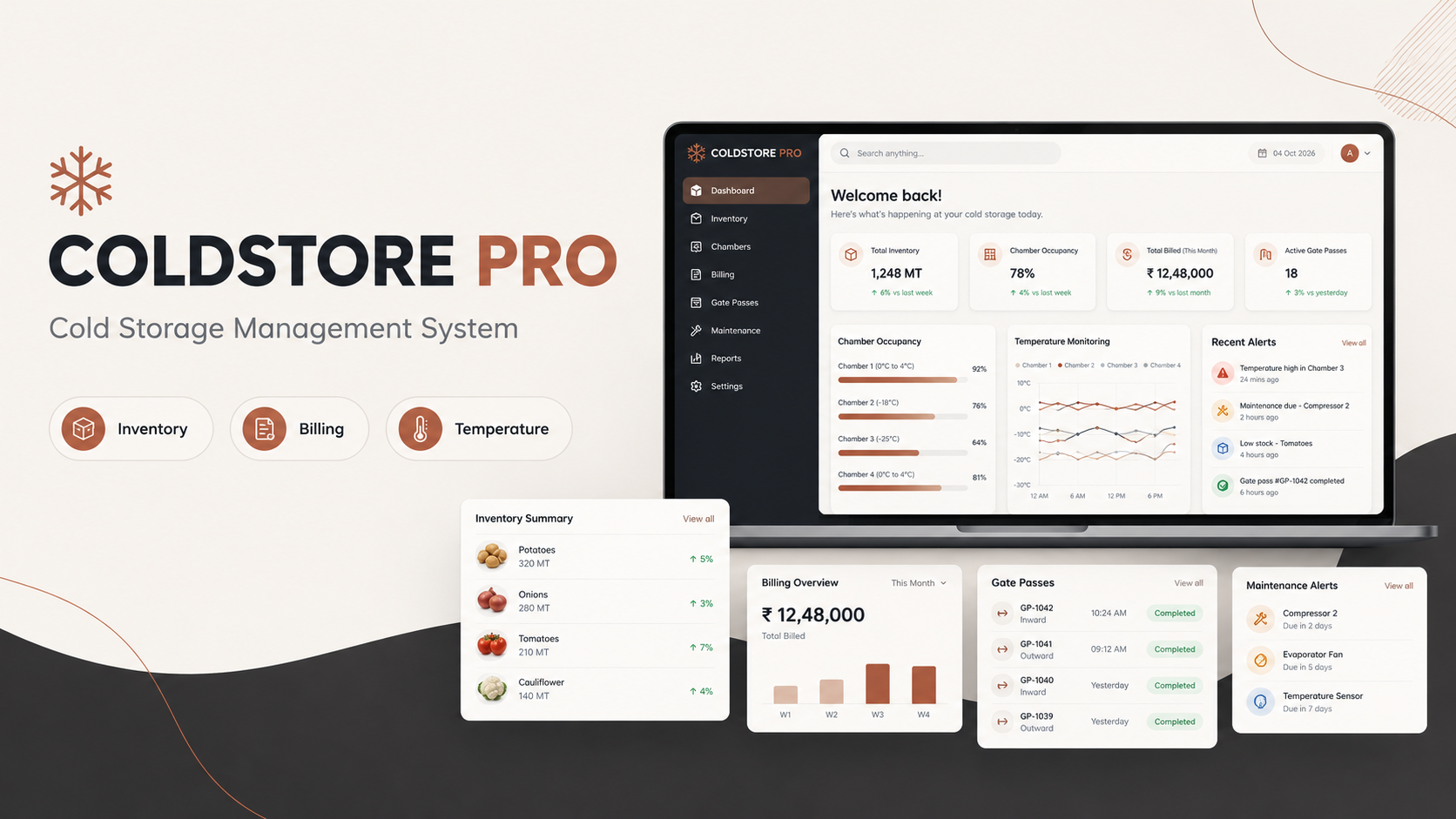
ColdStore Pro – Laravel Cold Storage Management System with Billing & Inventory
ColdStore Pro – Complete Cold Storage Management System ColdStore Pro is a complete Laravel-based management system buil...
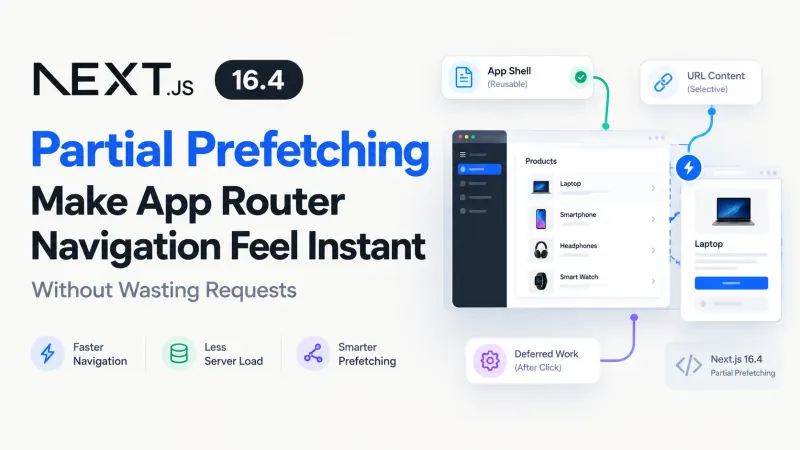
Next.js 16.4 Partial Prefetching for Faster Navigation
Imagine an e-commerce dashboard displaying 50 product links. You want navigation to feel immediate, but preloading every product p...

PHP 8.6 Laravel Compatibility: What to Test Before Upgrading
PHP 8.6 is getting close to release, and the temptation is familiar: update the runtime, run php artisan test, see green, and assu...

Laravel Authentication Bypass Vulnerability: Affected Versions, API Security Risks, and How to Fix It
Updated: October 25, 2026 | Security Advisory: CVE-2026-114509An API endpoint protected by authentication middleware should reject...
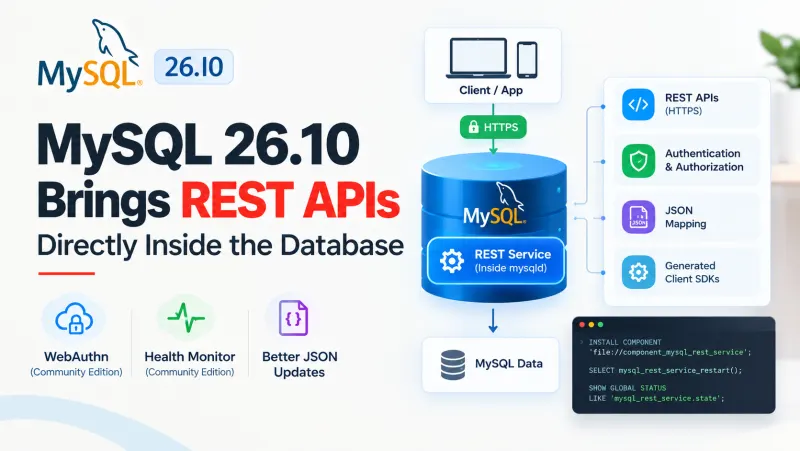
MySQL 26.10: What's New in REST APIs, Authentication, and Database Performance?
Building a REST API around MySQL usually involves more than writing SQL queries. You need an application server, database connecti...
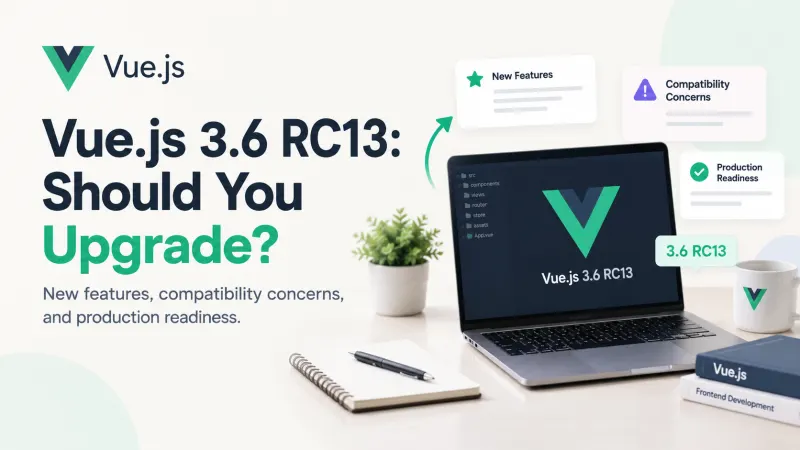
Vue.js 3.6 RC13: Features, Risks & Upgrade Advice
A new Vue release is tempting, especially when it promises a faster reactivity system and a way to render components without a vir...

PostgreSQL 19: New Features, Performance & Upgrade Guide
Database upgrades are easy to justify when they promise faster queries. They're harder to justify when a production system is alre...
Comments
No comments yet. Be the first to comment.
Sign in to join the discussion.