How Developers Should Upgrade Their Skills for 2027 in the Age of AI

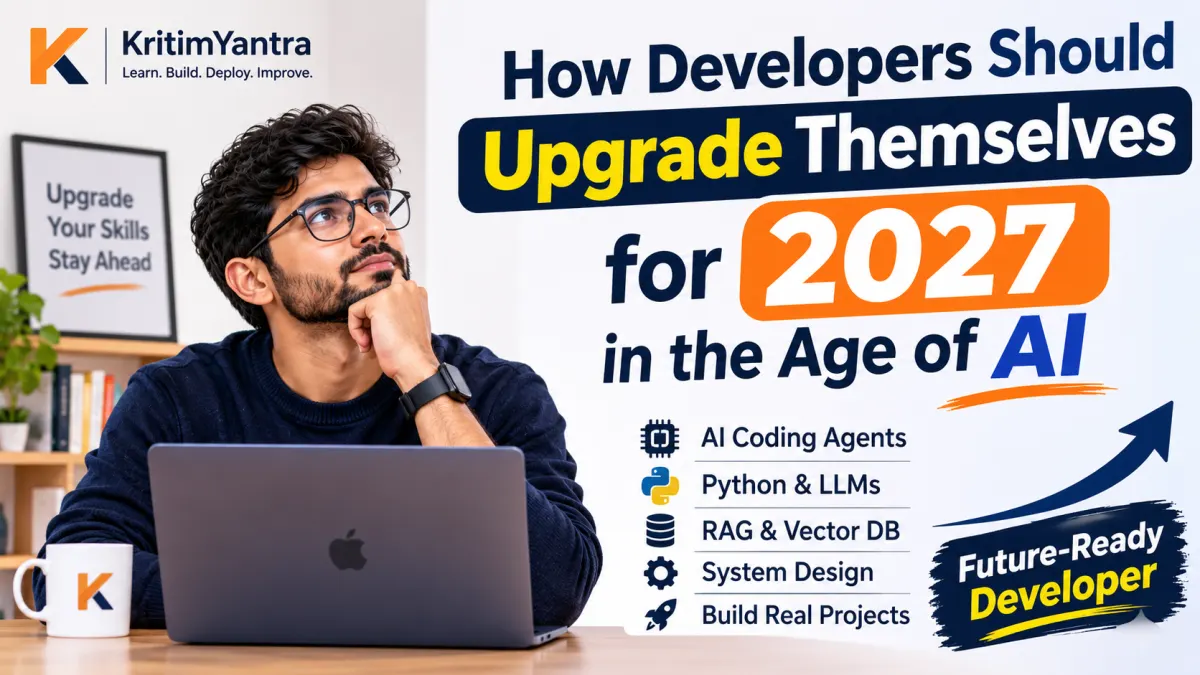
The future of software development isn't about writing code faster. It's about becoming an engineer who can build more, think better, and solve bigger problems with AI.
Imagine two software developers.
Both have seven years of experience. Both know PHP, JavaScript, Laravel, databases, APIs, and backend development.
One developer starts the morning by opening VS Code, writing controllers, creating models, fixing bugs, writing SQL queries, and spending hours implementing features.
The other starts with a business requirement, discusses the architecture with an AI coding agent, asks it to inspect the existing codebase, generates an implementation plan, delegates individual tasks, reviews the generated code, writes additional tests, checks security, and deploys the finished feature.
Both are software developers.
Both can produce working software.
But their working methods are becoming very different.
The second developer isn't necessarily smarter. They haven't necessarily spent ten years learning more programming languages. They've learned something increasingly important: how to combine engineering knowledge with AI to produce better results.
And this difference is going to matter even more as we move towards 2027.
If you're a junior developer, a mid-level engineer, a senior developer, or even a freelancer running your own software business, this is a good time to reconsider what you're learning.
Not because programming is dead.
But because the definition of a valuable programmer is changing.
Let's understand what is happening, what skills will matter, and exactly how you should prepare.
1. First, understand what is actually changing
For decades, software development followed a relatively familiar process:
- Understand the requirements.
- Design the database.
- Write the backend.
- Build the frontend.
- Connect APIs.
- Test everything.
- Fix bugs.
- Deploy the application.
- Maintain it.
Developers performed most of these activities manually.
AI has started changing almost every step.
Today, AI can help developers:
- Generate complete functions and application components.
- Understand unfamiliar codebases.
- Find bugs and suggest fixes.
- Generate unit and integration tests.
- Write SQL queries and database migrations.
- Refactor existing applications.
- Explain complicated technical concepts.
- Generate documentation.
- Assist with deployment configurations.
- Build prototypes from natural-language requirements.
And AI is moving beyond simply suggesting the next line of code.
Coding agents can now inspect repositories, modify multiple files, execute commands, run tests, and work through multi-step engineering tasks.
This is an important distinction.
We are moving from AI-assisted coding towards AI-assisted software engineering.
The numbers are already telling us something
Let's look at actual industry research rather than relying on predictions.
According to Stack Overflow's 2026 Developer Survey:
- AI has become a regular part of developers' working lives.
- Coding assistants and AI agents are among the leading AI use cases.
- Developers increasingly use AI for code generation, debugging, testing, and understanding codebases.
- Trust remains conditional: developers still want to verify AI-generated results.
HackerRank's 2025 Developer Skills Report also found that:
- 97% of surveyed developers use at least one AI assistant.
- AI generates approximately 29% of developers' code on average.
- 85% say AI helps them complete projects faster.
- 67% say AI has increased pressure to deliver faster.
These numbers reveal something important.
AI adoption is no longer an optional experiment for many developers. It is becoming part of the standard engineering workflow.
However, using AI and knowing how to use AI effectively are two different things.
Sources:
- Stack Overflow: https://survey.stackoverflow.co/2026/
- HackerRank: https://www.hackerrank.com/reports/developer-skills-report-2025
2. The biggest mistake developers can make before 2027
Imagine a developer who has spent six years learning Laravel.
They know:
- Routing and middleware.
- Controllers and services.
- Eloquent ORM.
- Database relationships.
- Authentication and authorization.
- REST APIs.
- Queues and background jobs.
- Caching and performance optimization.
Now they see AI generating Laravel controllers, models, migrations, and API endpoints within seconds.
They start thinking:
"Why should I continue learning Laravel? AI can already write Laravel code."
This is the wrong conclusion.
The real question isn't whether AI can write a Laravel controller.
The real question is:
Can you determine whether that controller is correct, secure, scalable, maintainable, and suitable for your business requirements?
AI can generate a database query.
But do you understand whether it creates an N+1 problem?
AI can implement authentication.
But do you know whether it introduces an authorization vulnerability?
AI can generate a migration.
But do you understand the implications of running it on a production database containing millions of records?
AI can create an API endpoint.
But do you know how to handle validation, rate limiting, retries, transactions, logging, and backward compatibility?
This is where engineering knowledge becomes more valuable, not less.
Don't abandon your existing technical foundation. Upgrade how you use it.
A developer with strong fundamentals and excellent AI skills has a much stronger starting position than someone who knows neither.
3. Skill number one: Become excellent at AI-assisted development
If you learn only one new professional skill before 2027, make it this one.
You should learn how to use AI as an actual engineering partner, not just as a website where you paste code and ask questions.
There is a big difference between these two approaches.
The old approach
You encounter an error.
You copy the error message.
You open ChatGPT.
You paste the code.
You ask for a solution.
You copy the response back into VS Code.
You test it.
If it fails, you repeat the process.
This is useful, but it creates a lot of unnecessary manual work.
The upgraded approach
You use an AI coding tool that can work directly with your development environment.
You provide the requirement and allow the agent to inspect the relevant files.
You ask it to:
- Understand the existing architecture.
- Identify the files involved.
- Explain the proposed implementation.
- Create a step-by-step plan.
- Implement the changes.
- Write automated tests.
- Run the tests.
- Investigate failures.
- Explain the final changes.
You remain responsible for reviewing and approving the implementation.
The AI handles repetitive execution. You handle engineering judgment.
Tools worth learning
You don't need to master every AI coding tool. Choose one primary environment and understand how to work with it properly.
1. Cursor
An AI-powered code editor that helps developers understand, modify, and work across existing codebases.
Website: https://cursor.com/
2. Claude Code
An agentic coding tool that can work with repositories, execute commands, edit files, and perform multi-step development tasks.
Website: https://code.claude.com/
3. GitHub Copilot
An AI development assistant integrated into the GitHub ecosystem and supported development environments.
Website: https://github.com/features/copilot
4. OpenAI Codex
An AI coding agent designed to work on software engineering tasks, including repository-level development.
Website: https://openai.com/codex/
The goal isn't to collect subscriptions.
The goal is to learn how to delegate meaningful engineering work to an AI agent while retaining control over the quality of the software.
What you should practise
Take an existing Laravel or Python project.
Give your AI coding agent a task such as:
"Inspect the authentication implementation in this project. Identify security weaknesses, explain the most critical issues, and propose a fix plan. Do not modify files until I approve the plan."
Then ask it to fix one issue at a time.
Make it generate tests.
Run the application.
Review the changes.
Repeat.
This is how you develop real AI-assisted engineering skills.
4. Skill number two: Learn agentic AI, not just prompting
Prompt engineering is useful, but it shouldn't be your final destination.
Knowing how to write a good prompt is only one part of working with AI systems.
The next step is understanding AI agents.
What is an AI agent?
A traditional chatbot generally follows this pattern:
Question → AI response
An AI agent can follow a more advanced process:
Goal → Understand → Plan → Use tools → Execute → Observe results → Adjust → Complete
For example, imagine you want to build an invoice management application.
You could ask a chatbot:
"Generate Laravel code for an invoice management system."
It may generate some models and controllers.
But an agent-based workflow could be designed to:
- Understand the project requirements.
- Inspect the existing Laravel repository.
- Identify the required database tables.
- Generate migrations and models.
- Implement invoice creation and calculations.
- Create API endpoints.
- Generate automated tests.
- Run the tests and fix failures.
- Prepare documentation.
A human developer still needs to review the business logic, security, architecture, and final output.
But the amount of work that can be delegated is significantly greater.
What should you learn?
Start with these concepts:
- LLMs and their capabilities.
- System prompts and structured instructions.
- Tool calling and function calling.
- Agent planning and execution.
- Context management.
- Memory and state management.
- Human approval workflows.
- Error handling and retries.
- Agent evaluation.
- Multi-agent systems.
Frameworks and technologies to explore
| Technology | What it helps you learn |
|---|---|
| LangGraph | Stateful, controllable agent workflows |
| OpenAI Agents SDK | Building tool-using AI agents |
| LangChain | Connecting LLMs with tools and data |
| n8n | Workflow automation and AI integrations |
| Pydantic AI | Structured AI applications in Python |
Don't try to learn all five simultaneously.
Start with one framework, build something useful, and understand what happens internally.
My recommendation: Learn Python and build your first serious AI agent with LangGraph or the OpenAI Agents SDK.
You don't need to become an AI researcher. You need to become an engineer who can build reliable AI-powered applications.
5. Skill number three: Understand LLMs, RAG, embeddings, and vector databases
This is particularly important if you want to move towards AI backend engineering.
Many businesses don't simply want a chatbot.
They want AI that understands their own information.
Imagine a company with:
- 5,000 PDF documents.
- 20,000 support tickets.
- Product documentation.
- Customer records.
- Internal policies.
- Technical manuals.
They want employees to ask questions and receive answers based on their company's information.
A general-purpose chatbot doesn't automatically know these private documents.
This is where RAG becomes useful.
What is RAG?
RAG stands for Retrieval-Augmented Generation.
In simple terms, it allows an AI application to retrieve relevant information from an external knowledge source before generating an answer.
Consider this workflow:
- Upload documents.
- Extract their text.
- Divide the text into smaller chunks.
- Convert those chunks into embeddings.
- Store the embeddings in a vector database.
- Receive a user's question.
- Convert the question into an embedding.
- Retrieve relevant information.
- Send that information to an LLM.
- Generate an answer based on the retrieved context.
Understand the RAG architecture
User asks a question → Embedding model → Vector search → Relevant documents → LLM → Answer with citations.
Technologies you should explore
| Technology | Purpose |
|---|---|
| OpenAI / Gemini APIs | Access language models |
| Ollama | Run supported LLMs locally |
| pgvector | Store and search vector embeddings in PostgreSQL |
| Qdrant | Dedicated vector database |
| Sentence Transformers | Generate text embeddings |
| FastAPI | Build AI backend services |
| Redis | Caching and background processing |
You don't need to learn every vector database.
Start with PostgreSQL and pgvector. Understand embeddings, similarity search, chunking, retrieval quality, and citations.
Then build an actual application.
Project idea: Company Knowledge Assistant
Build a web application where a company can upload documents and ask questions about them.
For example:
"According to our refund policy, can a customer request a refund after 15 days?"
Your application retrieves the relevant policy and generates an answer with document references.
This one project can teach you:
- File uploads.
- PDF processing.
- Embeddings.
- Vector search.
- LLM integration.
- API development.
- Authentication.
- Multi-tenant architecture.
- Background jobs.
- Evaluation and testing.
It also gives you a practical portfolio project instead of another basic chatbot.
6. Skill number four: Learn to design systems, not just implement features
This may become one of the most important differences between junior and senior developers.
AI can help generate individual components.
But production software is not simply a collection of components.
It is a connected system.
Let's say a customer wants an e-commerce application.
Generating a product listing page is relatively straightforward.
But a real e-commerce system needs:
- Product and inventory management.
- Pricing rules.
- Customer accounts.
- Cart management.
- Payment integration.
- Order processing.
- Payment failure handling.
- Refund workflows.
- Notifications.
- Permissions.
- Audit logs.
- Security.
- Backups.
- Monitoring.
- Scalability.
A generated feature can look perfect in a demonstration and still fail when real customers start using it.
This is why you should strengthen your system design knowledge.
Topics to master
Backend architecture
- Monolithic architecture.
- Modular monoliths.
- Microservices and their trade-offs.
- REST APIs.
- Event-driven architecture.
- Message queues.
Database engineering
- Database normalization.
- Indexing.
- Transactions.
- Query optimization.
- Locking and concurrency.
- Replication and backups.
Scalability and reliability
- Caching strategies.
- Load balancing.
- Background processing.
- Rate limiting.
- Fault tolerance.
- Horizontal scaling.
Software architecture
- SOLID principles.
- Design patterns.
- Separation of concerns.
- Dependency injection.
- Domain-driven design fundamentals.
You don't need to build microservices for every application.
You need to understand when a modular monolith is sufficient and when distributed architecture makes sense.
The objective is to make good engineering decisions rather than simply use fashionable technologies.
7. Skill number five: Become extremely good at testing, reviewing, and securing AI-generated code
This is where many developers will make a serious mistake.
They will assume that because AI generated the code, the code must be correct.
It isn't.
AI can generate:
- Incorrect business logic.
- Broken database relationships.
- Insecure authentication.
- Missing authorization checks.
- Inefficient queries.
- Unhandled exceptions.
- Incomplete test cases.
- Dependency vulnerabilities.
And sometimes the code works perfectly in a local environment but fails in production.
The ability to verify AI-generated work is becoming an essential engineering skill.
In Sonar's State of Code Developer Survey 2026, reviewing and validating AI-generated code for quality and security ranked as the most important AI-era developer skill among respondents, at 47%.
This is a significant signal.
What should you learn?
Testing
- Unit testing.
- Feature testing.
- Integration testing.
- API testing.
- End-to-end testing.
- Regression testing.
Security
- SQL injection.
- Cross-site scripting.
- Cross-site request forgery.
- Broken access control.
- Authentication vulnerabilities.
- Secrets management.
- Dependency vulnerabilities.
Code quality
- Static analysis.
- Code reviews.
- Refactoring.
- Performance profiling.
- Error handling.
- Logging.
For Laravel developers, practical tools include:
- PHPUnit or Pest.
- Laravel Pint.
- PHPStan or Larastan.
- Laravel Debugbar for development debugging.
For Python developers:
- Pytest.
- Ruff.
- Mypy.
- Bandit.
A simple rule:
Never trust code just because it runs. Trust it only after you understand and verify what it does.
8. Skill number six: Learn deployment, infrastructure, and production engineering
There is a major difference between building an application and operating an application.
A developer can generate a beautiful application with AI.
But can they make it available to real users?
Can they configure the server?
Can they diagnose a failed deployment?
Can they investigate a slow database query?
Can they monitor application errors?
Can they restore a database backup?
Can they handle a sudden increase in traffic?
These skills remain extremely important.
In fact, when AI makes generating application code easier, the ability to deliver and maintain reliable production software becomes a valuable differentiator.
Technologies to learn
| Area | Technologies |
|---|---|
| Containers | Docker, Docker Compose |
| Web servers | Nginx, Apache |
| Linux | Linux administration, Bash |
| CI/CD | GitHub Actions, GitLab CI |
| Monitoring | Prometheus, Grafana |
| Caching | Redis |
| Databases | PostgreSQL, MySQL |
| Cloud infrastructure | AWS or another major cloud platform |
You don't need to become a dedicated DevOps engineer.
But a senior developer should understand how their application moves from a local machine to production.
Build this practical project
Take a Laravel application and:
- Dockerize it.
- Configure PostgreSQL or MySQL.
- Add Redis.
- Configure background workers.
- Set up Nginx.
- Create a CI/CD pipeline.
- Deploy it to a VPS.
- Configure logging and monitoring.
- Implement database backups.
- Test the recovery process.
Now you have learned something more valuable than simply generating another CRUD application.
You understand how to deliver software.
9. Skill number seven: Learn how to build AI-powered products
There is a difference between using AI and building products with AI.
Using ChatGPT to write code can improve your personal productivity.
Building an AI-powered application can create an entirely new business opportunity.
Consider the difference.
A traditional developer builds a customer support dashboard.
An AI-enabled developer builds a customer support platform that can:
- Understand incoming support requests.
- Categorize tickets.
- Retrieve relevant documentation.
- Suggest responses.
- Summarize customer history.
- Detect recurring issues.
- Escalate complex cases.
- Help support teams respond faster.
The second application introduces a new layer of intelligence into an existing business workflow.
This is where software development and business understanding meet.
AI product ideas worth exploring
1. AI Customer Support System
An application that understands customer queries, retrieves company knowledge, and assists support teams.
2. AI Document Processing Platform
Upload invoices, contracts, or PDFs and extract structured information.
3. AI Business Intelligence Assistant
Allow business owners to ask questions about sales, expenses, customers, and operational data.
4. AI Website Maintenance Assistant
Analyze application errors, inspect logs, identify possible issues, and suggest fixes.
5. AI Workflow Automation Platform
Connect business applications and automate repetitive processes with AI-assisted decision-making.
Don't build these just to add the word AI to your portfolio.
Find a genuine problem, identify who experiences it, and build something that saves time or money.
That is what makes an AI product commercially valuable.
10. Skill number eight: Develop business understanding and problem-solving ability
This is probably the most underrated skill on this entire list.
Let's consider two developers.
Developer A receives a requirement:
"Add a discount feature to the application."
They immediately start implementing a discount field in the database.
Developer B asks:
- Is the discount fixed or percentage-based?
- Can multiple discounts be combined?
- Does the discount apply to specific products?
- Does it have an expiration date?
- Can customers use it multiple times?
- What happens when an order is refunded?
- Who can create and modify discounts?
- How should the discount be reflected in invoices?
Developer B understands the business problem before writing code.
AI can help both developers implement the feature.
But the second developer is more likely to build the correct system.
This is why developers should learn:
- Business analysis.
- Requirement gathering.
- Product thinking.
- Technical documentation.
- Communication.
- Trade-off analysis.
- Cost estimation.
- User experience fundamentals.
The ability to translate an unclear business problem into a clear technical solution is extremely valuable.
AI can help you write the solution.
You must understand what the solution should accomplish.
11. Should developers learn Python, even if they already know PHP, JavaScript, Java, or another language?
My answer is yes, particularly if you want to work in AI engineering.
But don't abandon your existing language.
If you're a Laravel developer, Laravel is still useful.
If you're a JavaScript developer, JavaScript and TypeScript are still useful.
If you're a Java developer, your existing backend experience remains valuable.
Think of Python as an additional capability rather than a replacement.
Python has become an important language across:
- Machine learning.
- LLM application development.
- AI agents.
- Data processing.
- Automation.
- Document processing.
- Backend APIs.
- Model evaluation.
A practical Python learning path
You don't need to spend six months studying Python fundamentals.
Learn what you need to build real applications.
Start with:
- Python syntax and data structures.
- Functions and classes.
- Virtual environments and package management.
- Async programming.
- Type hints and Pydantic.
- API development with FastAPI.
- Database integration.
- Background tasks.
- LLM API integration.
- RAG and agent workflows.
Then build an AI application with FastAPI and PostgreSQL.
Your existing backend knowledge will help you learn faster.
12. The AI development stack worth understanding for 2027
You don't need to learn every tool in the AI ecosystem.
You need a practical stack that allows you to build, test, deploy, and maintain real applications.
Here is a suggested technology map.
| Category | Technologies to explore |
|---|---|
| Primary backend | Laravel / PHP |
| AI backend | Python / FastAPI |
| Frontend | Vue.js / React / TypeScript |
| AI models | OpenAI, Gemini, Claude |
| Local models | Ollama |
| Agent frameworks | LangGraph, OpenAI Agents SDK |
| LLM integration | LangChain |
| Vector search | pgvector, Qdrant |
| Databases | PostgreSQL, MySQL |
| Caching | Redis |
| Automation | n8n |
| Containers | Docker |
| Deployment | Linux, Nginx, CI/CD |
| Testing | Pest, PHPUnit, Pytest |
| Monitoring | Prometheus, Grafana |
An important point: the AI ecosystem changes quickly.
Don't spend months memorizing a particular framework's API.
Understand the underlying concepts so that you can adapt when tools change.
13. A practical 90-day roadmap to become an AI-ready developer
Reading about AI is not enough.
Watching tutorials is not enough.
You need to build things.
Here is a practical roadmap that you can follow alongside your existing job.
The objective is not to become an AI researcher in 90 days.
The objective is to become a more capable software engineer who can use AI to build production-oriented applications.
Month 1: Upgrade your development workflow
Goal: Become comfortable with AI-assisted engineering.
Week 1:
- Choose one AI coding agent.
- Learn how it reads and modifies codebases.
- Learn how to provide repository context.
- Practise breaking large requirements into smaller tasks.
Week 2:
- Use AI to understand an unfamiliar codebase.
- Generate implementation plans.
- Perform controlled refactoring.
- Generate unit tests.
Week 3:
- Learn Git workflows with AI-assisted development.
- Review generated changes.
- Identify incorrect assumptions.
- Practise debugging.
Week 4:
- Build a small feature using an AI coding agent.
- Write tests.
- Review security.
- Document the implementation.
Deliverable: One existing application feature developed and tested through an AI-assisted workflow.
Month 2: Build your first serious AI backend
Goal: Understand how LLM-powered applications work.
Week 5:
- Learn Python.
- Learn FastAPI.
- Build REST endpoints.
Week 6:
- Integrate an LLM API.
- Understand prompts and structured outputs.
- Handle errors, timeouts, and token usage.
Week 7:
- Learn embeddings.
- Learn vector search.
- Integrate PostgreSQL and pgvector.
Week 8:
- Build a document-based RAG application.
- Add source references.
- Test answer quality.
Deliverable: A working AI document assistant.
Month 3: Build an AI agent and deploy a complete product
Goal: Move from AI experimentation to production-oriented engineering.
Week 9:
- Learn tool calling.
- Understand agent execution.
- Build a basic AI agent.
Week 10:
- Explore LangGraph or OpenAI Agents SDK.
- Add state and controlled workflows.
- Implement human approval.
Week 11:
- Dockerize your application.
- Configure Redis and background processing.
- Add logging and tests.
Week 12:
- Deploy the application.
- Add monitoring.
- Document the architecture.
- Record a demonstration.
- Publish the project in your portfolio.
Deliverable: One deployed AI-powered application that demonstrates your ability to build something useful.
At the end of 90 days, you should have more than certificates or tutorial screenshots.
You should have working software that another developer or potential client can inspect.
14. What should junior, mid-level, and senior developers focus on?
Not every developer needs the same learning strategy.
Your existing experience should determine what you learn next.
If you are a junior developer (0–2 years)
Your biggest priority should be building strong fundamentals.
Learn:
- Programming fundamentals.
- Data structures and algorithms.
- Databases.
- APIs.
- Git.
- Debugging.
- Testing.
- Basic system design.
Use AI as a tutor, but don't let it write every assignment.
Try to solve problems yourself before asking AI for help.
If you cannot explain the code, you haven't really learned it.
If you are a mid-level developer (2–5 years)
Your priority should be moving from implementing tasks to owning features.
Learn:
- AI coding agents.
- System design.
- Advanced backend engineering.
- Automated testing.
- Cloud and deployment fundamentals.
- LLM integration.
- RAG.
- AI-powered application development.
Start taking responsibility for complete features rather than individual tickets.
If you are a senior developer (5+ years)
Your priority should be becoming an AI-enabled engineering problem solver.
Learn:
- Agentic development workflows.
- Architecture and technical decision-making.
- Production AI systems.
- Security and reliability.
- Performance optimization.
- Engineering leadership.
- Product thinking.
- Mentoring and reviewing AI-assisted work.
Senior developers should become better at directing, evaluating, and integrating work rather than simply increasing the number of lines they write.
15. What developers should stop doing before 2027
Upgrading yourself isn't only about learning new technologies.
It is also about stopping habits that no longer provide enough value.
Here are seven things worth reconsidering.
1. Stop measuring your productivity by lines of code.
More code doesn't mean better software.
2. Stop learning frameworks without building projects.
You don't need to know ten frameworks. You need to know how to build and maintain useful applications.
3. Stop blindly copying AI-generated code.
Understand, test, and verify every important change.
4. Stop treating AI as a search engine only.
Explore coding agents, tool calling, structured workflows, and automation.
5. Stop ignoring deployment and production problems.
A locally working application isn't necessarily a successful product.
6. Stop collecting certificates instead of building proof of work.
A deployed application with documentation and a working demonstration is powerful evidence of your capabilities.
7. Stop waiting for AI tools to become perfect.
They won't eliminate the need for engineering judgment. Learn how to work with their limitations.
16. Will AI replace software developers by 2027?
Let's answer this honestly.
Nobody can reliably predict the exact number of software development jobs that will exist in 2027.
But it would be equally wrong to assume that the industry will remain unchanged.
AI is already automating parts of software development.
Some repetitive implementation work will require less human effort. Teams may be able to deliver more with fewer manual development hours. Employers may raise expectations around speed and output.
At the same time, businesses still need people who can:
- Understand complicated requirements.
- Design reliable architectures.
- Make technical decisions.
- Integrate systems.
- Protect customer data.
- Debug production failures.
- Validate business logic.
- Maintain existing software.
- Take responsibility for outcomes.
The more realistic question is not whether every developer will be replaced.
It is whether developers who refuse to adapt will become less competitive.
And that is a risk worth taking seriously.
The goal shouldn't be to compete with AI at typing code.
The goal should be to become the person who knows what needs to be built, why it needs to be built, how AI can help build it, and how to make sure the result actually works.
17. The real opportunity: Become someone who can build a complete product
Let's return to our two developers from the beginning.
One is still primarily focused on implementing individual development tasks.
The other can:
- Understand a business requirement.
- Design the architecture.
- Use AI agents to accelerate implementation.
- Build the frontend and backend.
- Integrate LLMs.
- Implement database and API layers.
- Write and review tests.
- Configure deployment.
- Monitor production.
- Maintain the application.
That second developer can potentially take an idea much further with the same amount of time.
This doesn't mean everyone should become a solo developer or entrepreneur.
It means understanding the complete software development lifecycle can make you more valuable.
It also creates opportunities beyond traditional employment.
You could build:
- SaaS products.
- Internal business automation tools.
- AI-powered applications.
- Industry-specific software.
- Custom business platforms.
- Developer tools.
- Subscription-based software services.
And you don't necessarily need a large team to start experimenting with these ideas.
AI has lowered some of the barriers to building software. It has not removed the need to understand customers, validate ideas, and deliver reliable products.
That is where developers with strong engineering and business skills have an opportunity.
18. Your personal 2027 developer upgrade checklist
Before the end of 2026, use this checklist to assess your readiness.
- [ ] I can use an AI coding agent with an existing repository.
- [ ] I can break a large requirement into smaller engineering tasks.
- [ ] I can review and validate AI-generated code.
- [ ] I understand automated testing.
- [ ] I understand system design and database performance.
- [ ] I can build REST APIs with Python and FastAPI.
- [ ] I understand LLM APIs and structured outputs.
- [ ] I can build a basic RAG application.
- [ ] I understand embeddings and vector search.
- [ ] I can build a basic tool-using AI agent.
- [ ] I understand Docker and production deployment.
- [ ] I can build and deploy a complete application.
- [ ] I have at least one meaningful AI-powered project in my portfolio.
- [ ] I can explain the business problem my application solves.
You don't have to complete every item immediately.
Choose your next skill based on your current experience and career direction.
But don't let another year pass without making meaningful progress.
Final thoughts: Don't become a developer who is afraid of AI. Become a developer who knows how to use it.
The software industry has changed many times.
Developers moved from manual server management to cloud infrastructure. They moved from traditional deployment processes to CI/CD. They adopted frameworks, libraries, automation, and increasingly sophisticated development environments.
AI is another major shift, but this one touches the process of creating software itself.
The developers who benefit most won't necessarily be the ones who use the largest number of AI tools.
They will be the ones who combine technical fundamentals, practical AI knowledge, critical thinking, and the ability to deliver real products.
If you're currently a Laravel developer, don't throw away your Laravel experience.
If you're a Python developer, don't stop strengthening your backend fundamentals.
If you're a frontend developer, don't assume that AI makes your experience irrelevant.
Build on what you already know.
Add AI-assisted engineering to your workflow. Learn how LLM applications work. Understand agents. Strengthen your architecture and testing skills. Deploy real projects.
Most importantly, build something.
Because in 2027, saying "I know AI" won't be particularly impressive.
Being able to demonstrate a reliable product that you built using AI will be much more convincing.
The future doesn't belong to developers who compete with AI. It belongs to developers who know how to turn AI into an engineering advantage.
And the best time to start upgrading yourself is now.
Continue learning with KritimYantra
At KritimYantra, our focus is on practical software development, real-world projects, backend engineering, AI integrations, and building applications that solve actual problems.
Explore our development resources, ready-made projects, and practical guides to turn your learning into working software.
Learn. Build. Deploy. Improve.
Website: https://kritimyantra.com
Projects to explore next
Source-code projects from the KritiMyantra catalogue. Check each project's details before buying.
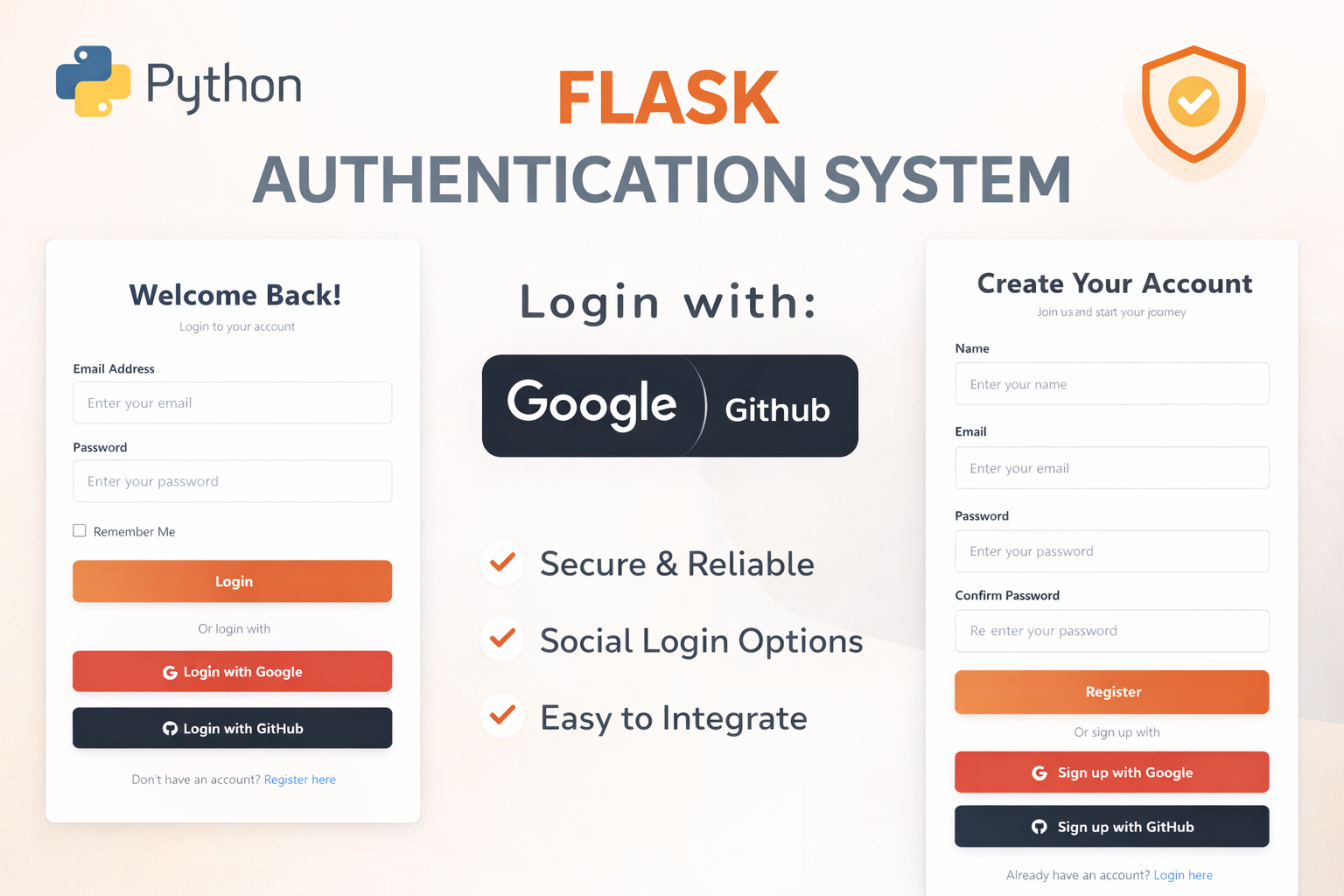
Flask Authentication System (Free Version) - Kritim Yantra
🛠 Features✔ Google & GitHub Authentication✔ User Registration & Login✔ Profile/Dashboard Access✔ Secure & Mi...
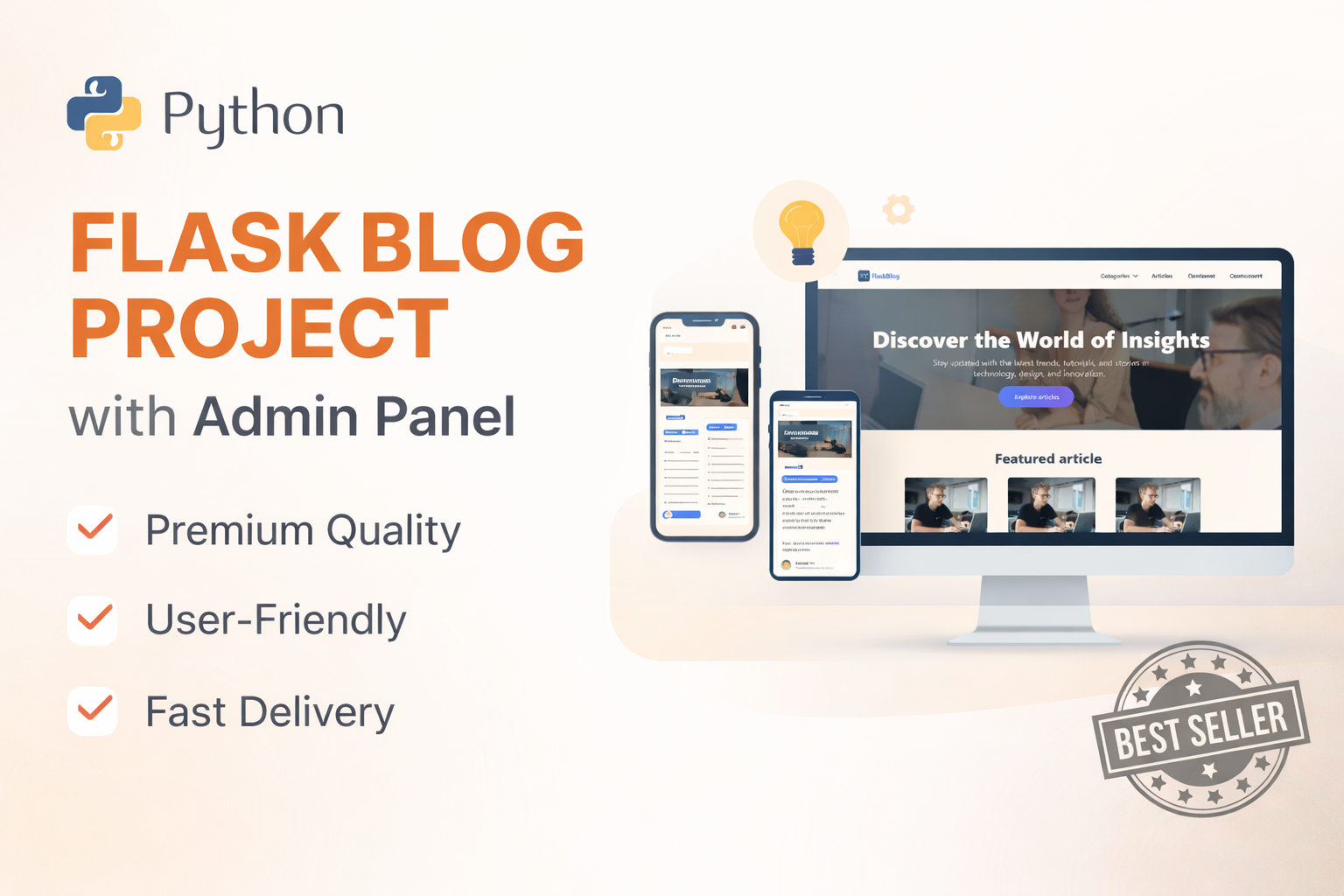
Flask Blog CMS with Admin Dashboard — Python Source Code
A Flask-based blogging website with a built-in admin dashboard. Manage articles, images, categories, tags and featured p...
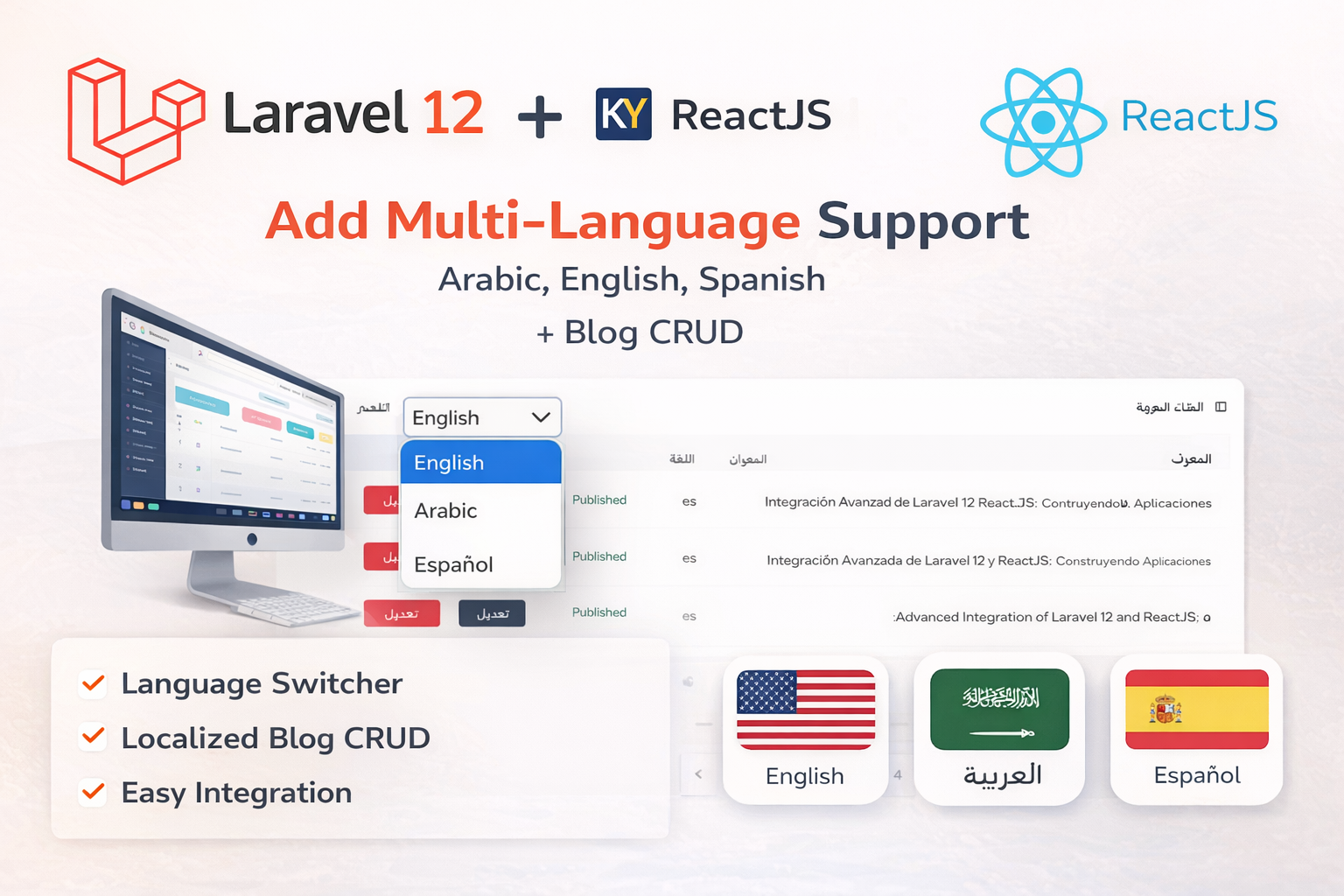
Laravel 12 + ReactJS Starter Kit: Add Multi-Language Support (Arabic, English, Spanish) with Blog CRUD
🚀 Installation & Setup Download & Extract Get the ZIP from kritimyantra.com and extract it. Includes preconfigu...
How to Maintain an AI-Generated Website: Complete Guide
AI coding tools have changed the way websites and web applications are developed. Tools like ChatGPT, Claude, Cursor, and GitHub Copilo...
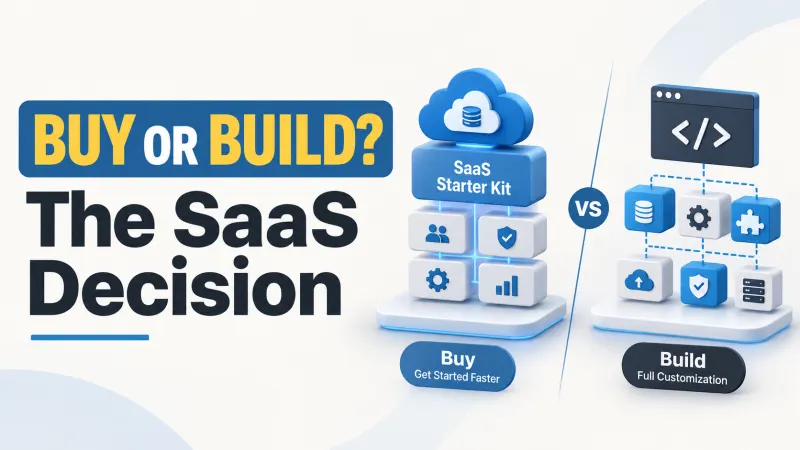
Multi-Tenant SaaS Starter Kit vs Custom Build: Decision Guide
A fast launch can become an expensive rebuild if you buy the wrong architecture.Imagine spending several weeks customizing a SaaS start...

How to Evaluate Laravel SaaS Source Code Before You Buy
You are not buying a demo screen; you are buying the code you must maintain.A Laravel SaaS starter kit can save development time by pro...
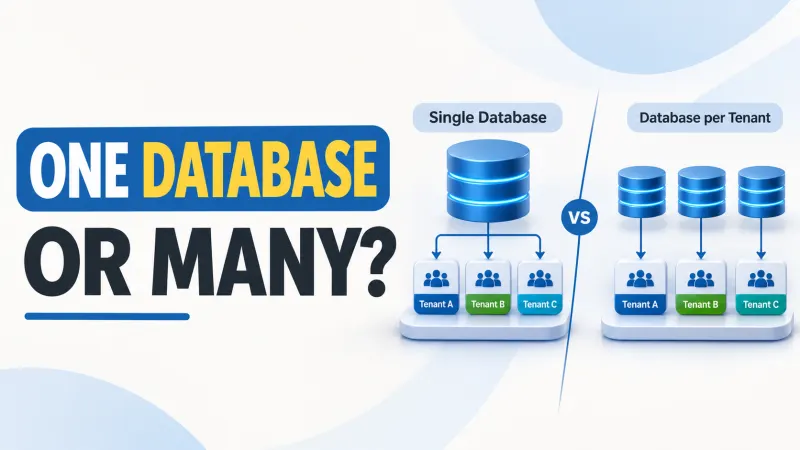
Laravel Multi-Tenant Database: Shared vs Separate
Single Database vs Database per Tenant in Laravel: What SaaS Founders Need to KnowThe database model you choose today can shape tomorro...
Comments
No comments yet. Be the first to comment.
Sign in to join the discussion.