How to Evaluate Laravel SaaS Source Code Before You Buy

You are not buying a demo screen; you are buying the code you must maintain.
A Laravel SaaS starter kit can save development time by providing foundations such as authentication, tenant management, dashboards, and permissions. But two products with similar-looking demos can be very different once you download the source code.
One might have clear installation instructions, maintainable database structures, and automated tests. Another might require undocumented configuration changes before you can even create an account.
The purchase price is only one part of the decision. You also need to consider installation effort, integration work, hosting, security, and future maintenance.
This Laravel SaaS source code checklist helps you evaluate those responsibilities before purchasing. It explains what to request from a vendor, how to verify technical claims, and which gaps should influence your decision.
The process applies to multi-tenant SaaS starter kits, admin applications, business management systems, and other Laravel-based source-code products. Not every project needs the same modules, but every buyer should understand what is included, what works, and what must still be built.
Assess live demo
A live demo is a useful starting point, but it is not proof that an application is ready for production.
Screenshots show interface design. A working demo reveals how features behave. Documentation, source-code inspection, and repeatable tests provide further evidence about how those features are implemented.
If a vendor only provides screenshots, request a guided walkthrough or limited trial environment. Some vendors cannot provide unrestricted access before purchase, especially when the product is downloadable source code. In that situation, ask for a recorded installation, a file manifest, relevant code excerpts, or a supervised technical demonstration.
Test the complete user journey
Start with the activities a real customer will perform rather than exploring every menu.
For a multi-tenant SaaS product, a useful demonstration should cover:
Registering an account and verifying an email address, if required.
Signing in, resetting a password, and signing out.
Creating an organization, tenant, or workspace.
Inviting another user and assigning permissions.
Creating, editing, and deleting a business record.
Switching between permitted workspaces.
Accessing relevant dashboards and administrative functions.
The exact journey depends on the application. For example, a single-company CRM does not necessarily require workspace switching, while a multi-tenant SaaS platform usually needs a reliable method of identifying the active tenant.
Pay attention to error handling. A polished dashboard means little if invalid invitations, expired sessions, or failed form submissions lead to unexplained errors.
Compare advertised functionality with actual behavior
For every important feature, ask three questions:
Can the feature be demonstrated?
Is the underlying implementation included in the source code?
Does it depend on an additional service, integration, or payment?
Hypothetical example: Subscription billing
Imagine a starter kit advertises subscription management. The interface allows an administrator to create plans and set usage limits.
That does not necessarily mean customers can enter card details and purchase subscriptions.
The application might include plan records, trial periods, and subscription status management without any payment gateway integration.
To verify the claim, ask the vendor to demonstrate a complete billing flow in a suitable test environment. If payment processing is not included, request a clear description of what the developer must implement.
This distinction matters because a foundation for billing and a completed payment integration are different deliverables.
Ask for evidence beyond the interface
Request evidence proportionate to the purchase and intended use.
A useful vendor demonstration might include a source-file overview, a fresh installation, a test run, or an explanation of how the application handles permissions.
For example, a demonstration of user registration can establish that registration works in the vendor environment. It cannot establish that every API endpoint is properly authorized or that two tenants cannot access each other's data.
Practical decision: Treat an attractive demo as an invitation to investigate the product, not as the final reason to purchase it.
Check isolation and roles
Multi-tenant SaaS applications introduce an important technical requirement: one customer's data and activities must not become accessible to another customer without authorization.
Before evaluating the implementation, understand three separate concepts.
Authentication establishes who a user is, typically through a login session or API credentials.
Authorization determines what that authenticated user is allowed to do.
Tenant isolation ensures requests, records, files, and background operations remain within the correct customer or workspace context.
An application can authenticate users correctly while still having authorization or tenant-isolation weaknesses.
Laravel provides authentication facilities and authorization mechanisms, including gates and policies. However, their existence in the framework does not prove that a purchased application has implemented them correctly.
See the official Laravel authentication documentation and authorization documentation.
Identify the tenancy architecture
Ask the vendor which architecture the product uses.
A shared-database architecture commonly stores multiple customers' records in the same database, with a tenant identifier used to restrict access.
A database-per-tenant architecture gives individual tenants separate databases while sharing some application infrastructure.
Neither approach is automatically the correct choice for every SaaS product.
| Approach | Potential advantages | Responsibilities to investigate |
|---|---|---|
| Shared database | Fewer database instances; potentially simpler infrastructure | Consistent tenant scoping, secure queries, careful handling of shared resources |
| Database per tenant | Stronger database-level separation; potentially simpler tenant-specific export or deletion | Connection management, migrations, backups, provisioning, operating costs |
A separate database does not eliminate application-level authorization requirements. Likewise, a shared database can be a reasonable choice when tenant boundaries are consistently enforced and tested.
For further architectural context, KritiMyantra's Laravel 13 multi-tenant SaaS tutorial discusses workspace management, tenant isolation, and the considerations involved in building a SaaS application.
Verify tenant isolation using two test accounts
Hypothetical test: Workspace A and Workspace B
Suppose two independent organizations use the same SaaS application.
Workspace A creates a private project named Quarterly Finance Review. Workspace B creates a different project named Regional Operations.
In an authorized test environment:
Sign in to Workspace A and create a record.
Confirm that Workspace A can access the record normally.
Sign in to an account belonging only to Workspace B.
Attempt to access Workspace A's record through the application's normal interface and a controlled test request using the record identifier.
Confirm that access is denied and that no unauthorized changes occur.
The application may respond with an authorization error or a not-found response, depending on its design. The important outcome is that Workspace B cannot retrieve or modify Workspace A's private data.
Repeat the check for any relevant API endpoints, exports, and attachments.
This type of controlled test should only be performed against an environment where the vendor has authorized testing.
Look beyond database records
Tenant isolation must also be considered wherever application data is stored or processed.
Ask how the code handles file uploads, downloads, object-storage paths, cache keys, queued jobs, scheduled tasks, notifications, and generated reports.
For example, a report-generation job should preserve the intended tenant context even when it runs after the original web request has finished.
Similarly, a cached dashboard result should not be reused for another organization merely because both requests use the same cache key.
A vendor should be able to explain these boundaries and identify where they are enforced in the code.
Verify roles and permissions on the server
A role defines a collection of permitted actions. A permission defines an individual action, such as creating a project or inviting a team member.
Hypothetical permission matrix
| Action | Owner | Manager | Viewer |
|---|---|---|---|
| View projects | Allowed | Allowed | Allowed |
| Create projects | Allowed | Allowed | Denied |
| Invite members | Allowed | Allowed | Denied |
| Change billing settings | Allowed | Denied | Denied |
| Delete workspace | Allowed | Denied | Denied |
This is an example for evaluation, not a statement about any particular starter kit.
Ask the vendor to provide the actual permission matrix. Then test the same actions using accounts with different privileges.
Do not rely on hidden interface buttons alone. If a viewer cannot see a Delete button, the server must still reject an unauthorized deletion request.
Also inspect how permissions interact with tenant membership. A user who manages Workspace A should not automatically receive equivalent privileges in Workspace B.
Request automated evidence
For a multi-tenant application, useful automated tests should cover high-risk boundaries such as:
Unauthorized cross-tenant record access.
Role-based restrictions on create, update, and delete operations.
Tenant-aware API endpoints.
Workspace switching.
Files or background operations where they carry tenant-specific data.
The presence of test files does not guarantee adequate coverage. Read the test assertions and confirm they exercise meaningful failure conditions.
KritiMyantra also has a guide to multi-tenant Laravel applications using Tenancy for Laravel, which provides additional background on tenancy models. It is a conceptual reference rather than proof that any particular product uses that package.
Inspect documentation
Documentation is part of the product's practical value.
A well-documented application can be installed and understood by a developer who did not originally write it. Poor documentation can turn an otherwise useful codebase into a prolonged troubleshooting project.
Before purchasing, ask for the documentation index, a sample installation guide, or a demonstration following the supplied instructions.
1. Verify Laravel and PHP compatibility
Start by identifying the exact framework and runtime requirements.
A product advertised as Laravel 13 should have dependencies compatible with Laravel 13, not merely a title that mentions the framework.
Laravel 13 requires PHP 8.3 or later. The official release documentation identifies the supported PHP versions and framework support schedule.
Check the application's composer.json for declared framework and PHP constraints, then inspect composer.lock for the resolved dependencies.
When source access is available, useful commands include:
php -v— displays the installed PHP version.php artisan --version— identifies the installed Laravel framework version.composer check-platform-reqs— checks whether the current environment satisfies installed PHP package platform requirements.
These commands need the appropriate runtime and installed dependencies. If source access is not available before purchase, ask the vendor to demonstrate the checks.
Also verify the database version, required PHP extensions, Node.js version, frontend build tools, and any required services such as Redis.
Hypothetical example: A buyer has hosting that only supports PHP 8.2, while the selected source code requires Laravel 13 and PHP 8.3 or newer.
The source code may be functional, but it is not directly compatible with that hosting environment. The buyer must upgrade the environment or choose a different product.
Compatibility is a deployment decision, not simply a version number on a sales page.
2. Check installation and environment instructions
A usable installation guide should explain the starting requirements, environment configuration, dependency installation, database setup, and first-run process.
Look for these details:
A
.env.examplefile listing required configuration variables.Instructions for generating or configuring the application key.
Database connection settings.
Mail configuration for registration and password recovery.
Frontend dependency installation and asset compilation.
Queue, cache, storage, and scheduled-task requirements.
First-user or administrator onboarding.
The documentation should distinguish development settings from production settings.
For example, a local email-testing service is useful during development but is not a substitute for configuring a real production email provider.
Ask whether installation has been demonstrated from a fresh checkout or archive rather than from a developer's existing machine, where undisclosed local settings may already exist.
3. Verify migrations and seeders
Laravel migrations define and track changes to database structure. Seeders populate a database with initial or sample records.
Both are relevant when evaluating whether the source code can be installed consistently.
Inspect the database/migrations and database/seeders directories when access is available.
In a disposable test environment, a developer can run the documented migration process and confirm that the application creates its required tables.
php artisan migrate:fresh can help test a clean rebuild, but it deletes existing database tables. Never run it against a production database or a database containing valuable data.
Check whether seeders are necessary to create roles, permissions, plans, or other essential records.
A system that needs undocumented manual database changes before its first login creates avoidable implementation risk.
Useful references include Laravel's official migration and database seeding documentation.
4. Review automated tests
Ask whether the vendor supplies an executable test suite and which areas it covers.
Laravel supports tests through Pest and PHPUnit. Depending on the project setup, developers can run the configured tests using php artisan test.
A successful test run is useful evidence that the tested behavior works in that environment. It is not proof that the application is free from defects.
Review the actual test cases.
For a SaaS starter kit, tests for registration, authorization, tenancy, workspace membership, and subscription restrictions may be more valuable than numerous tests covering only basic utility functions.
Request a test run against the exact release being sold, preferably after a clean installation. If tests fail, ask whether the failures are caused by configuration, external service requirements, outdated tests, or application defects.
5. Inspect third-party dependencies
Laravel projects commonly depend on PHP libraries managed through Composer and frontend packages managed through npm or another package manager.
Request a list of important dependencies and verify that the relevant lockfiles are included.
When the source is available, check:
composer.jsonandcomposer.lock.package.jsonand the applicable frontend lockfile.Dependencies requiring API credentials or paid services.
Abandoned or unmaintained packages.
Restrictions on commercial distribution or use.
Where applicable, composer audit and npm audit can help identify known dependency advisories. A developer should inspect the findings and determine whether applicable updates or mitigations are available.
These tools do not perform a complete application security audit. A clean dependency report does not establish that custom authorization, tenancy, or business logic is secure.
6. Examine the release and maintenance process
Source code is not a one-time technical responsibility. Frameworks, libraries, and hosting environments change.
Ask the vendor for the current release identifier, release date, change history, and update policy.
Useful questions include:
How are new releases identified?
Are security fixes supplied, and under what terms?
Can buyers download later versions?
Are existing database migrations preserved during upgrades?
Are breaking changes documented?
Is support included, limited, or billed separately?
A page showing a recent update date is useful but does not establish a release schedule or guarantee future updates.
The practical tradeoff: A smaller starter kit with simpler dependencies and understandable code may be easier to maintain than a larger feature-rich package. More included modules can reduce initial development work, but they can also increase the amount of code and integration behavior your team must understand.
Clarify licensing
Buying source code does not necessarily mean buying its copyright or receiving unlimited redistribution rights.
Licenses define how the purchaser may use, modify, deploy, and sometimes transfer the software.
Read the actual license terms before committing to a purchase.
Distinguish commercial use from redistribution rights
A commercial license may permit you to modify a source-code product and use it to operate a paid SaaS application.
That permission does not automatically allow you to resell the original source-code package, publish it as a competing starter kit, or sublicense it to other developers.
Ask the vendor to clarify whether the license permits:
One deployed product or multiple end products.
Client-specific development.
More than one domain or deployment environment.
Modifying branding and core functionality.
Operating a subscription-based SaaS.
Handing over code to a client.
Redistributing or reselling the original package.
Where terms are unclear or commercially important, obtain written clarification. Legal interpretation may require qualified professional advice.
Separate ownership, third-party licensing, and support
A complete source-code purchase can still contain libraries governed by their own licenses.
Review third-party notices, dependencies, and any bundled commercial components.
Also distinguish software rights from services.
Permission to modify a product does not mean that installation assistance, deployment, hosting, future upgrades, or bug fixing are automatically included.
These are separate commercial questions.
Real-world listing example: TenantForge
To demonstrate how a buyer can apply this process, consider TenantForge – Laravel 13 Multi-Tenant SaaS Starter Kit with Vue 3, listed by KritiMyantra.
According to the public product listing, TenantForge uses Laravel 13, Vue 3, TypeScript, Inertia.js, Tailwind CSS, MySQL, Redis, and Docker-based infrastructure.
The listing describes a shared-database multi-tenant architecture, workspace management, authentication, two-factor authentication, role-based permissions, API tokens, platform administration, and application-level subscription management.
It also states that the downloadable package includes editable backend and frontend source code, database migrations and seeders, Docker configuration, dependency lockfiles, automated tests, an environment example, technical documentation, and a commercial license file.
These are published product descriptions, not independently tested findings. A buyer should confirm the contents of the exact purchased release.
The listing identifies several important boundaries:
Installation: Docker Desktop with Docker Compose v2 is recommended. Manual installation requires PHP 8.3+, Composer 2, Node.js 22+, MySQL 8+, and Redis. The provided Docker application image is described as using PHP 8.4.
Payment processing: Subscription and plan management features are listed, but payment gateway processing is explicitly excluded. The purchaser must integrate a payment provider and associated billing workflows to collect payments.
License: The listed terms describe a non-exclusive commercial source-code license for one end product, including a hosted multi-tenant SaaS application. Modifications for that licensed product are permitted, while redistribution, resale, sublicensing, and publication of the original starter kit are prohibited.
Services: Hosting, installation, updates, and ongoing maintenance are not included in the source-code purchase. Separate developer assistance is offered.
Pricing snapshot: As checked on November 16, 2026, the listing displayed a standard source-code price of ₹4,999 and an optional membership price of ₹2,999. Buyers should confirm the current checkout price and applicable terms before purchasing.
The listing also states that the downloadable ZIP becomes available after payment in My Purchases. Consequently, a prospective buyer should not assume unrestricted pre-purchase access to the source archive.
This is a useful illustration of why included features, excluded integrations, licensing, and service scope should be assessed separately.
A founder who only needs tenant and team-management foundations may find this category of product relevant. A founder who requires an immediately operational subscription payment system must account for the additional work.
The same evaluation principle applies to every Laravel source-code product, regardless of its vendor.
Purchase checklist
Use the following 20-point Laravel SaaS source code checklist when comparing products.
It is designed for vendor discussions, authorized technical reviews, and purchase decisions.
Mark Pass only when you have suitable evidence. Mark Fail when a requirement is not met or remains unverified, and explain the issue in Notes. For features that are not relevant to your project, record "Not applicable" in Notes rather than pretending the feature was tested.
Printable 20-point vendor checklist
| # | Checklist item | How to verify | Pass | Fail | Notes |
|---|---|---|---|---|---|
| 1 | Source package | Request file manifest; confirm editable backend and frontend code. | ☐ | ☐ | ______ |
| 2 | Laravel and PHP versions | Inspect composer.json, lockfile, and runtime compatibility. | ☐ | ☐ | ______ |
| 3 | Runtime requirements | Confirm PHP extensions, database, Node, Composer, Redis, and server requirements. | ☐ | ☐ | ______ |
| 4 | Repeatable installation | Request a fresh installation using the supplied instructions. | ☐ | ☐ | ______ |
| 5 | Environment and secrets | Inspect .env.example; check that real credentials are not included. | ☐ | ☐ | ______ |
| 6 | Database migrations | Run migrations on a disposable empty database. | ☐ | ☐ | ______ |
| 7 | Seeders and onboarding | Confirm required seed data and first-account setup. | ☐ | ☐ | ______ |
| 8 | Authentication flows | Test relevant login, recovery, verification, and two-factor flows. | ☐ | ☐ | ______ |
| 9 | Protected routes and APIs | Check that unauthenticated requests cannot access protected resources. | ☐ | ☐ | ______ |
| 10 | Tenant identification | Review how the active tenant is determined for relevant requests. | ☐ | ☐ | ______ |
| 11 | Cross-tenant data access | Use two test tenants to confirm unauthorized record access is blocked. | ☐ | ☐ | ______ |
| 12 | Storage, cache, and jobs | Check tenant boundaries for files, cache entries, background jobs, and exports. | ☐ | ☐ | ______ |
| 13 | Roles and permissions | Obtain a permission matrix and test accounts with different privileges. | ☐ | ☐ | ______ |
| 14 | Server-side authorization | Verify forbidden actions are rejected by the backend, not merely hidden in the UI. | ☐ | ☐ | ______ |
| 15 | Automated tests | Run the test suite and inspect important assertions. | ☐ | ☐ | ______ |
| 16 | Dependency lockfiles | Review Composer and frontend dependencies, including third-party costs. | ☐ | ☐ | ______ |
| 17 | Dependency advisories | Run applicable dependency audits and review outstanding findings. | ☐ | ☐ | ______ |
| 18 | Setup and operations docs | Check installation, deployment, queues, email, backups, and recovery instructions. | ☐ | ☐ | ______ |
| 19 | License and third-party terms | Confirm permitted end products, modifications, client handover, and redistribution restrictions. | ☐ | ☐ | ______ |
| 20 | Releases and ongoing ownership | Request release history, update policy, support scope, and security responsibilities. | ☐ | ☐ | ______ |
How to make the purchase decision
The checklist is not intended to produce an arbitrary score.
Some failures are more serious than others.
For example, missing optional analytics functionality may be acceptable if your team plans to build it. An undocumented local setup may also be manageable if the vendor provides a reproducible installation demonstration.
However, unresolved cross-tenant data exposure, broken server-side authorization, incompatible runtime requirements, or a license that prohibits your intended use should be treated as major purchase blockers.
A practical decision framework is:
Proceed: The essential requirements are verified, the license permits the planned use, and your team understands the remaining implementation work.
Proceed with conditions: The application appears suitable, but specific integrations, documentation gaps, or maintenance tasks require an agreed budget and plan.
Do not purchase yet: Critical security boundaries, installation claims, licensing rights, or other essential requirements cannot be verified or remain unacceptable.
Remember that vendors may reasonably restrict pre-purchase source access. The goal is not to demand unrestricted access in every situation, but to obtain sufficient evidence for the size and risk of the decision.
Estimate the work after purchase
Before approving a source-code purchase, ask your developer to prepare an implementation estimate that separates:
The one-time source-code license cost.
Environment setup and deployment.
Missing product features.
Payment, email, or other third-party integrations.
Security review and additional testing.
Ongoing updates, hosting, backups, and maintenance.
A relatively inexpensive starter kit can still be a good investment when it replaces substantial foundational work.
Likewise, a more expensive package may be worthwhile when the code is well documented, compatible with your stack, and includes functionality you would otherwise need to develop.
The right choice is the product that reduces overall delivery effort without introducing unacceptable technical or licensing risks.
Frequently Asked Questions
What should be included in Laravel SaaS source code?
The contents depend on the product's intended purpose, but a useful Laravel SaaS source-code package should generally provide the editable application code needed to develop and deploy the advertised functionality.
This commonly means Laravel application files, configuration examples, Composer dependency definitions, database migrations, documented installation steps, and the corresponding frontend source where applicable.
For a multi-tenant product, buyers should also look for an understandable tenancy implementation, relevant authentication and authorization code, and tests covering important access boundaries.
Other desirable materials include seeders, test configuration, dependency lockfiles, deployment instructions, version information, and clear licensing terms.
Not every SaaS starter kit includes payment integration, advanced reporting, custom domains, API tokens, two-factor authentication, or a complete administration system. These should be verified individually rather than assumed.
The supplied package should match what the vendor explicitly promises. If a feature is not included, the vendor should explain whether it must be developed separately.
Final thoughts
Evaluating Laravel SaaS source code requires more than checking screenshots, feature lists, or purchase prices.
Verify that the code is compatible with your intended environment, the installation is reproducible, authentication and authorization are implemented appropriately, tenant boundaries can be tested, and the license supports your business model.
Documentation, dependency management, release practices, and maintenance responsibilities should also influence the decision.
Most importantly, distinguish between a reusable foundation and a finished SaaS product. A good starter kit can provide a valuable head start, but the purchaser remains responsible for understanding what must happen before real customers use the application.
Explore relevant source code and see the exact features before you buy
Projects to explore next
Source-code projects from the KritiMyantra catalogue. Check each project's details before buying.
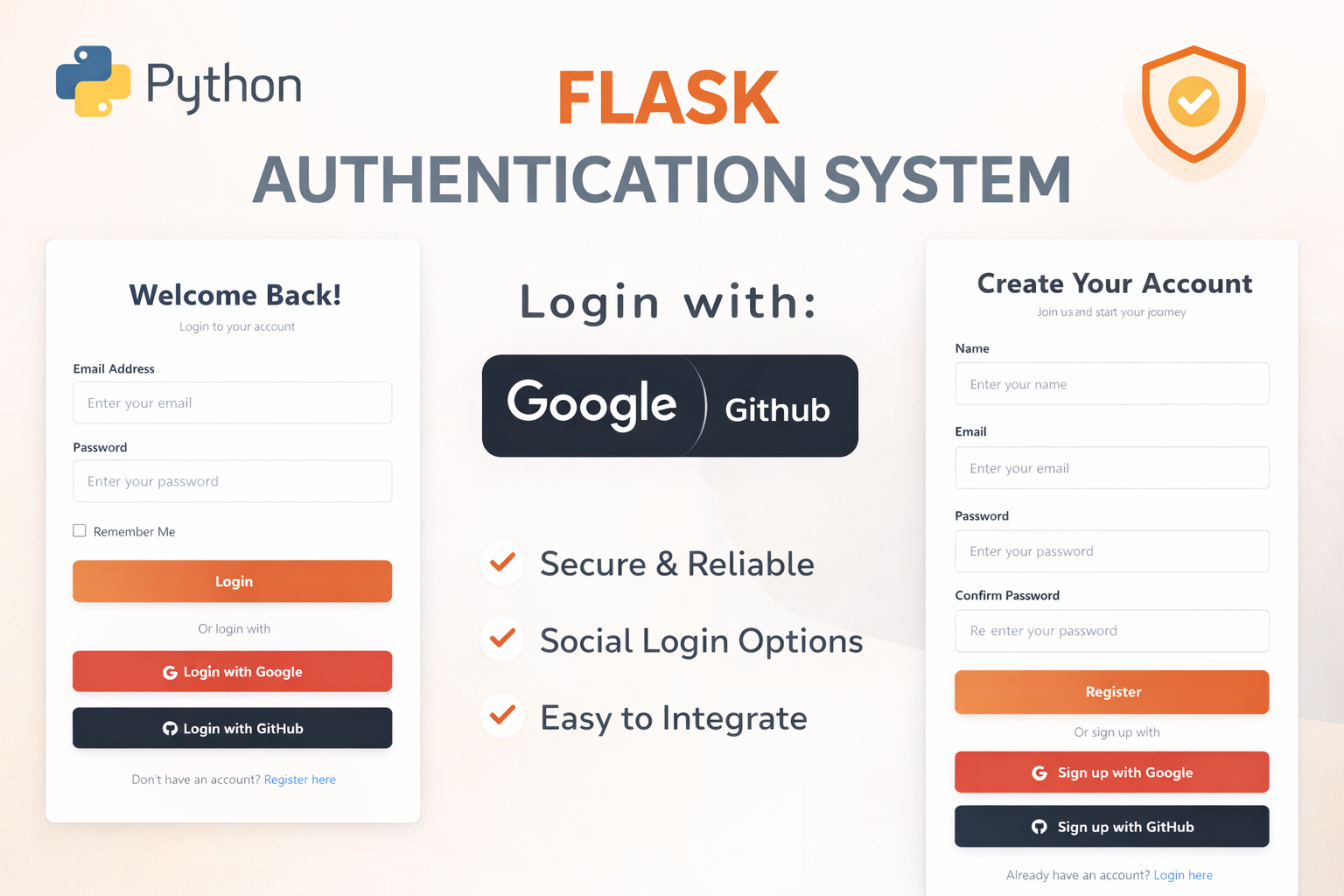
Flask Authentication System (Free Version) - Kritim Yantra
🛠 Features✔ Google & GitHub Authentication✔ User Registration & Login✔ Profile/Dashboard Access✔ Secure & Mi...
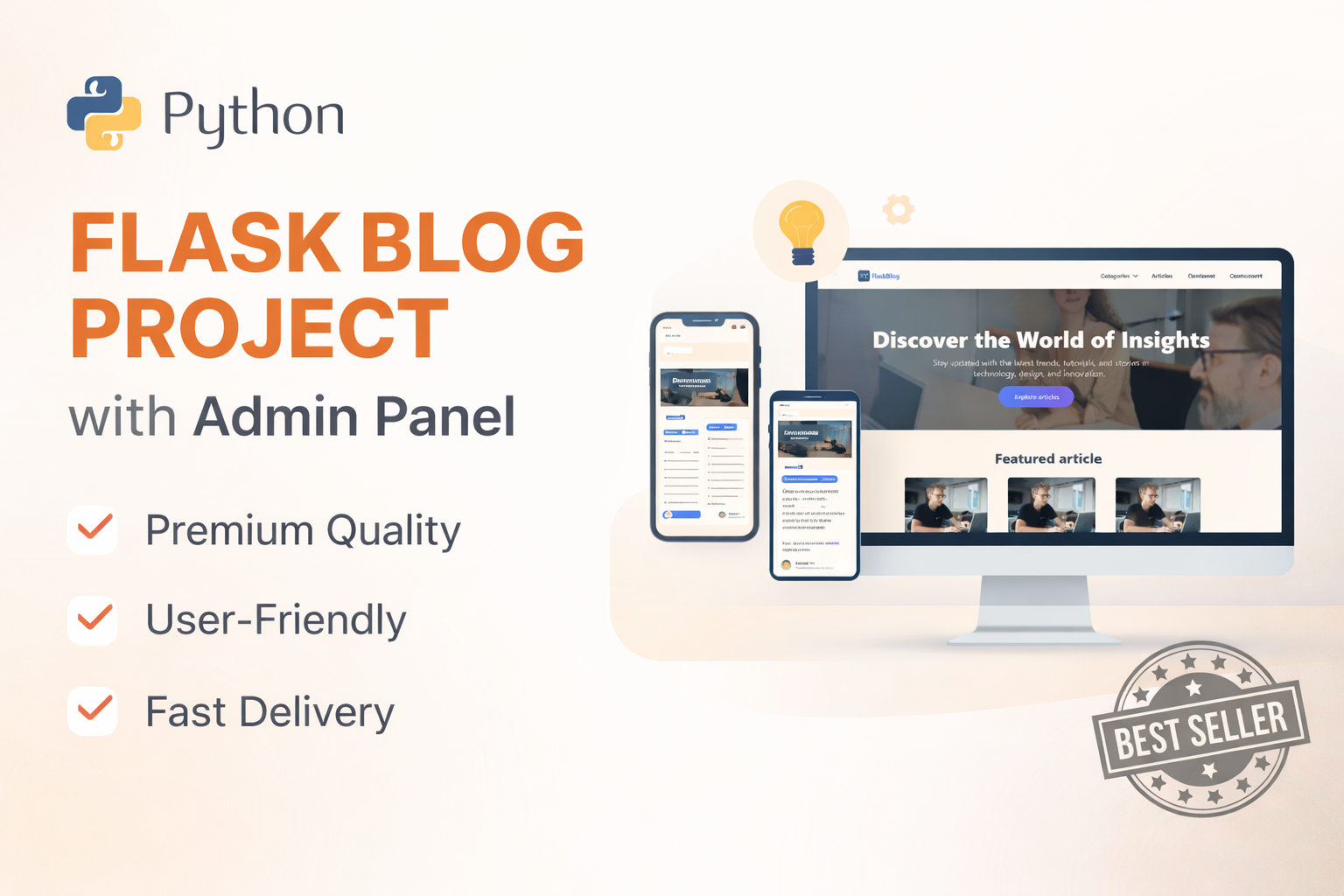
Flask Blog CMS with Admin Dashboard — Python Source Code
A Flask-based blogging website with a built-in admin dashboard. Manage articles, images, categories, tags and featured p...
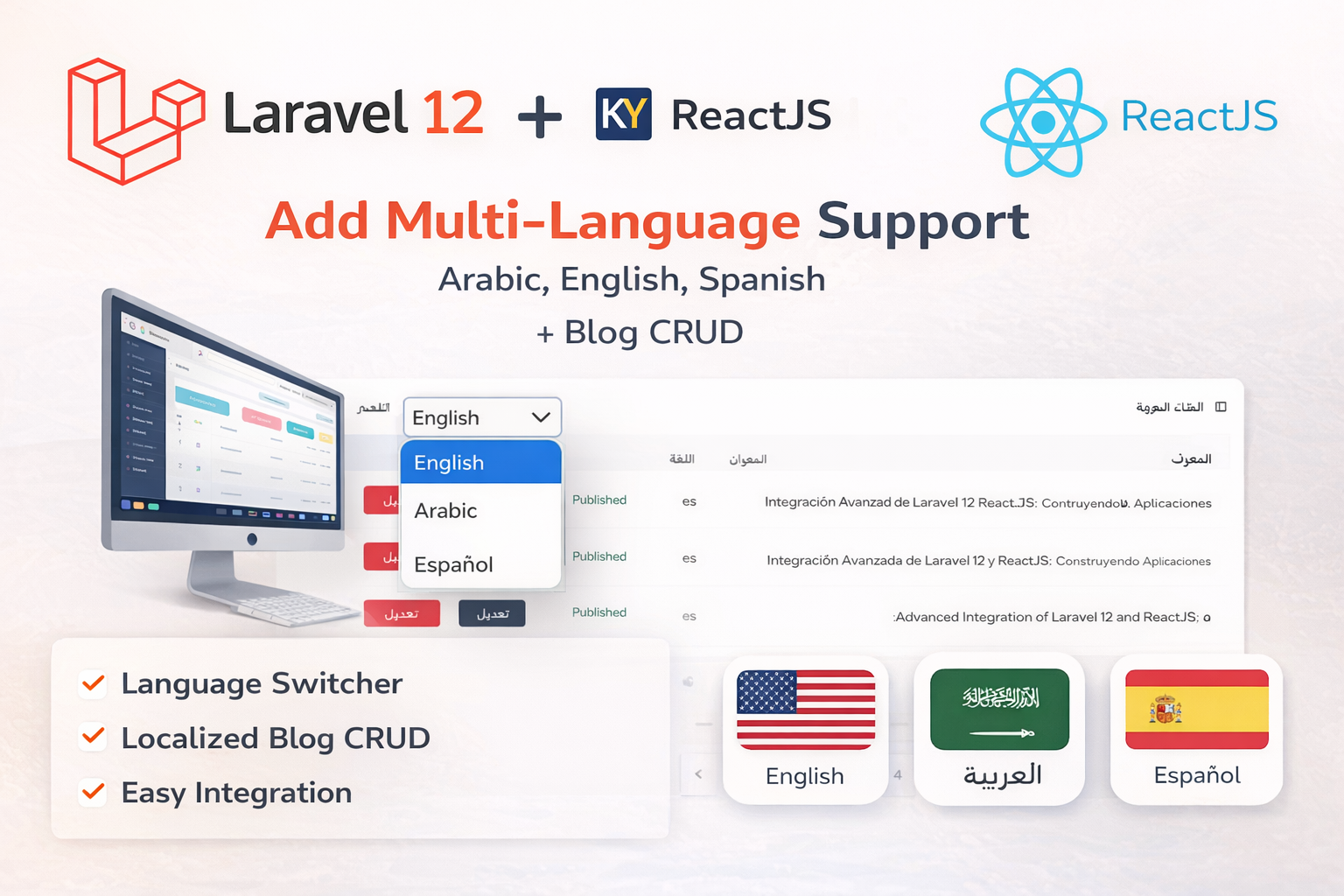
Laravel 12 + ReactJS Starter Kit: Add Multi-Language Support (Arabic, English, Spanish) with Blog CRUD
🚀 Installation & Setup Download & Extract Get the ZIP from kritimyantra.com and extract it. Includes preconfigu...
Comments
No comments yet. Be the first to comment.
Sign in to join the discussion.