Multi-Tenant SaaS Starter Kit vs Custom Build: Decision Guide

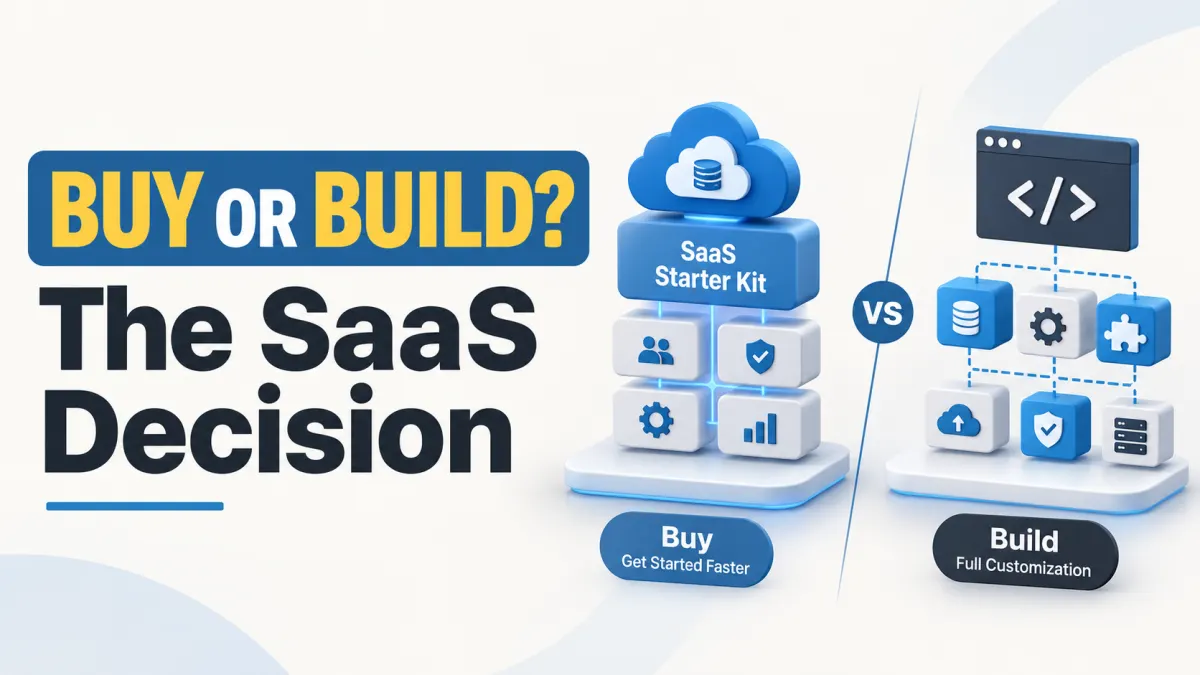
A fast launch can become an expensive rebuild if you buy the wrong architecture.
Imagine spending several weeks customizing a SaaS starter kit, only to discover that its database structure cannot support a requirement your first enterprise customer considers essential.
Or consider the opposite situation: you spend months developing authentication, team management, user permissions and subscription logic from scratch, even though an existing starter kit could have provided much of that foundation.
Both situations create avoidable costs.
The important question is not simply whether buying source code is cheaper than hiring developers. It is whether the architecture, ownership terms and maintenance requirements of your chosen approach fit the SaaS product you intend to build.
A multi-tenant SaaS application allows multiple customers, usually called tenants, to use the same software while keeping their data and access appropriately separated. A tenant might represent a company, organization or workspace.
A SaaS starter kit is a reusable application foundation containing some of the functionality commonly required by subscription-based software. Depending on the product, this may include authentication, workspace management, access control or administration features.
Building from scratch means developing and integrating those foundations specifically for your application, rather than starting from a commercial SaaS-specific codebase. You can still use open-source frameworks, libraries and other development tools.
For founders comparing a multi tenant SaaS starter kit vs custom build, the best decision depends on six factors:
How quickly the product needs to launch.
Whether the starter kit covers the MVP's essential requirements.
How tenant isolation is implemented.
Whether the development team understands the technology.
What rights the buyer receives over the source code.
How much customization and maintenance will be required after launch.
This guide explains how to evaluate those factors, estimate development effort and make a purchasing decision without relying on marketing promises.
Define MVP requirements
Before choosing a starter kit or commissioning custom development, define what the minimum viable product actually needs to accomplish.
An MVP (minimum viable product) is the smallest usable version of a product that can test its core value with real users.
For a SaaS business, an MVP is not simply a dashboard with working login and registration pages.
It must deliver the main service customers are expected to use.
For example, a project-management SaaS could have authentication, team invitations and attractive dashboards while still lacking the task-management functionality customers are paying for.
That application may have a technical foundation, but it does not yet deliver the intended product.
Separate reusable features from your product's unique value
Most SaaS applications contain two types of functionality.
Platform functionality supports the application itself. Examples include user registration, tenant onboarding, team permissions, account settings and subscription administration.
Business-specific functionality delivers the service customers actually need. For an inventory SaaS, that might mean stock movements, warehouse reconciliation and purchase-order processing.
A starter kit is most useful when it provides platform functionality that your application would otherwise need to develop.
It is less useful when the majority of its code must be replaced to support your business model.
Original asset: Sample SaaS requirements brief
The following is a fictional example, not an actual client project.
Hypothetical product: TaskHarbor
TaskHarbor is a proposed subscription-based project-management application for small agencies.
Its founder wants to test the product with five pilot organizations. Each organization needs a workspace where employees can manage projects and tasks without accessing another organization's information.
The founder has an eight-week target for a pilot release and access to two developers familiar with Laravel and Vue.
| Requirement | MVP acceptance criteria | Priority |
|---|---|---|
| User accounts | Users can register, sign in and recover account access | Must-have |
| Workspace management | Each organization can create and manage a workspace | Must-have |
| Tenant isolation | Users cannot access another organization's private projects | Must-have |
| Team permissions | Owners can invite members and control defined actions | Must-have |
| Project and task management | Users can create, assign and update tasks | Must-have |
| Subscription billing | Required before charging customers; payment provider selected separately | Launch-dependent |
| Email notifications | Members receive essential invitations and alerts | Must-have |
| Custom branding | Organizations can customize their workspace appearance | Later |
| Enterprise SSO | Support organization-managed identity providers | Later |
| Dedicated databases | Consider if customer, security or contractual requirements demand them | Architecture decision |
The requirements brief exposes an important distinction.
Authentication, workspaces and permissions are reusable foundation features. Task management is the product's core value.
If a starter kit already provides the first group, developers may be able to concentrate on building and validating the second.
However, the tenancy architecture must still be suitable.
If TaskHarbor eventually needs dedicated databases for specific customers, the founder should investigate that requirement before buying a shared-database starter.
Five steps to evaluate MVP compatibility
Define the primary customer workflow. Describe what a customer must be able to accomplish from registration to receiving value.
Identify non-negotiable requirements. Separate security, compliance, tenancy and payment requirements from features that can be added later.
Map each requirement to the starter kit. Mark it as included, partially included, requiring development or unsupported.
Estimate the work behind each gap. A missing report screen is different from a missing tenant-isolation strategy.
Request a technical review. Have a developer inspect the available documentation, architecture description, code where accessible and dependencies before committing.
When does a starter kit make sense?
A starter kit is often a good choice when the MVP follows a familiar SaaS structure, the development team understands the supplied framework, and the core functionality can be added without replacing important architectural components.
Building from scratch becomes more attractive when the application's essential workflow requires unusual data relationships, specialized infrastructure or access-control requirements that a starter kit does not accommodate.
The objective is not to purchase the largest feature list.
It is to choose the foundation that requires the least unnecessary work without compromising essential requirements.
Compare ownership and risk
Buying source code and owning the intellectual property in that code are not necessarily the same thing.
This distinction matters when building a commercial SaaS product.
What does source-code ownership actually mean?
When a starter kit provides editable source code, developers can generally inspect and modify the files subject to the applicable licence.
However, access to source code does not automatically provide copyright ownership or unrestricted redistribution rights.
A commercial source-code licence may allow a buyer to build and operate an application while restricting resale of the underlying starter kit.
For example, the current TenantForge product listing describes a non-exclusive commercial licence for one end product, including a hosted multi-tenant SaaS application.
The listing states that modification for the licensed product is permitted, while redistribution, resale, sublicensing and publication of the original starter kit are prohibited. It also explains that purchasing the code does not automatically transfer copyright.
These are descriptions of the published listing, not an independent legal assessment. Buyers should review the commercial licence included with the relevant release, applicable website terms and third-party component licences.
Now compare that with custom development.
If you hire a developer or agency to build your application, the ownership position depends on the development agreement and applicable law.
Paying for development does not, by itself, establish that every intellectual-property right has transferred to the customer.
A suitable contract should clarify ownership, use of third-party code, repository access, handover requirements and ongoing maintenance responsibilities.
Compare the practical risks
| Consideration | Commercial starter kit | Custom development |
|---|---|---|
| Initial development | Existing functionality may reduce setup work | More foundation work may be required |
| Source-code control | Determined by code access and licence terms | Determined by contracts and included dependencies |
| Architecture | Existing design may limit certain changes | Can be designed around documented requirements |
| Security | Existing controls still require independent verification | Controls must be designed, implemented and tested |
| Team knowledge | Developers must learn the supplied codebase | Developers may understand code they created, but documentation is still necessary |
| Maintenance | Buyer must account for upstream and custom changes | Buyer must maintain custom code and dependencies |
| Vendor dependence | May involve reliance on the original supplier | May involve reliance on the development team |
Neither model eliminates technical risk.
A purchased kit may contain assumptions that are difficult to change. A custom application may contain defects, undocumented decisions or dependencies on a particular developer.
Check what you will actually receive
Before purchasing source code, establish whether the package includes the application source, dependency manifests, database migrations, setup instructions, necessary configuration examples and relevant tests.
Also check whether any component depends on an external service and whether the licence permits your intended commercial deployment.
For a custom development project, request access to the source repository, deployment documentation, configuration inventory, database migration history, testing instructions and a clear handover process.
Do not confuse receiving a ZIP file with receiving a maintainable application.
Account for team skill
A Laravel starter kit has limited practical value if the team cannot safely modify Laravel applications.
Similarly, a fully custom solution may become difficult to operate when the developer who created it is no longer available.
Evaluate whether your team can:
Understand the application structure and database models.
Modify authentication and authorization safely.
Build business-specific features.
Diagnose production errors.
Manage deployments and dependencies.
Write and maintain automated tests.
The most useful foundation is one your team can understand, extend and operate.
Check tenancy architecture
Tenant isolation is one of the most important architectural considerations in a SaaS application.
It determines how customer data is separated and affects how developers implement queries, permissions, file access, background jobs and future integrations.
A tenant might be an entire company with many employees. Those employees may share data inside their own organization, but should not gain unauthorized access to another organization's private information.
Authentication confirms who a user is.
Authorization determines what the user can do.
Tenant isolation ensures that access remains within the correct customer boundary.
These responsibilities overlap, but they are not interchangeable.
Understand the common tenancy models
1. Shared database with tenant-scoped data
Multiple organizations use the same database, with tenant identifiers and application controls separating tenant-owned records.
For example, a projects table might contain a tenant_id field.
A developer must ensure that operations retrieve and modify records only within the appropriate tenant context.
This approach can simplify centralized deployments and reduce some infrastructure overhead.
However, every relevant query and access path must enforce the correct boundary. Shared storage also means developers must consider tenant-aware caching, exports, search indexes, file storage and background processing.
2. Separate database per tenant
Each customer has a separate database, while application components may remain shared.
This can provide stronger database-level separation and support certain tenant-specific operational requirements.
The tradeoff is additional complexity around provisioning, migrations, backups, monitoring and database connection management.
Separate databases do not eliminate application-level authorization or security responsibilities.
3. Hybrid tenancy
Some applications combine shared infrastructure with selected isolated components or dedicated resources for particular customer groups.
A hybrid approach can accommodate varying customer requirements, but it introduces additional operational and architectural complexity.
AWS discusses pooled, siloed and hybrid isolation approaches in its SaaS Tenant Isolation Strategies guidance.
The appropriate model depends on customer needs, infrastructure design, operational capacity and applicable security requirements.
Why tenancy affects future development
Consider another hypothetical scenario.
An agency management SaaS launches with a shared database. After gaining customers, the company wants to provide a dedicated database option for selected enterprise organizations.
That change could require developers to redesign tenant provisioning, move existing data, adjust queries and connections, update backup procedures and revise operational monitoring.
If the original application assumes every tenant uses one shared database, supporting another model may require substantial architectural changes.
The lesson is not that shared databases are inherently unsuitable.
It is that the original tenancy model should support the product's foreseeable requirements.
What tenancy model does TenantForge use?
According to its current product listing, TenantForge uses a shared-database, multi-tenant architecture with tenant-scoped application resources.
The listing describes workspace creation, workspace switching, team permissions, tenant-scoped operations and an example Projects module.
It also identifies Laravel 13, Vue 3, TypeScript, Inertia.js, MySQL and Docker-related tooling within the technology stack.
That makes TenantForge worth evaluating for a product whose requirements fit a shared-database workspace architecture.
It does not establish that the product supports a database-per-tenant deployment model, nor does a feature list prove that every access path has passed an independent isolation audit.
Buyers who require database-per-tenant isolation should confirm how that architecture would be implemented before purchase.
For a broader technical introduction, see KritiMyantra's Laravel 13 Multi-Tenant SaaS with Vue 3 tutorial.
Readers exploring other tenancy patterns can also review Multi-Tenant Laravel Apps with Tenancy for Laravel. That article discusses a separate implementation approach, not a claim about TenantForge's internal package usage.
Test isolation before launch
Whether using a starter kit or custom development, test tenant boundaries with at least two separate organizations.
A practical review should cover these scenarios:
| Test scenario | Expected behavior |
|---|---|
| A user requests another tenant's record ID | Unauthorized access is denied |
| A member switches workspaces | Data and permissions reflect the selected workspace |
| A background job processes tenant data | The job operates only within its intended tenant context |
| A user accesses a file URL | Private files remain protected by the correct authorization rules |
| An API token accesses another tenant's resource | The request cannot bypass tenant restrictions |
| A report or export runs | Results contain only the permitted tenant's data |
| A user loses team membership | Access is revoked as intended |
These are example acceptance tests, not evidence that any particular product has passed them.
Laravel 13 documents gates and policies for application authorization, and its testing tools support automated feature tests. Neither removes the need to design and verify tenant-specific controls.
For products handling sensitive customer information, an appropriate security review should form part of the launch process.
Calculate long-term work
The purchase price of a SaaS starter kit is only one part of the development cost.
Likewise, a custom-development quotation may cover initial implementation without including hosting, deployment support, maintenance or future feature requests.
Compare both options over a defined period.
A practical starting point is the first 12 months of development and operation.
Work that remains after buying a starter kit
Depending on the included functionality and the intended product, buyers may still need to:
Install dependencies and configure the development environment.
Review the architecture, existing code and security controls.
Configure databases, environment variables, storage and email delivery.
Build the application's business-specific features.
Integrate external services, including payment processing where required.
Implement required branding, workflows, reporting and interfaces.
Test permissions, tenant isolation, integrations and critical journeys.
Configure production hosting, domains, HTTPS, backups and monitoring.
Deploy the application and prepare rollback and recovery procedures.
Maintain dependencies, address defects and release future improvements.
A starter kit may reduce the amount of foundation work, but it does not automatically complete these tasks.
Laravel's official deployment documentation describes relevant production configuration requirements. Laravel 13 requires PHP 8.3 or later; individual projects may impose additional runtime and dependency requirements.
A specific TenantForge consideration
TenantForge's listing describes application-level subscription plans, trial periods, usage limits and subscription status management.
However, payment gateway processing is not included.
A business that wants to collect subscription payments must implement its chosen payment provider, billing workflows and relevant webhook handling.
The listing also states that managed hosting, production infrastructure, deployment and ongoing maintenance are not included with the source-code purchase. Installation, customization and maintenance assistance can be discussed separately.
This distinction matters because a working plan-management interface does not automatically mean the application can collect payments and operate as a complete SaaS business.
Hypothetical first-year cost comparison
Consider a fictional founder developing TaskHarbor.
Assume:
The same business-specific features are required under both approaches.
All engineering work is valued at an illustrative $50 per hour.
The starter kit has a hypothetical $200 acquisition cost.
Both routes include integration, testing and deployment work.
Hosting, taxes, legal fees, paid APIs and other third-party charges are excluded.
These figures are invented solely to demonstrate the calculation. They are not KritiMyantra prices, measured development estimates or predictions.
| Work category | Starter-kit route | Custom-build route |
|---|---|---|
| Starter acquisition | $200 | $0 |
| Foundation assessment or development | 24 hours | 170 hours |
| Business-specific features | 100 hours | 100 hours |
| Third-party integrations | 35 hours | 35 hours |
| Testing and deployment | 45 hours | 45 hours |
| First-year maintenance | 80 hours | 80 hours |
| Total engineering hours | 284 | 430 |
| Engineering cost at $50/hour | $14,200 | $21,500 |
| Illustrative first-year total | $14,400 | $21,500 |
Under these specific assumptions, the starter-kit route costs $7,100 less during the first year.
But change one assumption and the decision can change.
If the starter kit requires an additional 150 hours of architectural rework, that introduces another $7,500 in engineering costs.
The apparent saving disappears.
This is why assessing architectural compatibility before purchase is more useful than comparing licence fees alone.
Calculate your own total cost of ownership
Use the following formula:
First-year cost = acquisition + initial engineering + customization + integrations + testing + deployment + 12 months of operational and maintenance costs
Include infrastructure, third-party services and applicable support fees in the operational component.
For an accurate comparison, request estimates for the same feature scope and acceptance criteria under both approaches.
Also ask developers to identify assumptions, uncertainty and work that is excluded.
Think beyond the first release
A SaaS product continues changing after launch.
New customers may request additional reports, integrations, permissions or data-management features.
Framework and dependency updates must be reviewed. Infrastructure needs monitoring. Security issues and defects need attention.
The maintainability of the codebase becomes important long after the initial purchase or development invoice has been paid.
When evaluating a starter kit, investigate how easily its existing features can be extended without modifying many tightly connected components.
When evaluating custom development, ask whether the proposed architecture is proportional to the MVP instead of becoming unnecessarily complex.
A smaller, well-understood application may be more maintainable than a highly elaborate system that the team cannot operate.
Decision matrix
A useful decision should combine architectural requirements with delivery constraints.
The following original weighted scoring model provides a structured starting point.
It is not a mathematical proof that one development approach is better. Its purpose is to make the assumptions behind a decision visible.
Step 1: Apply the non-negotiable requirements
Before scoring, reject or investigate any option that cannot meet a mandatory requirement.
Examples include an incompatible tenancy model, licensing restrictions that prevent intended use, an unsupported hosting environment or a security requirement the implementation cannot satisfy.
A high overall score should never override a critical architectural or contractual blocker.
Step 2: Score both options
Give each option a score from 1 to 5 for every criterion.
1 = Poor fit; 3 = Acceptable with tradeoffs; 5 = Strong fit.
Calculate weighted points using:
Weighted points = (score ÷ 5) × criterion weight
Original weighted buyer decision matrix
This worked example applies to the fictional TaskHarbor MVP, assuming its shared-database architecture is acceptable and its developers are familiar with Laravel and Vue.
| Decision criterion | Weight | Starter kit score | Custom build score | Starter kit points | Custom build points |
|---|---|---|---|---|---|
| MVP feature fit | 25% | 5 | 4 | 25 | 20 |
| Tenant architecture fit | 25% | 4 | 4 | 20 | 20 |
| Time-to-market fit | 15% | 5 | 2 | 15 | 6 |
| Customization flexibility | 10% | 3 | 5 | 6 | 10 |
| Ownership and licence fit | 10% | 4 | 5 | 8 | 10 |
| Team skill fit | 10% | 5 | 3 | 10 | 6 |
| Maintenance readiness | 5% | 3 | 3 | 3 | 3 |
| Total | 100% | 87/100 | 75/100 |
All scores and weights are illustrative judgments for the fictional project, not independently tested product ratings.
Under these assumptions, buying a suitable starter kit and extending it is the better match.
The starter kit earns higher scores for time-to-market and team familiarity. Custom development offers greater potential flexibility and ownership control, assuming suitable contracts and implementation.
Now change the project.
Suppose TaskHarbor signs a customer whose mandatory architecture requires a separate database for each tenant.
If the proposed starter kit supports only shared-database tenancy and adapting it would require major reconstruction, it fails an important acceptance requirement.
Custom development, or an alternative foundation designed for that requirement, becomes the more sensible route regardless of the earlier score.
The decision matrix must reflect actual requirements rather than encouraging a predetermined result.
Step 3: Choose the appropriate development route
| Situation | More suitable route | Reason |
|---|---|---|
| Standard workspace-based MVP with compatible architecture | Buy and customize | Avoid recreating reusable foundation features |
| Unique application architecture or mandatory unsupported tenancy model | Build from scratch | Design core systems around required constraints |
| Starter kit covers most needs but requires integrations and product-specific features | Buy and hire a developer | Combine existing code with targeted expertise |
| Requirements are incomplete or the team cannot evaluate the architecture | Conduct discovery first | Reduce the risk of committing to unsuitable technology |
| Highly specialized customer, deployment or operational requirements | Custom build or specialized foundation | Architecture and compliance fit may outweigh initial speed |
A practical buying checklist
Before choosing a SaaS starter kit, answer the following questions:
Does the tenancy model match your current and foreseeable customer requirements?
Which MVP features work as supplied, and which require development?
Can your team understand and extend the source code?
Does the licence permit the intended product, deployment and commercial use?
Are the source files, documentation, migrations and tests available as described?
Are payment processing, email delivery, hosting and other integrations included or separate?
What does production deployment require?
Who will maintain the application and manage dependency updates?
Have you budgeted for security testing, monitoring and backup recovery?
Would building the missing features cost less than replacing the starter's architecture?
If several answers remain unclear, investigate them before making the purchase.
FAQ: Should I buy a SaaS starter kit or hire a developer?
You can do both.
Buying a starter kit makes sense when its architecture and existing features fit your product, and you have the skills needed to extend it safely.
Hiring a developer is preferable when you need technical discovery, a custom architecture, complex integrations or help implementing and maintaining the application.
For a non-technical founder, purchasing source code without a developer or technical partner may leave a substantial amount of work unfinished.
A practical middle option is to purchase a suitable starter kit and hire an experienced developer to review its architecture, implement the business-specific functionality and manage deployment.
This may reduce the need to recreate common platform features while retaining access to professional development support.
However, where the starter kit conflicts with core requirements, custom development may be the more economical choice over the product's lifetime.
Final recommendation: Buy the right foundation, not simply the fastest one
A SaaS starter kit is not automatically a complete SaaS business.
It does not validate customer demand, define your pricing strategy, deliver all the product-specific features or guarantee secure and reliable production operation.
Those responsibilities remain with the founder and development team.
The strongest reason to purchase a starter kit is that it already provides a substantial amount of compatible, maintainable functionality.
The strongest reason to build from scratch is that your product has essential requirements that justify a purpose-built foundation.
Before deciding, document your MVP, examine the tenancy architecture, understand the source-code rights, assess your team's capability and calculate the work that remains.
KritiMyantra's TenantForge is one option for developers evaluating a Laravel-based, shared-database multi-tenant SaaS foundation. Review its current listing, documentation and licence terms against your requirements rather than assuming every feature or service is included.
Explore relevant source code and see the exact features before you buy
Projects to explore next
Source-code projects from the KritiMyantra catalogue. Check each project's details before buying.
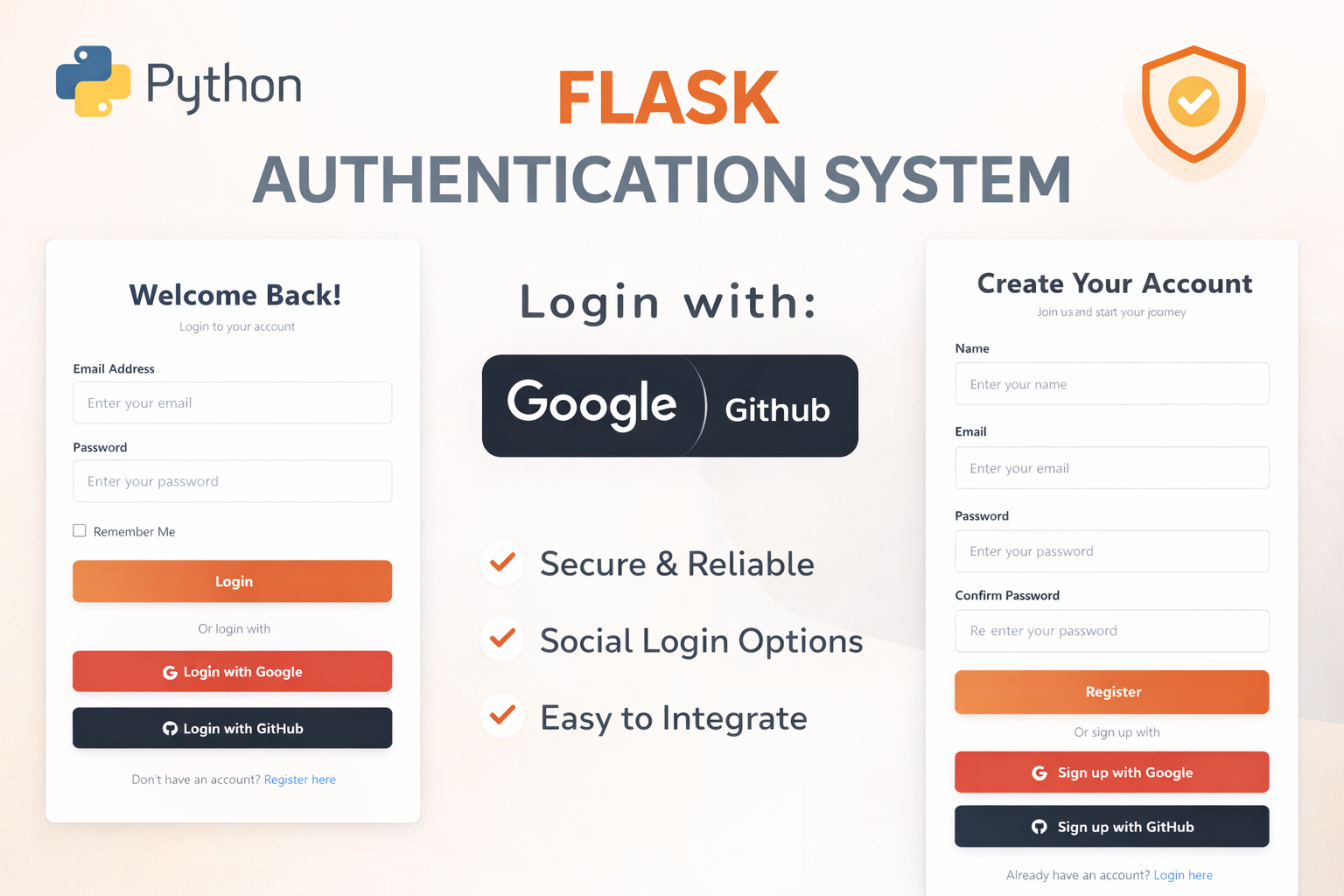
Flask Authentication System (Free Version) - Kritim Yantra
🛠 Features✔ Google & GitHub Authentication✔ User Registration & Login✔ Profile/Dashboard Access✔ Secure & Mi...
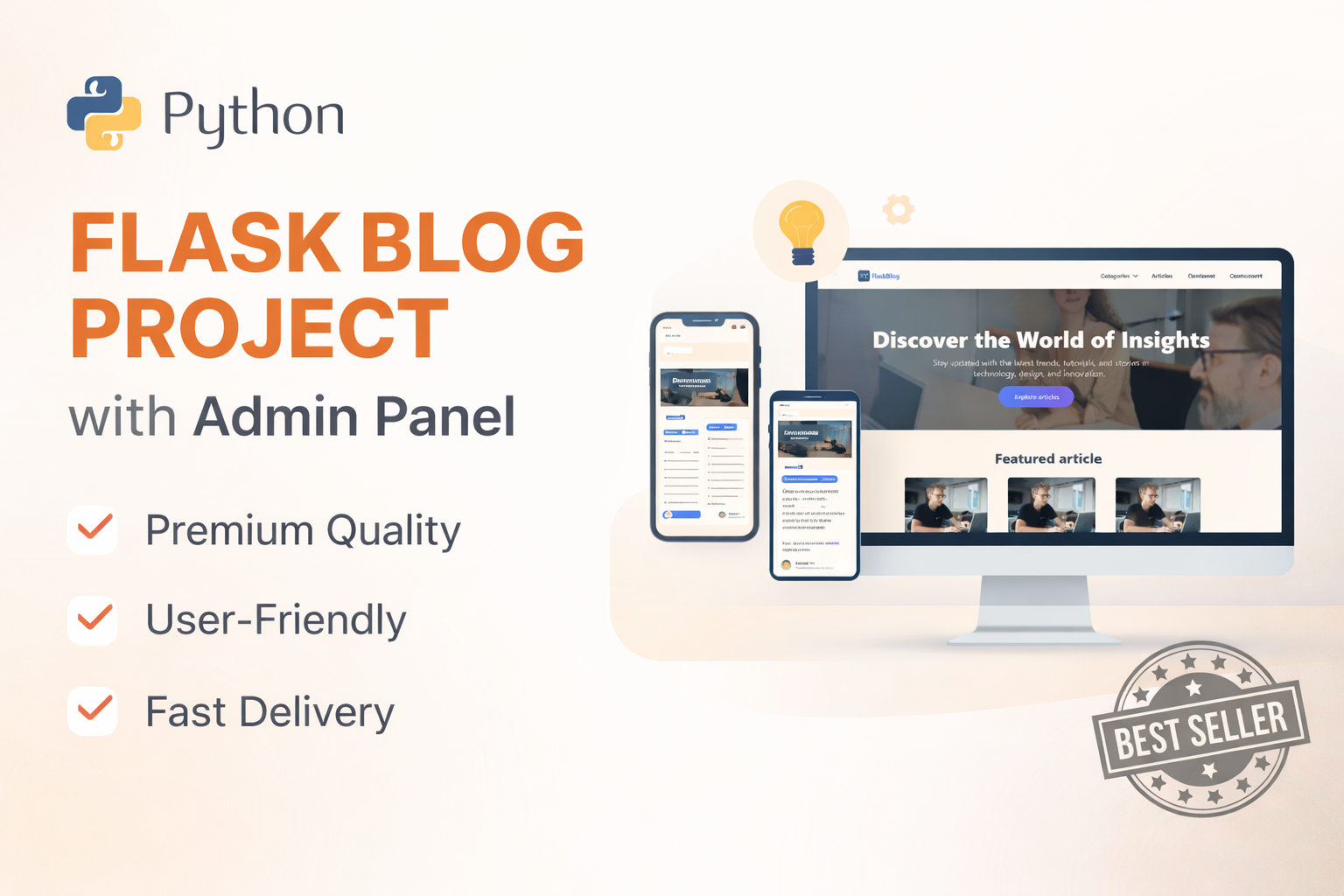
Flask Blog CMS with Admin Dashboard — Python Source Code
A Flask-based blogging website with a built-in admin dashboard. Manage articles, images, categories, tags and featured p...
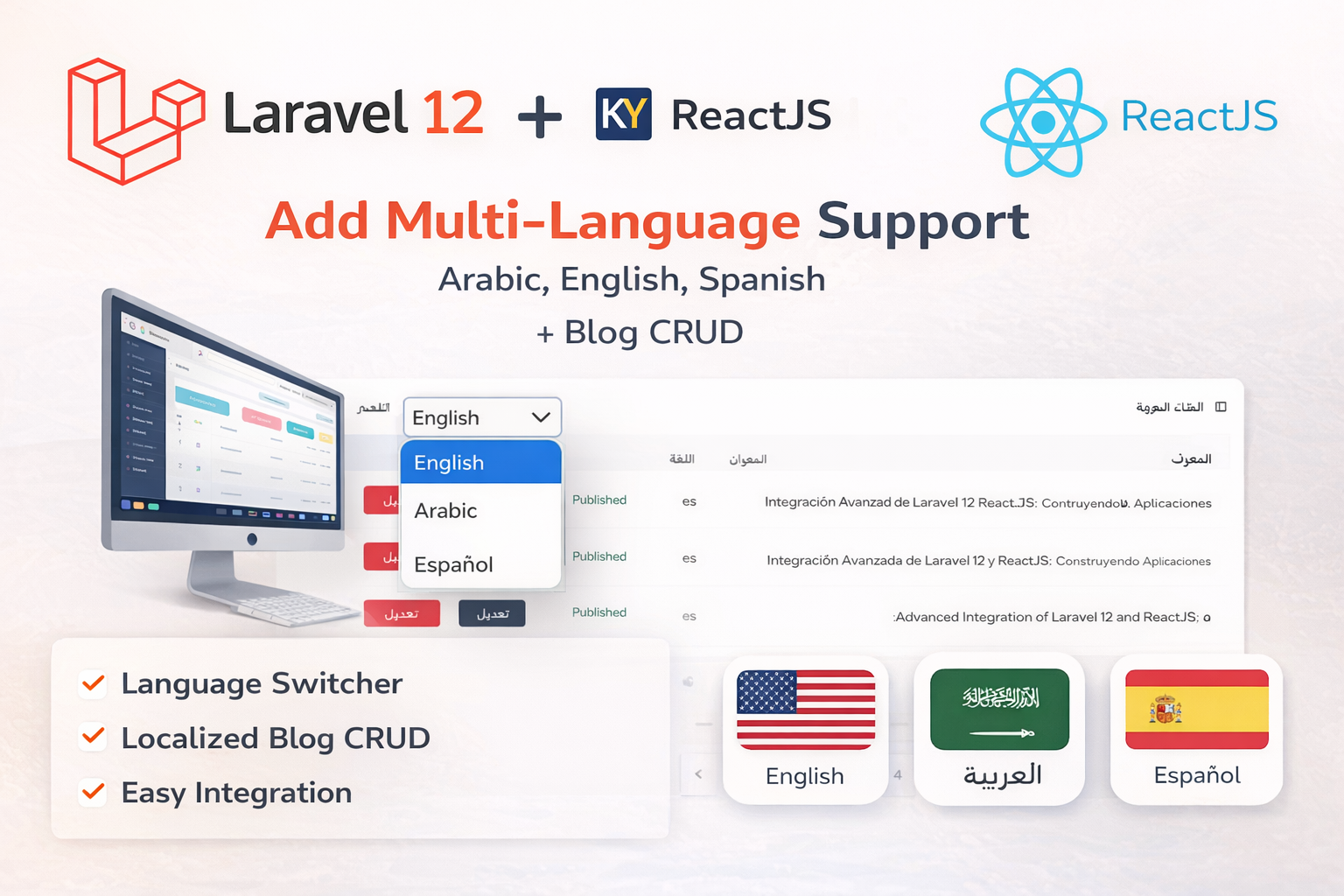
Laravel 12 + ReactJS Starter Kit: Add Multi-Language Support (Arabic, English, Spanish) with Blog CRUD
🚀 Installation & Setup Download & Extract Get the ZIP from kritimyantra.com and extract it. Includes preconfigu...
Laravel vs. Node.js in 2027: Which Would I Choose to Build an AI SaaS?
Imagine you're building an AI SaaS application that lets customers upload documents, ask questions, generate reports, and pay for month...
Online Appointment Booking Systems for Small Businesses: A 2027 Guide
For a salon, tutor, consultant, wellness studio or repair business, an empty appointment slot is more than a gap on the calendar. It ca...
How to Maintain an AI-Generated Website: Complete Guide
AI coding tools have changed the way websites and web applications are developed. Tools like ChatGPT, Claude, Cursor, and GitHub Copilo...
Comments
No comments yet. Be the first to comment.
Sign in to join the discussion.