
Symfony for Laravel Developers: A Comprehensive Guide

Welcome to Symfony! As a Laravel developer, you'll find many familiar concepts in Symfony, though with some important differences in implementation and philosophy. This guide will take you through all the major Symfony topics while highlighting the key differences from Laravel.
Table of Contents
- Fundamentals
- Project Structure
- Bundles vs Packages
- Dependency Injection
- Routing
- Controllers
- Templating
- Forms
- Database & Doctrine ORM
- Security
- Console Commands
- Testing
- Caching
- API Development
- Performance
- Deployment
- Advanced Topics
Fundamentals
Symfony vs Laravel Architecture
- Symfony is more modular and flexible than Laravel. It's actually a set of decoupled components that can be used independently.
- Symfony follows the HTTP Kernel pattern strictly, while Laravel has a more fluid architecture.
- Symfony uses more explicit configuration, while Laravel favors conventions.
Installation
# Create new Symfony project (like Laravel's `new` command)
composer create-project symfony/skeleton my_project
cd my_project

# For web project with extra common packages (like Laravel's full install)
composer require webapp
Development Server
# Symfony CLI server (like Laravel's serve)
symfony server:start
or
php -S localhost:9000 -t public
Project Structure
Key differences from Laravel:
my_project/
├─ bin/                # Console executables (like Laravel's artisan)
├─ config/             # Configuration files (like Laravel but more extensive)
├─ public/             # Web root (same as Laravel)
├─ src/                # Your PHP code (like app/ in Laravel)
│  ├─ Controller/      # Controllers
│  ├─ Entity/          # Doctrine entities (like Eloquent models)
│  ├─ Form/            # Form classes
│  ├─ Repository/      # Doctrine repositories
│  └─ Kernel.php      # Similar to Laravel's HTTP kernel
├─ templates/          # Twig templates (like resources/views)
├─ translations/       # Translation files
├─ var/                # Cache, logs (like storage/ in Laravel)
└─ vendor/             # Composer dependencies
Bundles vs Packages
- Bundles are Symfony's equivalent of Laravel packages
- They are similar but Symfony bundles are more integrated with the framework
# Installing a bundle (like Laravel package)
composer require symfony/maker-bundle --dev
Dependency Injection
Symfony's DI is more explicit and powerful than Laravel's:
// src/Service/MyService.php
namespace App\Service;

class MyService
{
    public function doSomething(): string
    {
        return 'Done!';
    }
}
# config/services.yaml
services:
    App\Service\MyService: ~
// In a controller
use App\Service\MyService;

public function index(MyService $myService)
{
    $result = $myService->doSomething();
    // ...
}
Routing
YAML Configuration (recommended)
# config/routes.yaml
about:
    path: /about
    controller: App\Controller\AboutController::index
Annotation/Attributes (like Laravel)
use Symfony\Component\Routing\Annotation\Route;

#[Route('/about', name: 'about')]
public function index(): Response
{
    // ...
}
Generating URLs
// In controller
$this->generateUrl('about');

// In Twig
{{ path('about') }}
Controllers
Symfony controllers are similar but more flexible:
use Symfony\Bundle\FrameworkBundle\Controller\AbstractController;
use Symfony\Component\HttpFoundation\Response;

class AboutController extends AbstractController
{
    public function index(): Response
    {
        return $this->render('about/index.html.twig', [
            'message' => 'Hello from Symfony!'
        ]);
    }
}
Key differences:
- Response objects are used more explicitly
- No magic helper functions like in Laravel
- More dependency injection
Templating
Symfony uses Twig by default (like Laravel but with some syntax differences):
{# templates/about/index.html.twig #}
{% extends 'base.html.twig' %}

{% block title %}About Us{% endblock %}

{% block body %}
    <h1>{{ message }}</h1>

    {# Unlike Laravel's @include #}
    {% include 'partials/_footer.html.twig' %}
{% endblock %}
Forms
Symfony's form component is more powerful than Laravel's:
// src/Form/PostType.php
use Symfony\Component\Form\AbstractType;
use Symfony\Component\Form\FormBuilderInterface;
use Symfony\Component\Form\Extension\Core\Type\TextType;
use Symfony\Component\Form\Extension\Core\Type\SubmitType;

class PostType extends AbstractType
{
    public function buildForm(FormBuilderInterface $builder, array $options)
    {
        $builder
            ->add('title', TextType::class)
            ->add('save', SubmitType::class, ['label' => 'Create Post']);
    }
}
// In controller
use App\Form\PostType;
use Symfony\Component\HttpFoundation\Request;

public function new(Request $request)
{
    $form = $this->createForm(PostType::class);

    $form->handleRequest($request);
    if ($form->isSubmitted() && $form->isValid()) {
        $data = $form->getData();
        // Process data
    }

    return $this->render('post/new.html.twig', [
        'form' => $form->createView()
    ]);
}
{# In template #}
{{ form_start(form) }}
{{ form_widget(form) }}
{{ form_end(form) }}
Database & Doctrine ORM
Symfony uses Doctrine ORM instead of Eloquent:
Entity (Model)
// src/Entity/Post.php
use Doctrine\ORM\Mapping as ORM;

#[ORM\Entity(repositoryClass: PostRepository::class)]
class Post
{
    #[ORM\Id]
    #[ORM\GeneratedValue]
    #[ORM\Column(type: 'integer')]
    private $id;

    #[ORM\Column(type: 'string', length: 255)]
    private $title;

    // Getters and setters...
}
Repository
// src/Repository/PostRepository.php
use Doctrine\Bundle\DoctrineBundle\Repository\ServiceEntityRepository;
use Doctrine\Persistence\ManagerRegistry;

class PostRepository extends ServiceEntityRepository
{
    public function __construct(ManagerRegistry $registry)
    {
        parent::__construct($registry, Post::class);
    }

    public function findRecentPosts(int $max = 10): array
    {
        return $this->createQueryBuilder('p')
            ->orderBy('p.createdAt', 'DESC')
            ->setMaxResults($max)
            ->getQuery()
            ->getResult();
    }
}
Using in Controller
public function index(PostRepository $postRepository): Response
{
    $posts = $postRepository->findRecentPosts();

    return $this->render('post/index.html.twig', [
        'posts' => $posts
    ]);
}
Migrations
# Create migration (like Laravel migrations)
php bin/console make:migration
php bin/console doctrine:migrations:migrate
Security
Symfony's security is more complex but more flexible:
# config/packages/security.yaml
security:
    enable_authenticator_manager: true
    providers:
        app_user_provider:
            entity:
                class: App\Entity\User
                property: email
    firewalls:
        main:
            lazy: true
            provider: app_user_provider
            form_login:
                login_path: login
                check_path: login
            logout:
                path: app_logout
    access_control:
        - { path: ^/admin, roles: ROLE_ADMIN }
Console Commands
Similar to Laravel Artisan:
// src/Command/AppGreetCommand.php
use Symfony\Component\Console\Command\Command;
use Symfony\Component\Console\Input\InputInterface;
use Symfony\Component\Console\Output\OutputInterface;

class AppGreetCommand extends Command
{
    protected static $defaultName = 'app:greet';

    protected function execute(InputInterface $input, OutputInterface $output): int
    {
        $output->writeln('Hello from Symfony!');
        return Command::SUCCESS;
    }
}
php bin/console app:greet
Testing
Symfony uses PHPUnit like Laravel:
// tests/Controller/PostControllerTest.php
use Symfony\Bundle\FrameworkBundle\Test\WebTestCase;

class PostControllerTest extends WebTestCase
{
    public function testIndex()
    {
        $client = static::createClient();
        $client->request('GET', '/posts');

        $this->assertResponseIsSuccessful();
        $this->assertSelectorTextContains('h1', 'Posts');
    }
}
Caching
Symfony has a powerful caching component:
use Symfony\Contracts\Cache\ItemInterface;
use Symfony\Component\Cache\Adapter\FilesystemAdapter;

$cache = new FilesystemAdapter();
$value = $cache->get('my_cache_key', function (ItemInterface $item) {
    $item->expiresAfter(3600); // 1 hour
    return compute_expensive_value();
});
API Development
For APIs, Symfony has excellent support:
composer require api
// src/Entity/Product.php
use ApiPlatform\Core\Annotation\ApiResource;

#[ApiResource]
class Product
{
    // ...
}
This automatically creates CRUD endpoints at /api/products
Performance
Key optimization techniques:
# For production
composer install --no-dev --optimize-autoloader
php bin/console cache:clear --env=prod --no-debug
Deployment
Similar to Laravel but with some differences:
- Set up your web server (Nginx/Apache) to point to
/public - Set
APP_ENV=prodandAPP_DEBUG=0in.env - Run migrations:
php bin/console doctrine:migrations:migrate --env=prod
Advanced Topics
Event System
Symfony's event system is more structured than Laravel's:
// src/EventSubscriber/ExceptionSubscriber.php
use Symfony\Component\EventDispatcher\EventSubscriberInterface;
use Symfony\Component\HttpKernel\Event\ExceptionEvent;
use Symfony\Component\HttpKernel\KernelEvents;

class ExceptionSubscriber implements EventSubscriberInterface
{
    public static function getSubscribedEvents()
    {
        return [
            KernelEvents::EXCEPTION => [
                ['processException', 10],
                ['logException', 0],
            ],
        ];
    }

    public function processException(ExceptionEvent $event) { /* ... */ }
    public function logException(ExceptionEvent $event) { /* ... */ }
}
Services and Tags
Advanced DI features:
# config/services.yaml
services:
    App\Twig\AppExtension:
        tags: ['twig.extension']
Workflow Component
For complex state machines:
use Symfony\Component\Workflow\DefinitionBuilder;
use Symfony\Component\Workflow\MarkingStore\MethodMarkingStore;
use Symfony\Component\Workflow\Workflow;

$definition = (new DefinitionBuilder())
    ->addPlaces(['draft', 'review', 'published'])
    ->addTransition(new Transition('to_review', 'draft', 'review'))
    ->addTransition(new Transition('publish', 'review', 'published'))
    ->build();

$workflow = new Workflow(
    $definition,
    new MethodMarkingStore(true, 'currentState'),
    /* event dispatcher */ null,
    'blog_post_workflow'
);
Transitioning Tips from Laravel
- Embrace explicit over implicit: Symfony requires more configuration but offers more control
- Learn Doctrine: It's quite different from Eloquent but very powerful
- Use the profiler: Symfony's web debug toolbar is incredibly helpful
- Check the logs: Symfony logs are more detailed and located in
var/log/ - Leverage components: Remember you can use Symfony components outside Symfony
Would you like me to dive deeper into any particular topic or provide more Laravel-to-Symfony comparisons?
Projects to explore next
Source-code projects from the KritiMyantra catalogue. Check each project's details before buying.
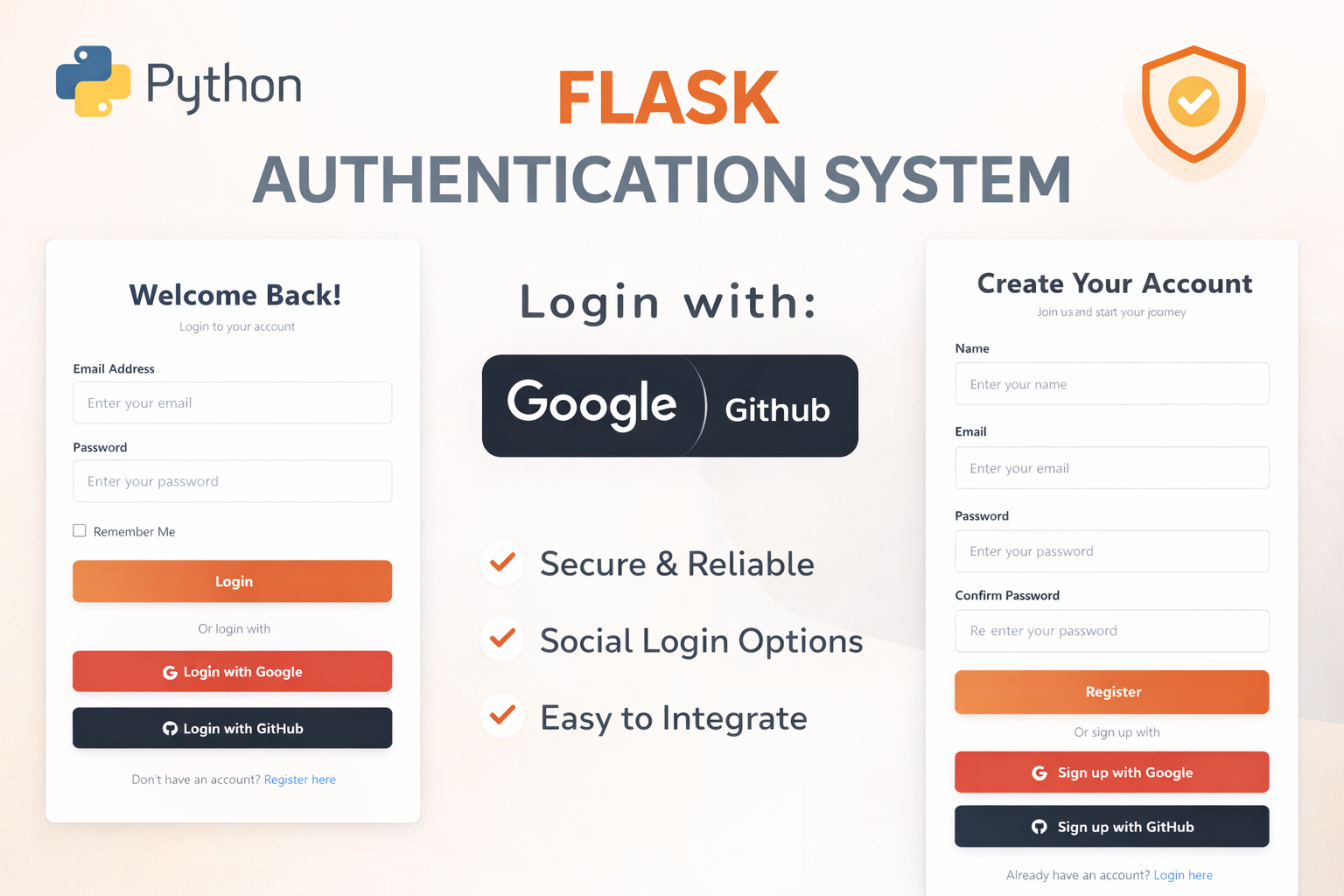
Flask Authentication System (Free Version) - Kritim Yantra
🛠 Features✔ Google & GitHub Authentication✔ User Registration & Login✔ Profile/Dashboard Access✔ Secure & Mi...

Flask Blog CMS with Admin Dashboard — Python Source Code
A Flask-based blogging website with a built-in admin dashboard. Manage articles, images, categories, tags and featured p...
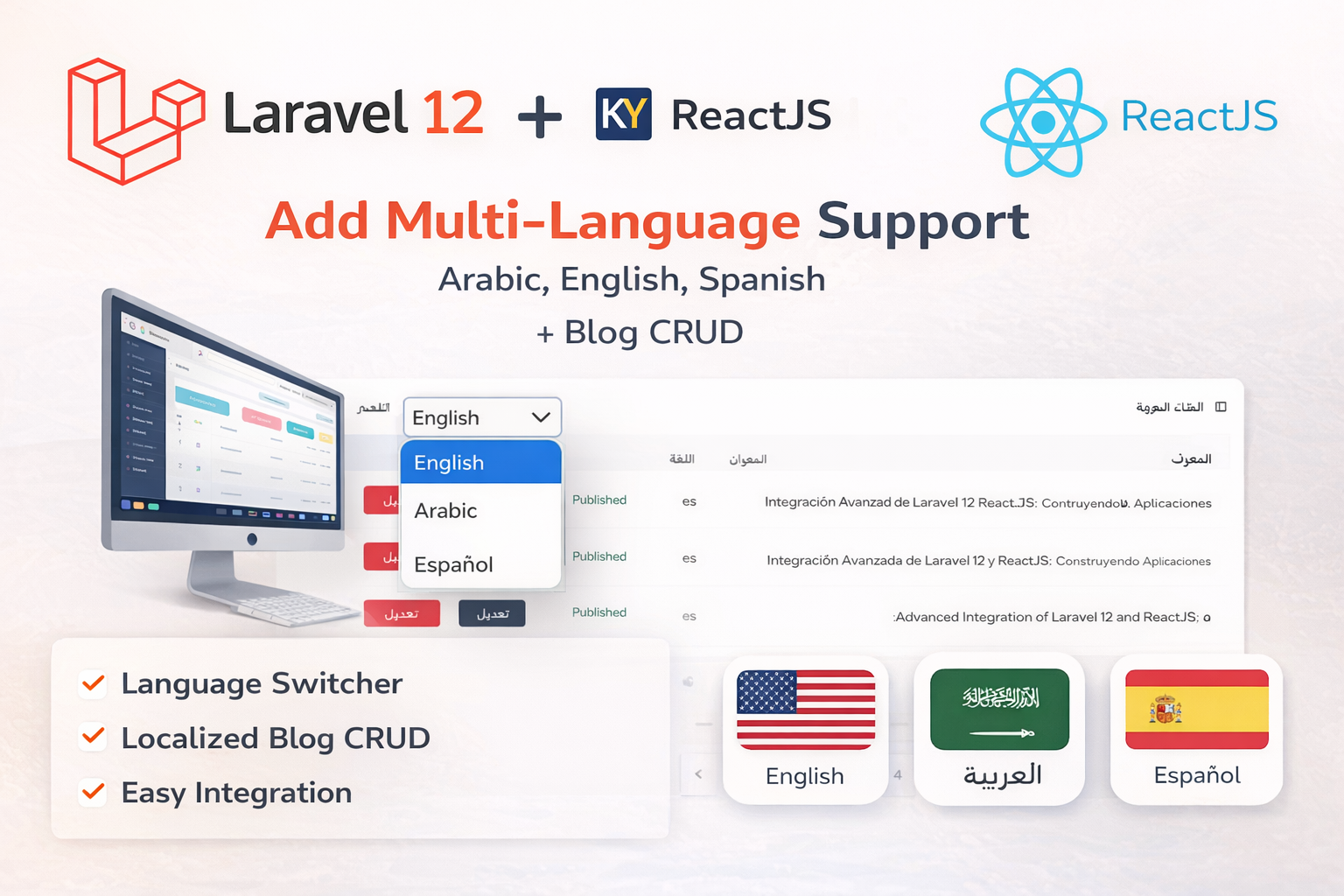
Laravel 12 + ReactJS Starter Kit: Add Multi-Language Support (Arabic, English, Spanish) with Blog CRUD
🚀 Installation & Setup Download & Extract Get the ZIP from kritimyantra.com and extract it. Includes preconfigu...
Laravel 12 API Security Best Practices – A Beginner-Friendly Guide
Welcome to this beginner-friendly, detailed guide on securing your Laravel 12 APIs! If you're new to Laravel or API development, d...
Mastering Laravel Core Concepts: A Beginner’s Guide to Real-World Applications
Laravel is one of the most popular PHP frameworks, renowned for its elegant syntax and powerful tools that streamline web developm...
Laravel Repository Pattern Explained: Clean Architecture for Developers
As your Laravel application grows, you might notice that your controllers start filling up with database queries and business logi...
Comments
No comments yet. Be the first to comment.
Sign in to join the discussion.