
Top 5 Simple Projects to Build with Large Language Models (LLMs) – For Absolute Beginners

So far, you've learned what LLMs are and how to craft better prompts. Now, it's time to build something cool! 🎯
In this blog, we’ll cover 5 beginner-friendly projects you can build using LLMs like ChatGPT or Hugging Face. No advanced coding or AI degree required – just curiosity and a bit of experimentation.
🧰 What You Need Before You Start
- A basic understanding of what LLMs are (read this blog if you missed it)
- A ChatGPT account or access to any other LLM (like Claude, Gemini, or Hugging Face)
- A simple code editor (like VS Code) or even just Google Colab
- Optional: Python basics (but we’ll also include no-code/low-code ideas)
💡 1. AI-Powered Blog Idea Generator
📌 What It Does:
You type your niche (e.g., fitness, tech, cooking), and it gives you 10 viral blog ideas instantly.
🛠️ How to Do It:
- Use a prompt like:
“Generate 10 catchy blog post ideas for a tech blog aimed at beginners.”
- Wrap this inside a basic Python script or use a tool like Promptable.ai
- Or build a simple HTML + JS web form to take input and display ideas
🔥 Why It’s Cool:
Perfect for content creators, SEO beginners, and digital marketers.
💡 2. Personal Resume or Cover Letter Generator
📌 What It Does:
You input your experience and the job title, and it writes a professional resume summary or cover letter.
🛠️ Prompt Example:
“Write a professional resume summary for a frontend developer with 2 years of experience in React and Vue.”
Bonus: Add dropdowns or inputs on a simple webpage to collect user data and call the LLM with that info.
💡 3. Ask Me Anything Bot
📌 What It Does:
A chatbot where people can ask any question, and it responds using an LLM (like ChatGPT or GPT-4 API).
🛠️ Tools to Use:
- LangChain or OpenAI API
- Streamlit (for a quick interface)
- Or build a WhatsApp/Telegram bot using Python + Bot API + OpenAI API
🔧 Cool Prompt:
“Answer the user’s question in simple language, like you are explaining it to a 12-year-old.”
💡 4. AI-Based YouTube Script Writer 🎬
📌 What It Does:
Give it a video title, and it will write a full YouTube script with an intro, body, and CTA (call to action).
🛠️ Prompt:
“Write a YouTube video script for a channel that teaches Python in Hindi. The video is titled ‘Python Basics for Class 10 Students.’”
You can use tools like:
- ChatGPT
- Notion AI
- Copy.ai or Jasper (if you want a SaaS flavor)
💡 5. Customer Support Email Assistant
📌 What It Does:
Enter a customer query and it generates a polite and professional response email.
🛠️ Prompt:
“A customer is angry that their package was delayed. Write a polite email apologizing and offering a 10% discount coupon.”
Bonus Tip:
Add buttons like “Formal”, “Casual”, “Super Apologetic” to change the tone dynamically using different prompt styles.
🧪 Bonus: No-Code Tools to Speed Things Up
Don’t want to write code? No problem!
Try these platforms:
- Zapier + OpenAI – Connect Google Sheets + ChatGPT for automation
- Bubble.io – Build simple apps using drag-and-drop
- Notion AI – Combine documentation with AI generation
- Glide Apps – Build AI mobile apps with Google Sheets as backend
🚀 Final Thoughts
You don’t need to be a data scientist to build LLM projects. With just prompts and simple tools, you can start building useful, real-world apps in hours – not weeks.
Start small. Pick one project. Build, test, and improve. That’s the journey. 💪
Projects to explore next
Source-code projects from the KritiMyantra catalogue. Check each project's details before buying.
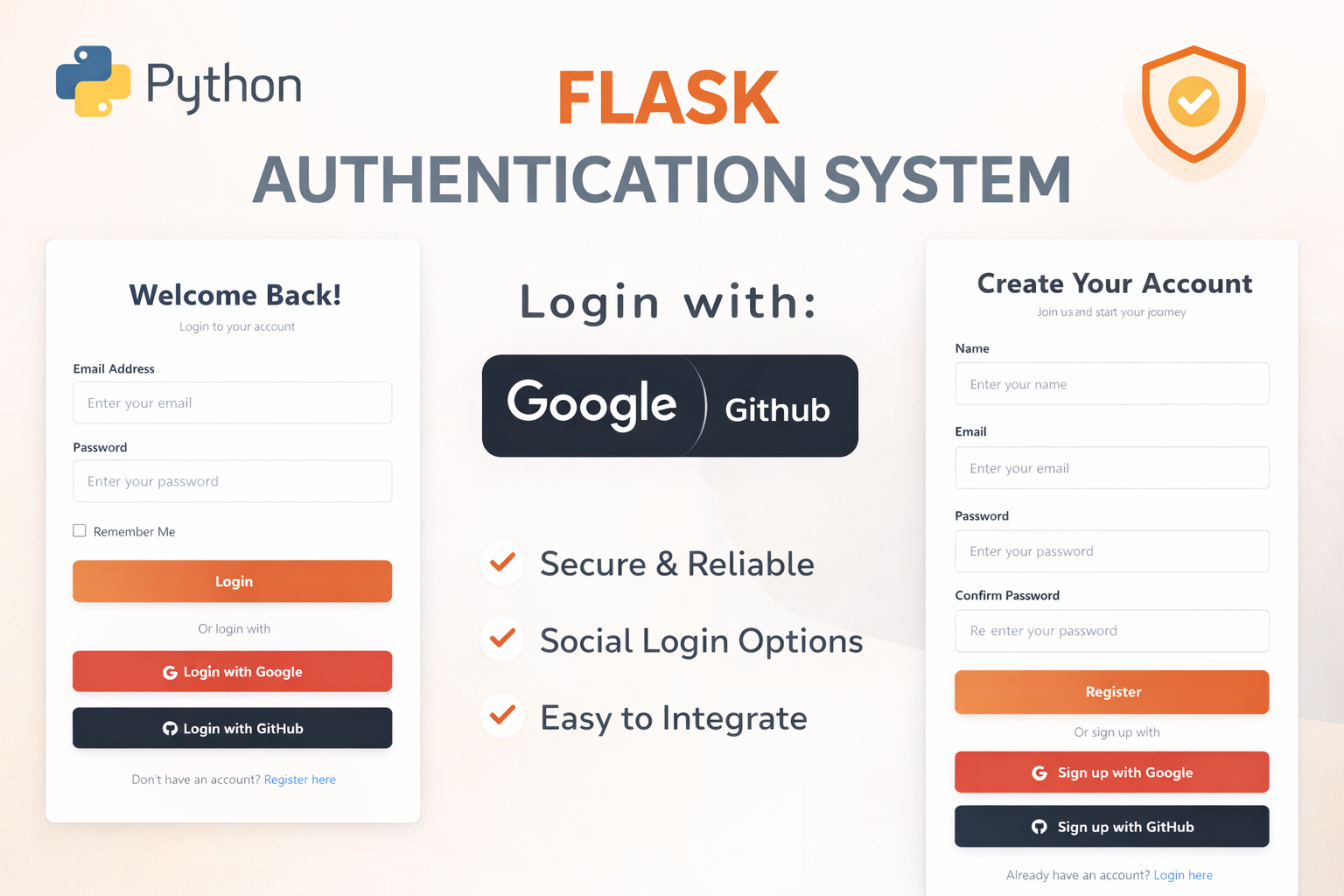
Flask Authentication System (Free Version) - Kritim Yantra
🛠 Features✔ Google & GitHub Authentication✔ User Registration & Login✔ Profile/Dashboard Access✔ Secure & Mi...
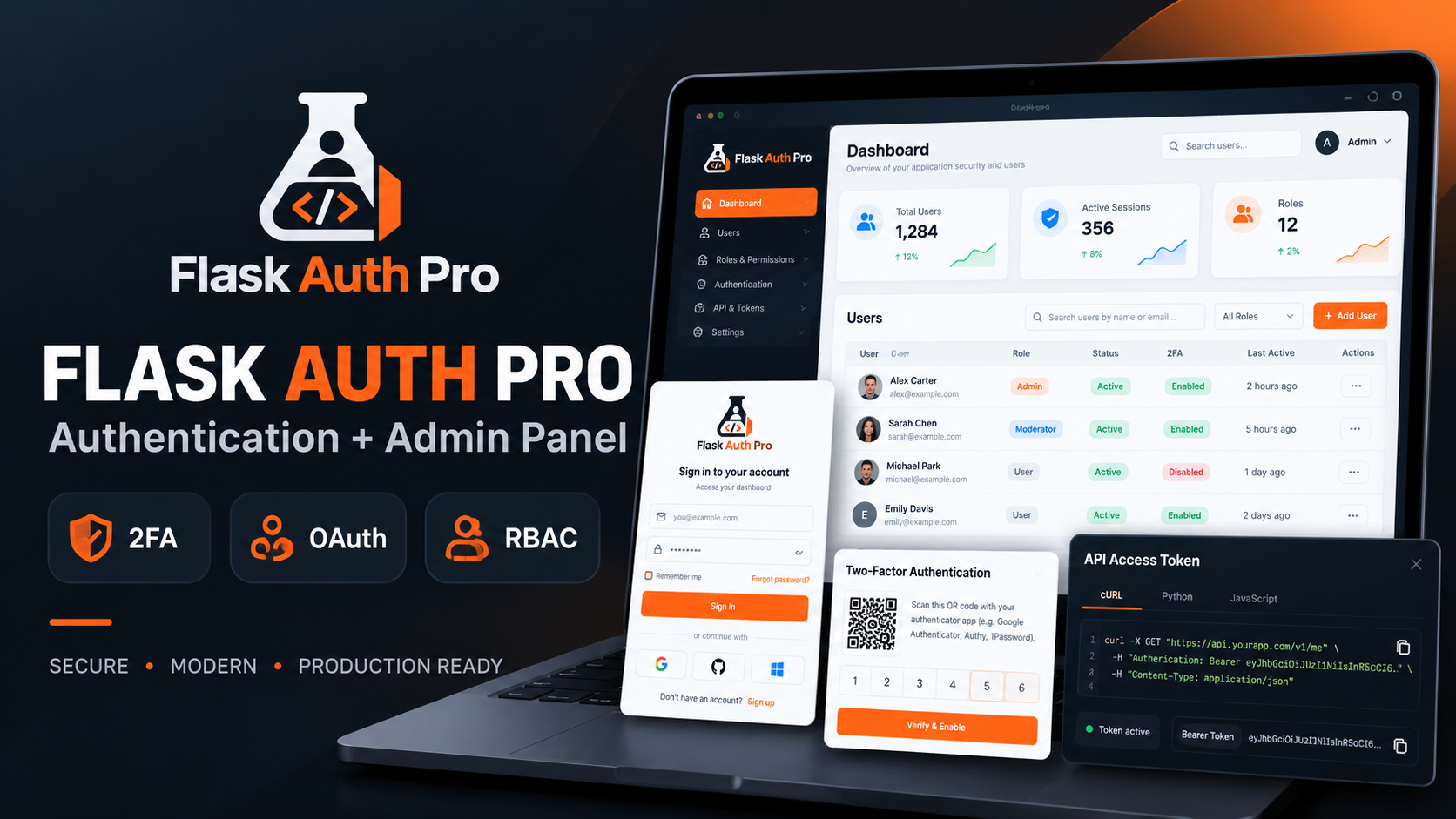
Flask Authentication System with Admin Panel - Kritim Yantra
Flask Auth Pro with Admin PanelA complete Flask authentication and user management system built for developers who want...
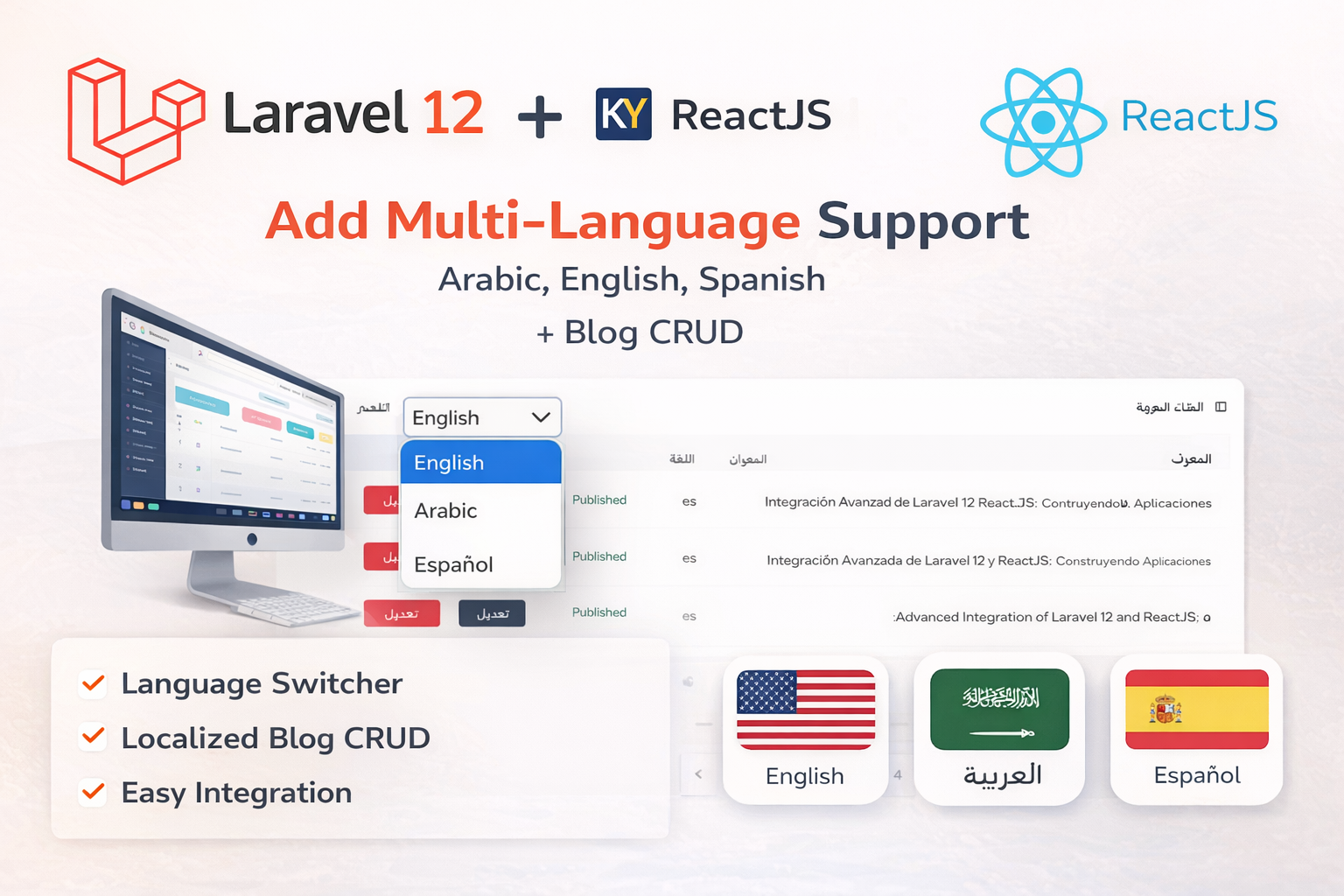
Laravel 12 + ReactJS Starter Kit: Add Multi-Language Support (Arabic, English, Spanish) with Blog CRUD
🚀 Installation & Setup Download & Extract Get the ZIP from kritimyantra.com and extract it. Includes preconfigu...
The Future of AI: Exploring Agentic Systems, Multimodal Models, and Specialized AI for Beginners
Artificial Intelligence (AI) is evolving faster than ever, and three groundbreaking advancements are leading the charge: Agentic A...
How to Learn LLMs (Large Language Models) for Beginners
Large Language Models (LLMs) like ChatGPT, Gemini, and Claude have taken the tech world by storm. From writing essays to generatin...
What is Prompt Engineering? A Beginner’s Guide to Talking to AI Like a Pro
In our last blog, we learned how to get started with Large Language Models (LLMs) like ChatGPT and Hugging Face. Now, let’s go one...
Comments
No comments yet. Be the first to comment.
Sign in to join the discussion.