
Top 5 JSON Use Cases in AI Workflows (And Why They're Total Game-Changers)

🧠 Imagine This...
You ask an AI assistant to help analyze survey data.
It responds with... a weird essay.
You just wanted clean answers.
So what went wrong?
It’s not the AI’s fault.
It’s yours — because you didn’t use structured prompts. 😅
Enter: JSON.
The unspoken hero of modern AI workflows.
If you’re building anything with AI — from chatbots to content tools — you NEED JSON.
Let’s break down exactly how it powers the magic.
(No jargon, no tech headaches — just practical stuff.)
🚀 What Is JSON in Simple Terms?
JSON (JavaScript Object Notation) is a way to organize information using key-value pairs.
Think of it like a digital form:
{
  "name": "Elon",
  "task": "summarize tweet",
  "style": "funny"
}
A JSON file is like handing AI a structured to-do list:
“Here’s what to do, how to do it, and with what info.”
✅ It’s clear.
✅ It’s fast.
✅ It’s reusable.
🔍 Top 5 JSON Use Cases in AI Workflows
1️⃣ 💬 Chatbots That Don’t Sound Dumb
Problem:
Your bot keeps giving vague or incorrect answers.
Solution:
Use JSON to define intents, contexts, and expected outputs.
Example:
{
  "intent": "book_flight",
  "origin": "NYC",
  "destination": "London",
  "date": "2025-10-02"
}
🎯 Now the AI knows exactly what the user wants.
This powers intelligent replies, not random guesses.
💡 Pro Tip: JSON makes it easy to map user responses to actions in tools like Dialogflow, LangChain, and GPT APIs.
2️⃣ 🛠️ API-Driven Content Creation
Problem:
You want AI to write product descriptions, but every result is different and chaotic.
Solution:
Create a consistent JSON template.
Example:
{
  "task": "write_product_description",
  "product": "wireless earbuds",
  "features": ["noise cancelling", "8-hour battery", "Bluetooth 5.3"],
  "style": "informative"
}
🧠 The AI uses this structure to generate spot-on, repeatable content.
Perfect for e-commerce, blogs, and dynamic websites.
3️⃣ 📊 Automated Data Analysis
Problem:
You have raw data but want quick insights.
Solution:
Wrap analysis tasks in JSON prompts.
Example:
{
  "task": "analyze_survey",
  "data": [3, 4, 5, 2, 1],
  "metrics": ["average", "mode", "sentiment"]
}
🧮 AI can instantly generate insights, charts, or summaries.
Use it in dashboards, internal tools, or customer feedback loops.
✅ Bonus: You can even send structured data back as JSON — ready for apps like Airtable, Notion, or Google Sheets.
4️⃣ 📥 Form-Based AI Interactions
Problem:
Users don’t know how to prompt effectively.
Solution:
Use JSON to connect form fields to a smart AI engine behind the scenes.
Example:
User fills in:
- Name: John
- Goal: Weight loss
- Time: 30 days
You send this JSON to your AI backend:
{
  "task": "generate_workout_plan",
  "user_name": "John",
  "goal": "weight loss",
  "duration_days": 30
}
👟 Result? A personalized plan generated by AI without needing a single typed prompt.
This is how no-code tools + AI = magic.
5️⃣ 📂 Structured Output for Developers
Problem:
You need AI responses that a system can act on — not just read.
Solution:
Tell AI to respond in JSON format.
Example Prompt:
"Summarize this article and return it as JSON with
summary,word_count, andkey_topicsfields."
Expected Output:
{
  "summary": "AI is transforming healthcare by improving diagnosis...",
  "word_count": 125,
  "key_topics": ["AI", "healthcare", "diagnosis"]
}
🔧 Developers can plug this straight into APIs, databases, or automation tools.
🧠 Recap: Why JSON Makes AI Workflows 10x Smarter
- It adds structure to chaotic prompts
- It enables reusable, scalable workflows
- It powers automation, personalization, and consistency
- It works with almost any AI platform (ChatGPT, Claude, Bard, LangChain, etc.)
🔥 Pro Tip: Combine JSON with Natural Language
Hybrid prompts are 🔥
“Please respond in the following JSON format...”
+ JSON skeleton
+ Plain text instruction
You get the best of both worlds: human clarity + machine structure.
📢 Final Thoughts
If you’re building with AI, and you're not using JSON…
You're leaving clarity, consistency, and superpowers on the table.
Start small. Wrap your next prompt in a simple JSON block and watch your results go from “meh” to “whoa.”
💬 Let’s Chat:
Which of these use cases are YOU most excited to try?
👇 Drop your answer in the comments — I read every one.
❓Quick Q&A
Q1: Is JSON only for developers?
A: Nope! If you’ve filled out a form or created a checklist, you’re 90% there. Anyone can learn JSON basics in 10 minutes.
Q2: Can JSON prompts work in tools like ChatGPT?
A: Absolutely. You can feed JSON into your prompt or ask for output in JSON. Great for coding, workflows, and data tasks.
Q3: What's the biggest benefit of using JSON in AI?
A: Control. You tell the AI exactly what to do, and it listens — consistently.
Projects to explore next
Source-code projects from the KritiMyantra catalogue. Check each project's details before buying.
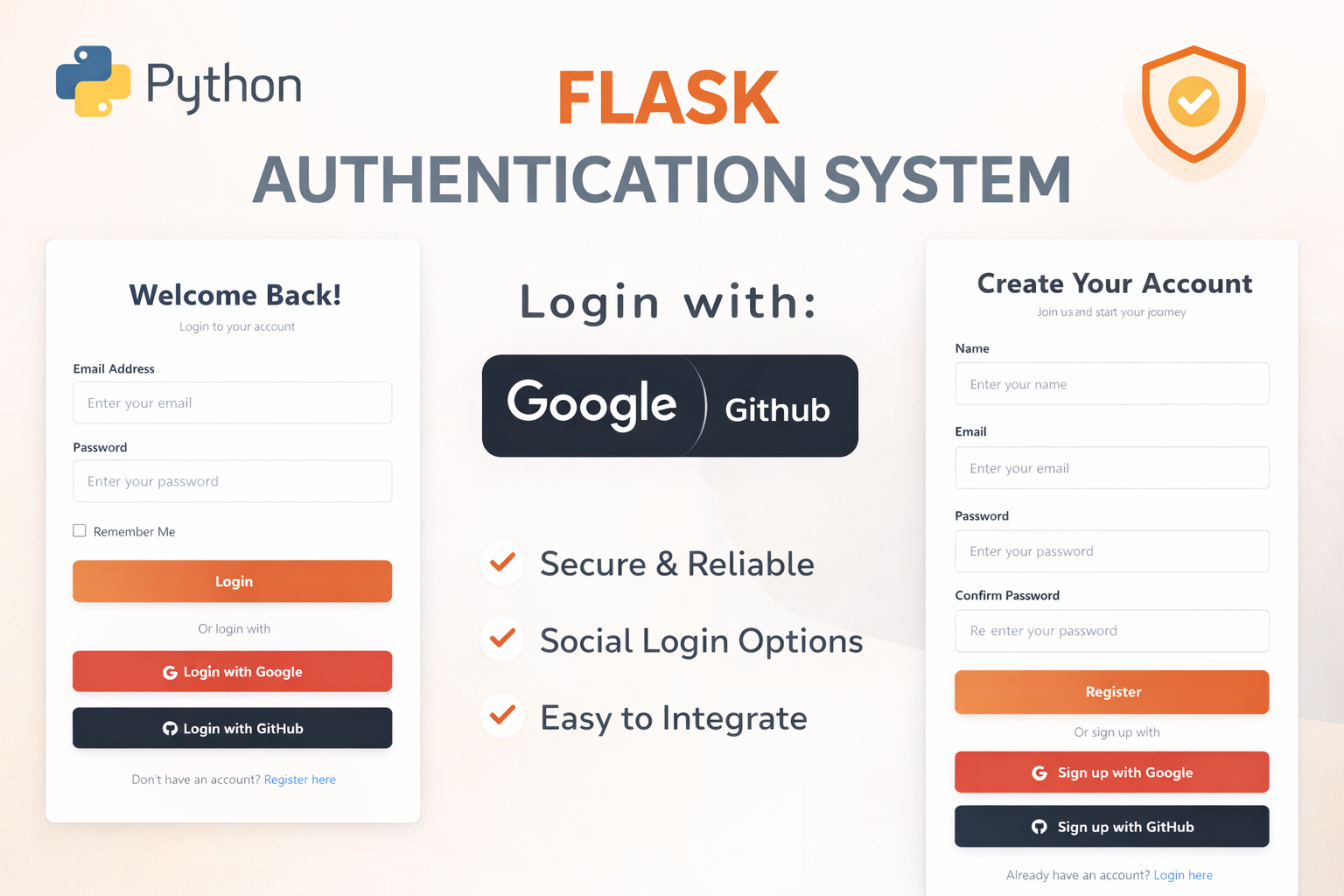
Flask Authentication System (Free Version) - Kritim Yantra
🛠 Features✔ Google & GitHub Authentication✔ User Registration & Login✔ Profile/Dashboard Access✔ Secure & Mi...

Flask Blog CMS with Admin Dashboard — Python Source Code
A Flask-based blogging website with a built-in admin dashboard. Manage articles, images, categories, tags and featured p...
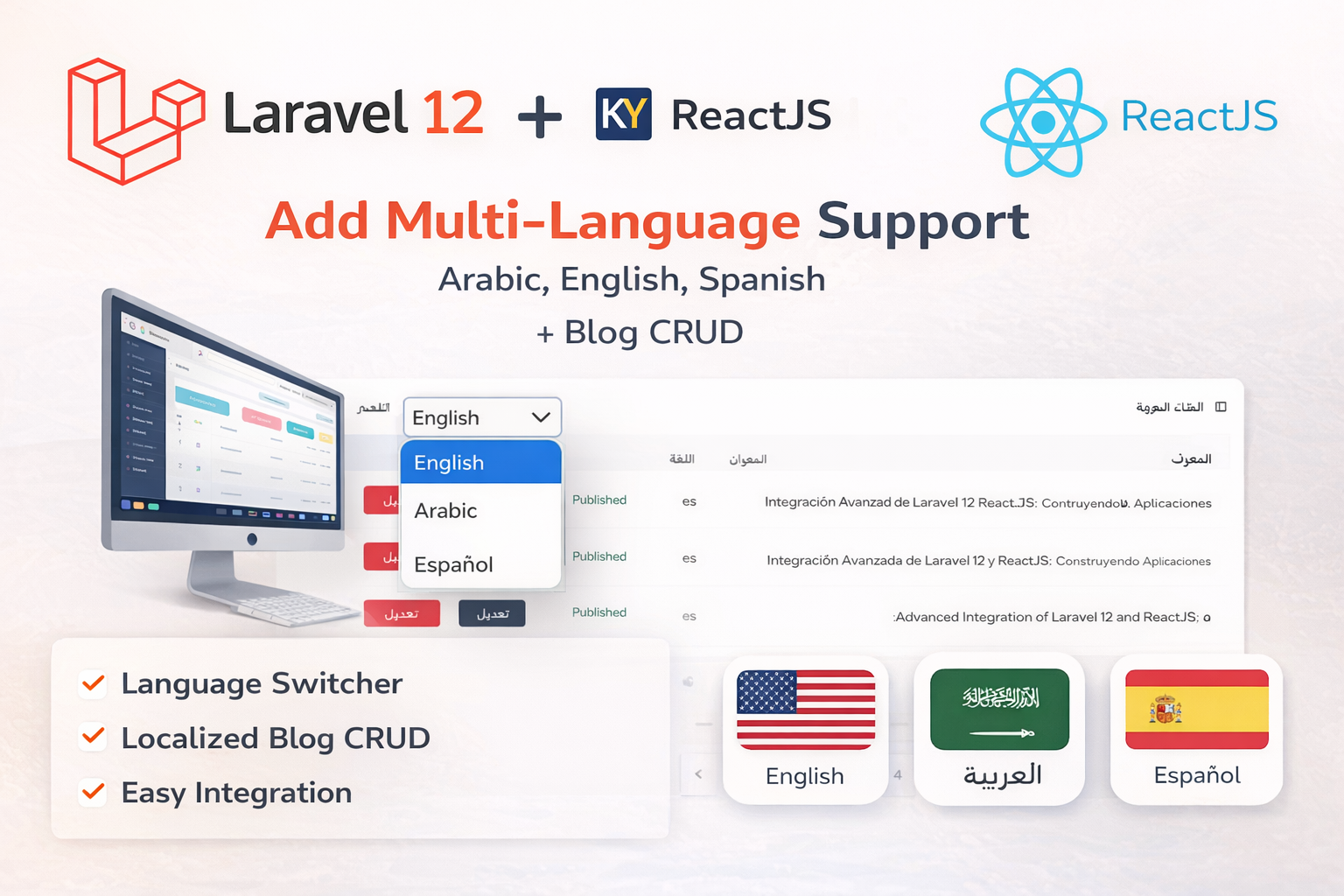
Laravel 12 + ReactJS Starter Kit: Add Multi-Language Support (Arabic, English, Spanish) with Blog CRUD
🚀 Installation & Setup Download & Extract Get the ZIP from kritimyantra.com and extract it. Includes preconfigu...

5 Power Prompts Every Web Developer Should Know in 2025
Web development is a fast-paced world. Whether you're building sleek UI components, debugging a tricky React component, or optimiz...
LLMs for Beginners: Core Concepts Explained in Simple Terms
So, you’ve heard about ChatGPT, Claude, Gemini, and other AI tools—but how do they actually work? What are LLMs really doing under...
Why JSON Prompts Are the Secret Sauce Behind Smarter AI Responses (And Why Everyone's Talking About Them)
You’ve Been Prompting Wrong… Until Now Let me guess… You typed in a long, thoughtful prompt to ChatGPT like: “Please summarize thi...
Comments
No comments yet. Be the first to comment.
Sign in to join the discussion.