Making Asynchronous HTTP Requests in Python with aiohttp

When working with APIs or scraping web pages, the traditional requests library blocks your program until a response is received. But what if you could send hundreds of requests at the same time without blocking your app?
That’s where aiohttp comes in — a powerful asynchronous HTTP client built on top of asyncio.
In this blog, we’ll explore:
- What is
aiohttp? - Why use it over
requests? - How to send async GET/POST requests
- Making concurrent requests
- Real-world example: Scraping multiple websites
🚀 What is aiohttp?
aiohttp is an asynchronous HTTP client/server framework. In this post, we’ll focus on the client side — used to send async requests using asyncio.
It works seamlessly with async def, await, and asyncio.gather().
📦 Installation
Before starting, install aiohttp using pip:
pip install aiohttp
🧪 Basic Example – Async GET Request
import aiohttp
import asyncio

async def fetch(url):
    async with aiohttp.ClientSession() as session:
        async with session.get(url) as response:
            return await response.text()

async def main():
    html = await fetch('https://example.com')
    print(html[:500])  # print only the first 500 characters

asyncio.run(main())
✅ The request is non-blocking
✅ You can do other things while it waits for the server
🔁 Making Multiple Requests Concurrently
Let’s say you want to fetch data from 3 websites at the same time:
import aiohttp
import asyncio

async def fetch(url):
    async with aiohttp.ClientSession() as session:
        async with session.get(url) as response:
            print(f"{url}: {response.status}")
            return await response.text()

async def main():
    urls = [
        'https://example.com',
        'https://python.org',
        'https://github.com'
    ]
    tasks = [fetch(url) for url in urls]
    await asyncio.gather(*tasks)

asyncio.run(main())
This is much faster than calling each request sequentially using requests.
📤 Sending Async POST Requests
You can also use POST just like GET:
async def post_data(url, payload):
    async with aiohttp.ClientSession() as session:
        async with session.post(url, json=payload) as response:
            return await response.json()

async def main():
    url = 'https://httpbin.org/post'
    data = {'name': 'Alice'}
    response = await post_data(url, data)
    print(response)

asyncio.run(main())
🔐 Headers, Timeouts, and Error Handling
Add custom headers and timeouts like this:
async def fetch_with_headers(url):
    headers = {'User-Agent': 'MyApp'}
    timeout = aiohttp.ClientTimeout(total=5)

    async with aiohttp.ClientSession(headers=headers, timeout=timeout) as session:
        try:
            async with session.get(url) as response:
                return await response.text()
        except aiohttp.ClientError as e:
            print(f"Request failed: {e}")

asyncio.run(fetch_with_headers('https://example.com'))
🔍 Real-World Use Case: Simple Async Web Scraper
import aiohttp
import asyncio
from bs4 import BeautifulSoup

async def fetch_title(url):
    async with aiohttp.ClientSession() as session:
        async with session.get(url) as response:
            html = await response.text()
            soup = BeautifulSoup(html, 'html.parser')
            title = soup.title.string.strip() if soup.title else "No Title"
            print(f"{url} ➜ {title}")

async def main():
    urls = [
        'https://www.python.org',
        'https://www.wikipedia.org',
        'https://www.github.com'
    ]
    tasks = [fetch_title(url) for url in urls]
    await asyncio.gather(*tasks)

asyncio.run(main())
You’ll get titles of all the pages in parallel, in a matter of seconds!
🛠️ Summary
| Feature | Benefit |
|---|---|
aiohttp.ClientSession |
Manages connections efficiently |
async with |
Auto handles session and cleanup |
asyncio.gather() |
Runs multiple coroutines concurrently |
await response.text() |
Non-blocking response reading |
⚡ When Should You Use aiohttp?
Use it when:
- You need to fetch or post data to multiple URLs
- You want your app to stay fast and responsive
- You’re building scrapers, bots, or real-time dashboards
📘 Final Thoughts
Async programming with aiohttp unlocks a new level of performance for your Python applications. Whether you're building a tool that scrapes thousands of web pages or just trying to speed up API calls, aiohttp and asyncio are your best friends.
Projects to explore next
Source-code projects from the KritiMyantra catalogue. Check each project's details before buying.
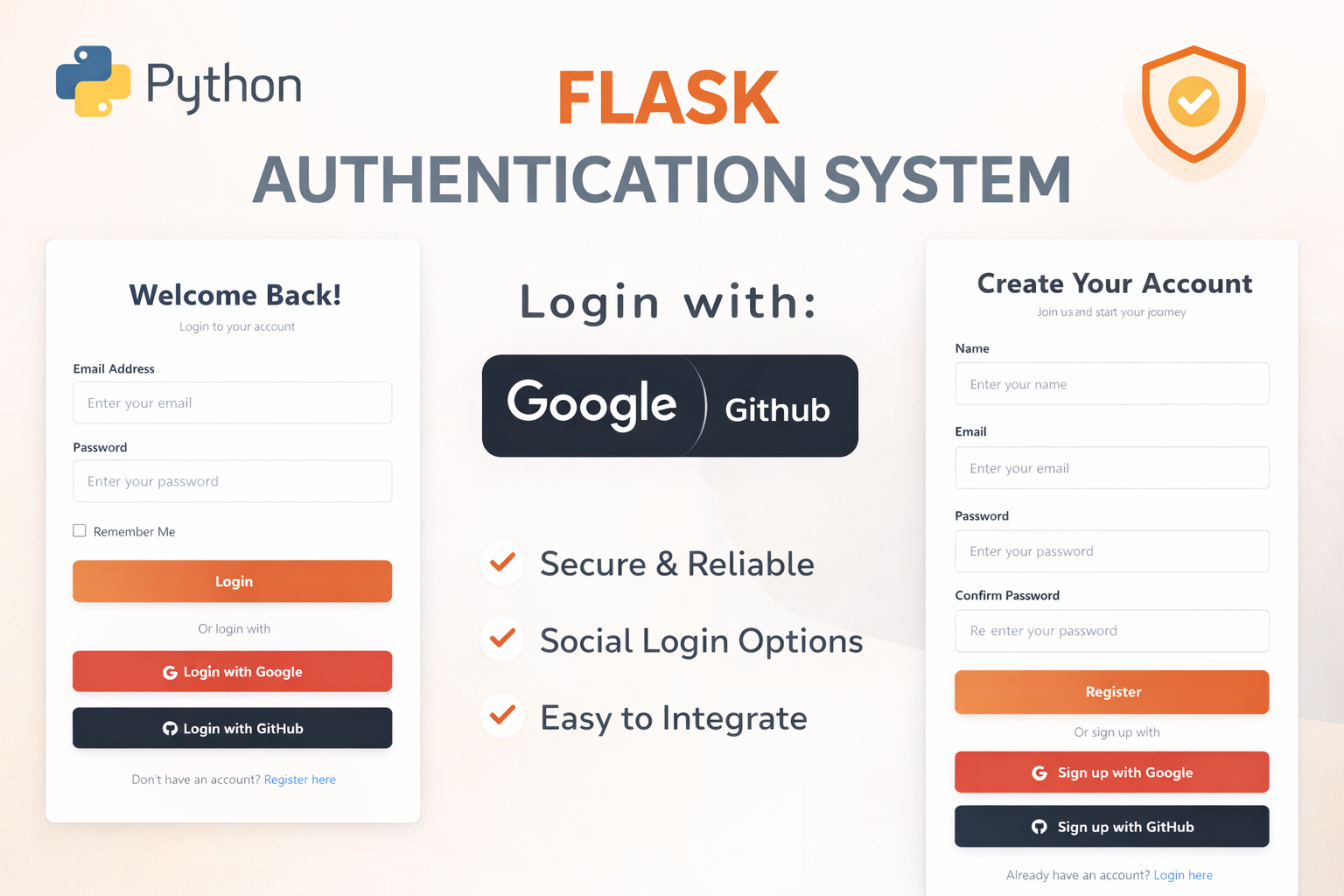
Flask Authentication System (Free Version) - Kritim Yantra
🛠 Features✔ Google & GitHub Authentication✔ User Registration & Login✔ Profile/Dashboard Access✔ Secure & Mi...

Flask Blog CMS with Admin Dashboard — Python Source Code
A Flask-based blogging website with a built-in admin dashboard. Manage articles, images, categories, tags and featured p...
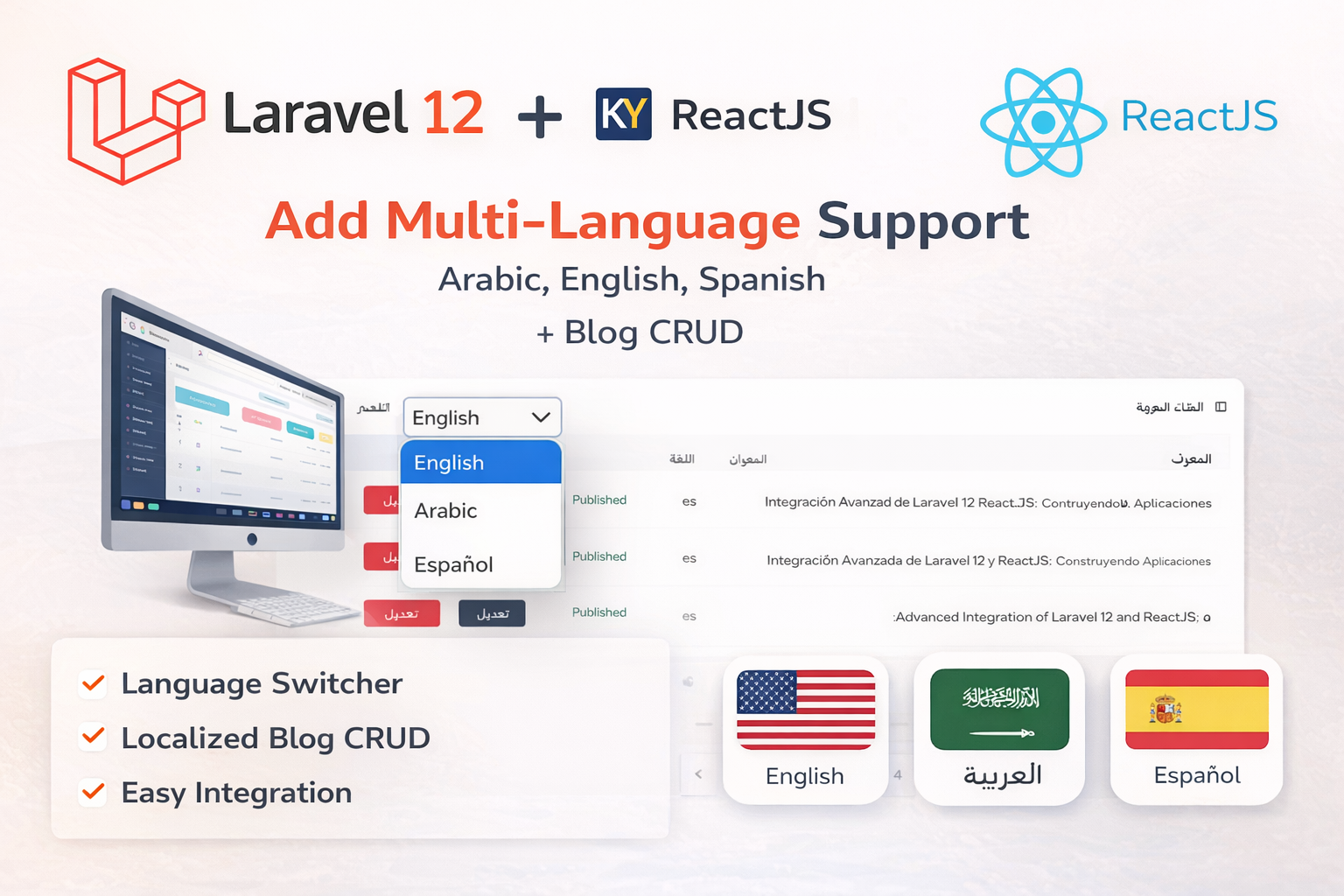
Laravel 12 + ReactJS Starter Kit: Add Multi-Language Support (Arabic, English, Spanish) with Blog CRUD
🚀 Installation & Setup Download & Extract Get the ZIP from kritimyantra.com and extract it. Includes preconfigu...
Comments
No comments yet. Be the first to comment.
Sign in to join the discussion.