
Laravel vs Node.js vs React.js: Which One Should You Choose?

Are you feeling overwhelmed by the number of JavaScript and backend frameworks out there? You’re not alone.
Maybe you're building your first web app. Or maybe you're switching tech stacks. And now you’re stuck wondering:
"Should I go with Laravel, Node.js, or React.js?"
They’re all popular, powerful, and widely used—but each one serves a different purpose.
Let’s break this down in simple terms so you can make the best decision for your project (and your career).
🚦 What Are Laravel, Node.js, and React.js?
Before diving into comparisons, let's understand what each of these technologies actually is.
🔹 Laravel: The PHP Framework for Web Artisans
Laravel is a backend web framework written in PHP. It’s known for its elegant syntax, powerful features, and developer-friendly tools.
Think of Laravel like a well-organized kitchen. You can cook up anything (a blog, an e-commerce store, a CRM) with the ingredients (features) it gives you.
Features Laravel includes:
- MVC architecture (Model-View-Controller)
- Routing, authentication, and database management
- Blade templating engine
- Artisan CLI for automation
- Eloquent ORM (for working with databases)
📌 Use Laravel when:
You want to build a full-stack web application using PHP, with batteries included.
🔹 Node.js: JavaScript on the Server
Node.js lets you run JavaScript on the server side.
Imagine you could take the same language you use in the browser (JavaScript) and use it to build the backend of your app too. That’s Node.js.
It’s not a framework but a runtime built on Chrome’s V8 engine.
Why it's popular:
- Non-blocking, event-driven architecture (super fast)
- Great for real-time apps (like chat apps or gaming)
- Huge ecosystem (thanks to npm)
📌 Use Node.js when:
You want to build fast, scalable, event-driven apps—especially ones involving real-time data.
🔹 React.js: The Frontend King
React.js is a frontend JavaScript library developed by Facebook for building user interfaces.
Imagine your app’s UI is made of Lego blocks. React helps you build, manage, and reuse those blocks (components) efficiently.
React’s superpowers:
- Component-based architecture
- Virtual DOM for speed
- Great for SPAs (Single Page Applications)
📌 Use React.js when:
You want to build interactive, dynamic, and fast UIs—like dashboards, admin panels, or social media apps.
🧠 The Key Differences: Laravel vs Node.js vs React.js
Here’s a quick side-by-side comparison to understand how they stack up:
| Feature/Aspect | Laravel | Node.js | React.js |
|---|---|---|---|
| Type | Backend framework | Backend runtime | Frontend library |
| Language | PHP | JavaScript | JavaScript |
| Use Case | Full-stack web apps (PHP) | Real-time, scalable apps | Interactive UIs & SPAs |
| Templating | Blade | Varies (EJS, Handlebars, etc.) | JSX |
| Database | Eloquent ORM (SQL) | Flexible (SQL or NoSQL) | Not applicable |
| Popularity | High (especially in PHP world) | Very high | Extremely high |
| Performance | Good | Excellent (async, non-blocking) | High (fast UIs) |
🧰 Real-World Example: Building a Simple Blog
Let’s say you’re building a blog.
With Laravel:
- Use Blade templates for frontend
- Use built-in auth for login/register
- Store posts using Eloquent ORM
- Admin dashboard? Easy with Laravel Nova or Voyager
Code sample (routes/web.php):
Route::get('/posts', [PostController::class, 'index']);
With Node.js:
- Use Express.js for routing
- Store posts in MongoDB or MySQL
- Handle auth using Passport.js or JWT
- Use a separate frontend like React or Vue
Code sample (Express route):
app.get('/posts', (req, res) => {
  res.send('All blog posts');
});
With React.js:
- Use components to build blog post list and editor
- Fetch posts from API (Laravel or Node backend)
- Manage state with useState or Redux
Code sample (React component):
useEffect(() => {
  fetch('/api/posts')
    .then(res => res.json())
    .then(data => setPosts(data));
}, []);
🎯 Choosing the Right Stack: Laravel vs Node vs React
Your choice should depend on what you're building and what you're comfortable with.
✅ Choose Laravel if:
- You’re already familiar with PHP
- You want everything in one package (auth, routing, DB)
- SEO and server-side rendering are important
✅ Choose Node.js if:
- You love JavaScript and want a fast, scalable backend
- You're building real-time features (like chats or live updates)
- You need flexibility in tools (pick your own DB, templating, etc.)
✅ Choose React.js if:
- You want a modern, fast frontend
- Your app needs lots of interaction and reactivity
- You plan to separate frontend and backend concerns
💡 Pro Tip:
You can combine them! For example:
- Laravel + React for full-stack apps
- Node.js + React for JS-only stacks (like MERN)
✨ Key Takeaways
- Laravel is great for full-stack apps using PHP.
- Node.js is a fast, JavaScript-based backend—ideal for real-time apps.
- React.js builds beautiful, dynamic user interfaces.
🧩 They are not direct competitors—you can mix and match based on your needs.
Here’s how a full-stack combo might look:
- Frontend: React.js
- Backend: Node.js (Express) OR Laravel
- Database: MongoDB (Node) OR MySQL (Laravel)
📌 Final Thoughts
Each of these technologies shines in different areas.
Laravel is like a Swiss army knife for PHP devs.
Node.js is the speedy multitasker.
React.js is the artist, painting beautiful UIs.
Instead of thinking “which one is best?”, ask:
"Which one is best for my project and my skills?"
Once you know what you need—backend, frontend, or both—the choice becomes much clearer.
💬 What about you?
Have you worked with any of these before?
Planning to build your next app with one of them? Let us know in the comments!
Projects to explore next
Source-code projects from the KritiMyantra catalogue. Check each project's details before buying.
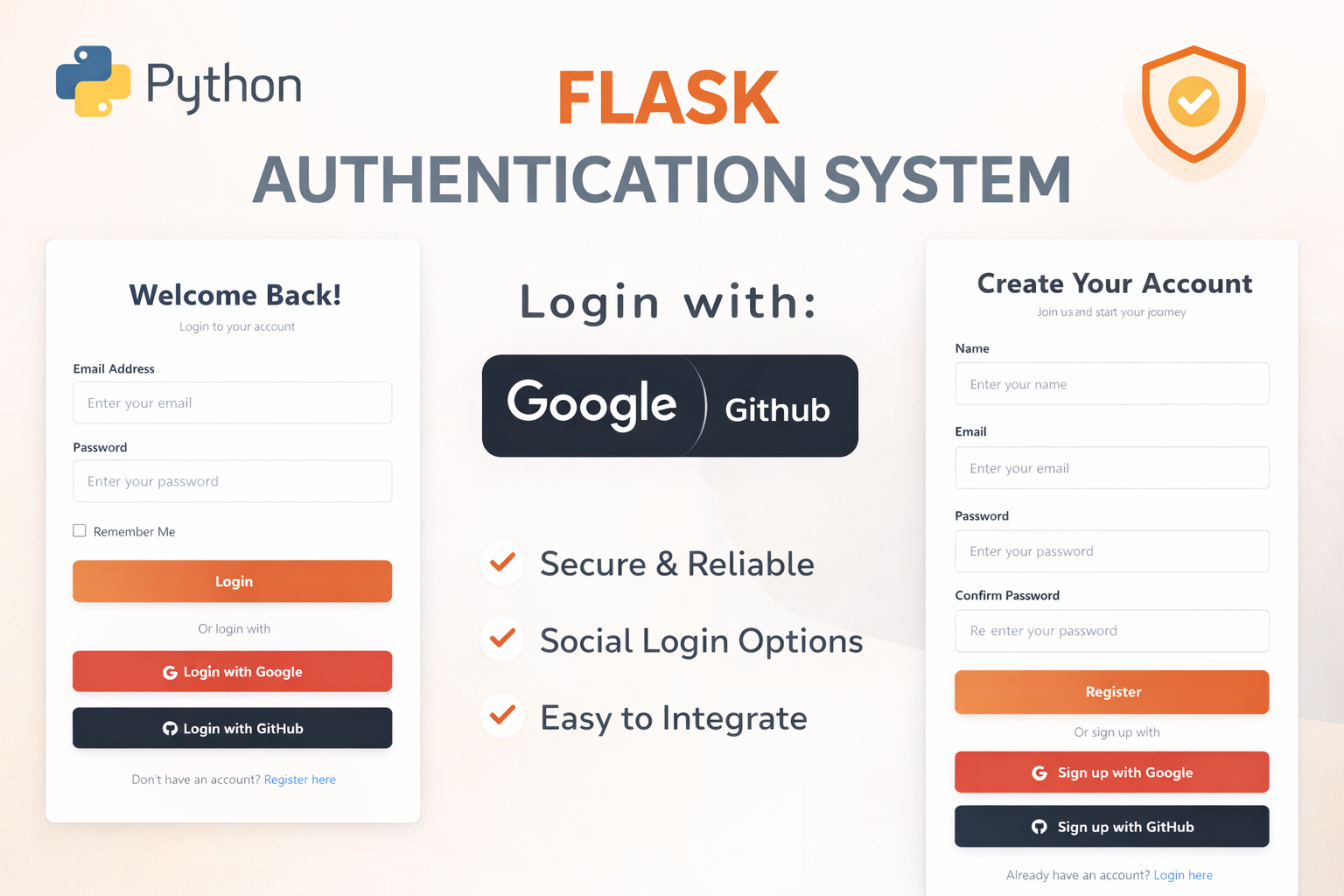
Flask Authentication System (Free Version) - Kritim Yantra
🛠 Features✔ Google & GitHub Authentication✔ User Registration & Login✔ Profile/Dashboard Access✔ Secure & Mi...

Flask Blog CMS with Admin Dashboard — Python Source Code
A Flask-based blogging website with a built-in admin dashboard. Manage articles, images, categories, tags and featured p...
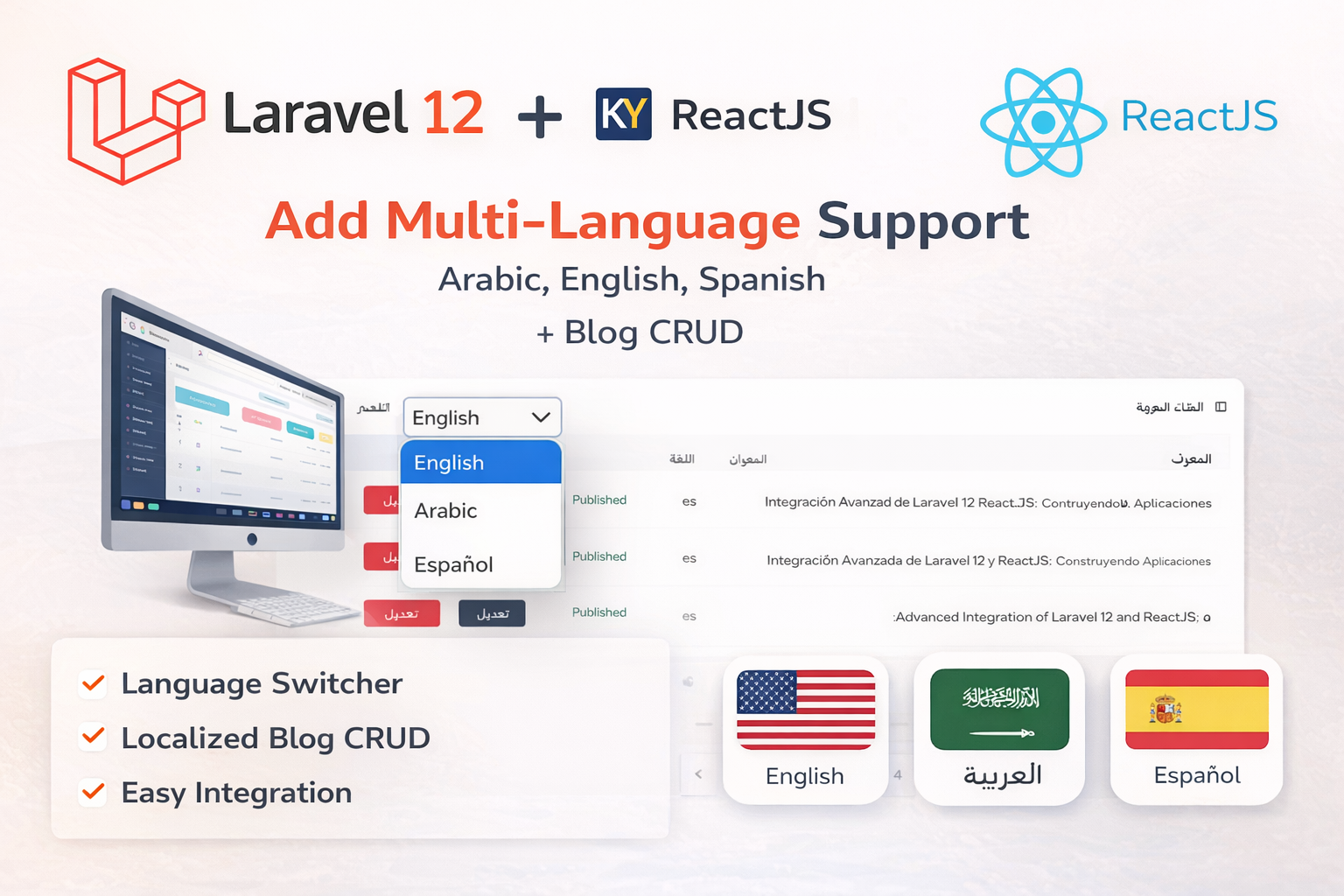
Laravel 12 + ReactJS Starter Kit: Add Multi-Language Support (Arabic, English, Spanish) with Blog CRUD
🚀 Installation & Setup Download & Extract Get the ZIP from kritimyantra.com and extract it. Includes preconfigu...
Mastering Artisan: 15 Commands Every Laravel Newbie Should Know
Laravel's Artisan CLI is your Swiss Army knife for development. These commands will supercharge your workflow whether you're build...
Scalability: Horizontal vs. Vertical Scaling
When your application grows, it needs to handle more users, data, and requests. Scalability ensures your system can manage increas...
FastAPI: A Comprehensive Guide for Beginners
FastAPI is a modern, fast (high-performance), web framework for building APIs with Python. It's designed to be easy to use, intuit...
Comments
No comments yet. Be the first to comment.
Sign in to join the discussion.