
Laravel 2026: Connecting Your App to a MySQL Database (Without the “Why Isn’t It Working?!” Moment)

If you’ve ever deployed (or even just run) your first Laravel project and thought, “Okay, I set the database credentials… so why is Laravel still yelling at me?”, you’re not alone.
A super common beginner experience is: you update the .env file, refresh the page, and boom—database connection error. You start clearing caches, restarting servers, doubting your life choices. I learned this the hard way.
Connecting Laravel to MySQL is actually straightforward—once you know the exact steps and the couple of gotchas that trip people up.
Laravel’s own docs still recommend configuring MySQL primarily through your .env variables, which feed into config/database.php.
What You Need Before You Start
Make sure you have:
- A running MySQL server (local or hosted)
- A database created (example:
shop_db) - A MySQL user + password that has access to that database
- A Laravel app (Laravel 12.x is current in the official docs right now)
Step 1: Create Your MySQL Database and User
If you’re on your own machine, this is usually done via MySQL CLI, phpMyAdmin, or a GUI like TablePlus.
Here’s the idea (SQL example):
CREATE DATABASE shop_db;
CREATE USER 'shop_user'@'localhost' IDENTIFIED BY 'strong_password';
GRANT ALL PRIVILEGES ON shop_db.* TO 'shop_user'@'localhost';
FLUSH PRIVILEGES;
Why it matters: Laravel can’t connect to a database that doesn’t exist, and a user without permission will fail even if the password is correct.
Step 2: Update Your Laravel .env File
Open your Laravel project’s .env file and set these:
DB_CONNECTION=mysql
DB_HOST=127.0.0.1
DB_PORT=3306
DB_DATABASE=shop_db
DB_USERNAME=shop_user
DB_PASSWORD=strong_password
Laravel’s installation/docs show this exact MySQL .env structure.
Choosing the right DB_HOST (this trips people up)
- Local machine: usually
127.0.0.1orlocalhost - Docker: often the service name like
mysql(depends on your compose file) - Shared hosting / cPanel: sometimes
localhost, sometimes a provided host - Cloud DB (managed): use the host they give you (like
db-xyz.provider.com)
A frequent real-world issue is putting a domain name or wrong host and wondering why nothing connects.
Warning: If your
.envvalues are correct but Laravel still behaves like you never changed them, it’s usually a cached config problem (we’ll fix that below).
Step 3: Clear Config Cache (The “I Swear I Changed .env” Fix)
Run these from your project folder:
php artisan config:clear
php artisan cache:clear
php artisan optimize:clear
Why this matters: Laravel can cache config, and then it keeps using old DB credentials even though your .env file is updated. People hit this a lot when switching from SQLite to MySQL or after deployment.
Step 4: Test the Connection (The Simple Proof)
The easiest beginner-friendly test:
php artisan migrate
If Laravel can connect, it will run migrations successfully (or at least fail for a migration reason—not a connection reason). The Laravel docs explicitly mention creating the DB and running migrations after switching to MySQL.
If you already have tables and don’t want to migrate, you can still do a quick check using Tinker:
php artisan tinker
Then:
DB::select('SELECT 1');
If you get a result back, your connection is working.
Step 5: Confirm Laravel Is Using the MySQL Connection
Laravel’s database connections live in:
.env(your real settings)config/database.php(reads from.env)
In config/database.php, the MySQL section typically includes environment-driven values like:
'host' => env('DB_HOST', '127.0.0.1'),
'port' => env('DB_PORT', '3306'),
'database' => env('DB_DATABASE', 'laravel'),
'username' => env('DB_USERNAME', 'root'),
'password' => env('DB_PASSWORD', ''),
Analogy: Think of .env as the sticky note with your real settings, and config/database.php as the rulebook that says “read the sticky note.”
Common Problems (And the Fast Fixes)
1) “Unknown database”
This usually means DB_DATABASE points to a database name that doesn’t exist.
Fix:
- Create the database
- Or correct the database name in
.env
2) “Access denied for user”
This usually means the username/password is wrong, or the user doesn’t have permission.
Fix:
- Re-check credentials
- Make sure the user has privileges on that DB
3) “I updated .env, but Laravel ignores it”
This is the config cache issue.
Fix:
- Run
php artisan optimize:clear(and friends)
Pro Tip: Production Safety Checklist (Less Headaches Later)
Set a strong MySQL password (not
root/ blank)Don’t commit
.envto GitIn production, run:
php artisan config:cache(after confirming.envis correct)
Make sure MySQL is not publicly exposed unless absolutely needed (use firewall rules / private networking)
Quick Visual Guide (What to Screenshot for Your Blog)
If you’re adding screenshots to your post, these are the most helpful for beginners:
.envshowing the DB variables- Terminal showing
php artisan optimize:clear - Terminal showing
php artisan migratesuccess - MySQL client / phpMyAdmin showing the created database and user
(These are the points where beginners usually get stuck, so visuals help a lot.)
Conclusion (The Short Version)
To connect Laravel (2026-era Laravel 12.x style) to MySQL:
- Create the database + user
- Set
DB_CONNECTION=mysqland theDB_*values in.env - Clear cached config (
optimize:clear) - Test with
php artisan migrate
If you do only one thing right: clear config cache after editing .env. That’s the hidden “why isn’t it working?” culprit for a lot of people.
FAQ (Beginner-Friendly)
1) Should I use localhost or 127.0.0.1 for DB_HOST?
Usually either works locally, but some setups resolve them differently. If you’re unsure, start with 127.0.0.1. For hosted databases, use the exact host your provider gives you.
2) I updated .env but the error didn’t change. Why?
Because Laravel might be using cached config. Run:php artisan optimize:clear and try again.
3) Do I have to run php artisan migrate to connect to MySQL?
Not strictly, but it’s an easy test to confirm the connection works. Laravel’s docs also suggest running migrations after switching away from SQLite.
Projects to explore next
Source-code projects from the KritiMyantra catalogue. Check each project's details before buying.
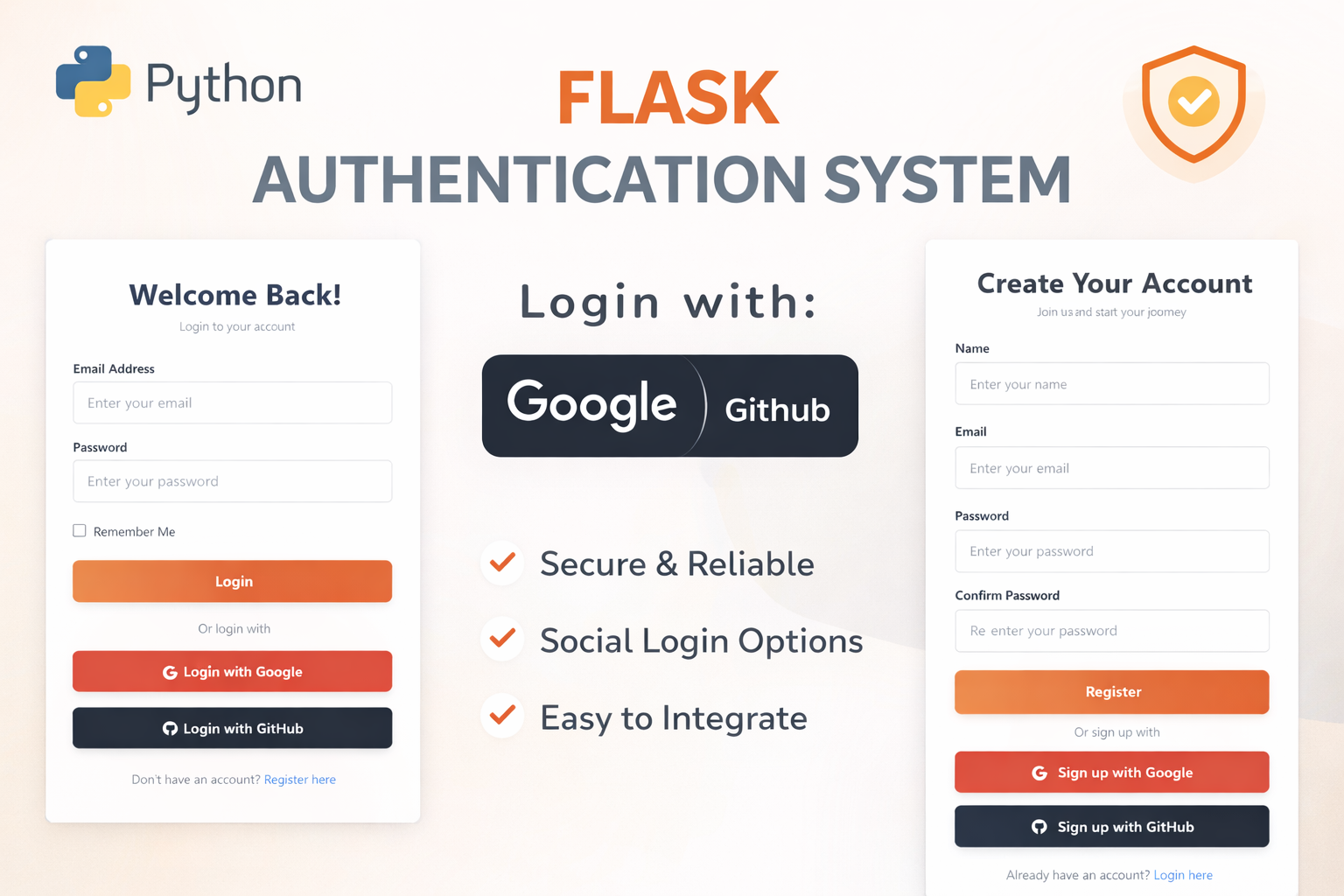
Flask Authentication System (Free Version) - Kritim Yantra
🛠 Features✔ Google & GitHub Authentication✔ User Registration & Login✔ Profile/Dashboard Access✔ Secure & Mi...

Flask Blog CMS with Admin Dashboard — Python Source Code
A Flask-based blogging website with a built-in admin dashboard. Manage articles, images, categories, tags and featured p...
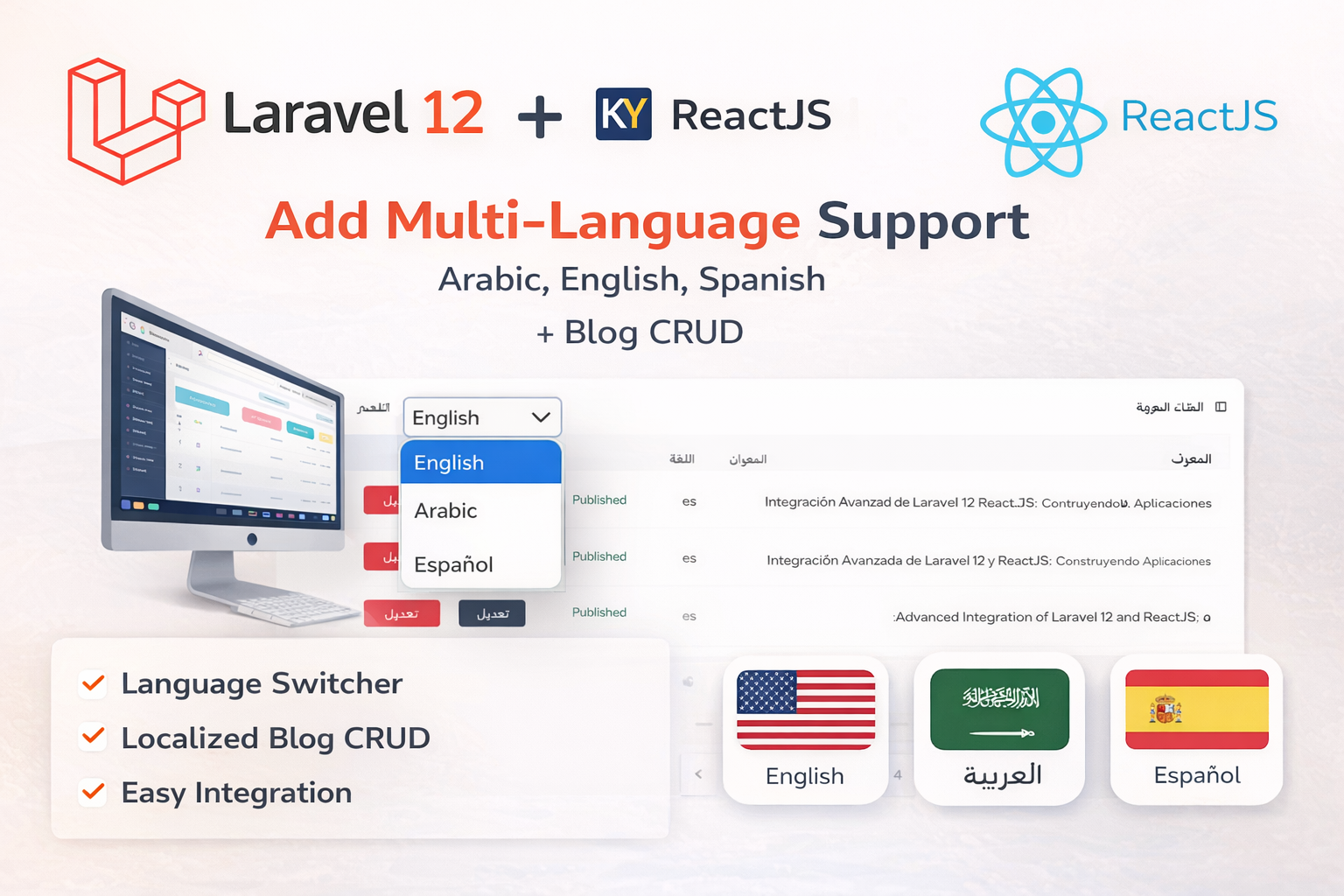
Laravel 12 + ReactJS Starter Kit: Add Multi-Language Support (Arabic, English, Spanish) with Blog CRUD
🚀 Installation & Setup Download & Extract Get the ZIP from kritimyantra.com and extract it. Includes preconfigu...
The Exact Laravel Skills Companies Pay For in 2026
I still remember deploying my first Laravel project. It worked perfectly on my laptop. Then it hit production… and everything slow...
Laravel 12 CRUD Explained in Simple Language (With a Real Example) – 2026 Edition
I still remember the first time someone said:“Just build a CRUD in Laravel.” I nodded confidently… then went home and Googled “wha...
Stop Learning Laravel Like This (Do This Instead) in 2026
Let me guess how you’re learning Laravel right now. Watching tutorials at 1.5× speed Building yet another CRUD app Feeling product...
Comments
No comments yet. Be the first to comment.
Sign in to join the discussion.