How to Become a Laravel Developer in 2025: A Step-by-Step Beginner’s Guide

Laravel is one of the most popular PHP frameworks used by developers worldwide. It’s known for its elegant syntax, robust features, and ability to simplify complex tasks. If you’re a beginner looking to become a Laravel developer, you’re in the right place. This guide will walk you through the steps to get started, learn the necessary skills, and build your first Laravel application.
1. Understand the Basics of Web Development
Before diving into Laravel, it’s essential to have a solid understanding of the basics of web development. Laravel is a PHP framework, so you’ll need to know the following:
a. HTML and CSS
- HTML (HyperText Markup Language) is used to structure content on the web.
- CSS (Cascading Style Sheets) is used to style and design web pages.
b. JavaScript
JavaScript adds interactivity to your web pages. Learn the basics of JavaScript, including DOM manipulation and event handling.
c. PHP
PHP is the backbone of Laravel. Learn the basics of PHP, including:
- Variables, data types, and operators
- Control structures (if-else, loops)
- Functions and arrays
- Working with forms and handling user input
- Object-Oriented Programming (OOP) concepts (classes, objects, inheritance, etc.)
2. Set Up Your Development Environment
To start working with Laravel, you’ll need to set up a local development environment. Here’s how:
a. Install a Local Server
Use tools like XAMPP, WAMP, or MAMP to set up a local server with PHP and MySQL.
b. Install Composer
Composer is a dependency manager for PHP. Laravel uses Composer to manage its packages and dependencies. Download and install Composer from getcomposer.org.
c. Install Laravel
Once Composer is installed, open your terminal or command prompt and run the following command to install Laravel globally:
composer global require laravel/installerCreate a new Laravel project using:
laravel new project-named. Use Laravel Sail (Optional)
Laravel Sail is a lightweight command-line interface for managing Laravel applications using Docker. It’s a great option if you want to avoid setting up a local server manually.
3. Learn the Fundamentals of Laravel
Once your environment is set up, it’s time to dive into Laravel. Start with the following core concepts:
a. Routing
Routing is how Laravel handles incoming requests and maps them to specific functions. Learn how to define routes in the routes/web.php file.
b. Controllers
Controllers handle the logic of your application. They act as intermediaries between models and views. Create controllers using the Artisan command:
php artisan make:controller ExampleControllerc. Views (Blade Templating)
Laravel uses the Blade templating engine to create dynamic HTML. Learn how to create and render Blade views.
d. Models and Eloquent ORM
Models represent your database tables. Laravel’s Eloquent ORM makes it easy to interact with your database. Learn how to create models and perform CRUD (Create, Read, Update, Delete) operations.
e. Migrations and Database Seeding
Migrations are like version control for your database, allowing you to modify your database schema. Database seeding is used to populate your database with test data.
f. Middleware
Middleware filters HTTP requests entering your application. For example, you can use middleware to authenticate users.
g. Authentication
Laravel makes it easy to implement user authentication. You can scaffold authentication features using the php artisan make:auth command (or packages like Laravel Breeze/Jetstream).
4. Build a Simple Project
The best way to learn Laravel is by building a project. Start with something simple like a To-Do List Application or a Blog. Your project might include:
- User authentication (register, login, logout)
- CRUD operations for tasks or blog posts
- Database migrations and seeding
- Basic styling using Bootstrap or Tailwind CSS
5. Explore Advanced Laravel Features
Once you’re comfortable with the basics, explore these advanced features:
a. API Development
Learn how to build RESTful APIs using Laravel and tools like Postman to test your endpoints.
b. Testing
Laravel provides built-in support for testing. Learn how to write unit and feature tests.
c. Queues and Jobs
Queues allow you to defer time-consuming tasks (like sending emails) to improve performance.
d. Caching
Caching can significantly improve performance. Learn how to use Laravel’s caching mechanisms.
e. Events and Listeners
Events let you decouple your application. Learn how to create and listen for events.
6. Use Laravel Packages
Laravel has a rich ecosystem of packages that can save you time. Some popular packages include:
- Laravel Breeze: A simple authentication scaffolding.
- Laravel Sanctum: For API token authentication.
- Laravel Telescope: A debugging tool.
- Laravel Horizon: A dashboard for managing queues.
7. Practice and Build Real-World Projects
The more you practice, the better you’ll become. Build real-world projects to solidify your skills. Some ideas include:
- E-commerce website
- Social media platform
- Content management system (CMS)
- Portfolio website
8. Join the Laravel Community
The Laravel community is vast and supportive. Join forums, attend meetups, and participate in online communities to learn from others and stay updated on the latest trends. Some great resources include:
- Laravel News
- Laravel Forums
- Explore open-source Laravel projects on GitHub
9. Keep Learning
Web development is constantly evolving, and so is Laravel. Stay updated by:
- Reading the official Laravel documentation
- Watching tutorials on YouTube or Laracasts
- Following Laravel influencers on social media
10. Create a Portfolio and Apply for Jobs
Once you’ve built a few projects, create a portfolio to showcase your work. Include:
- A brief introduction about yourself
- Links to your projects (host them on GitHub or a live server)
- Your skills and certifications
Start applying for Laravel developer roles or freelance opportunities. Every experience counts!
11. Final Thoughts
Becoming a Laravel developer is an exciting journey that requires patience, practice, and persistence. Start with the basics, build projects, and keep learning. With time and effort, you’ll master Laravel and unlock countless opportunities in the world of web development.
Good luck, and happy coding! 🚀
Projects to explore next
Source-code projects from the KritiMyantra catalogue. Check each project's details before buying.
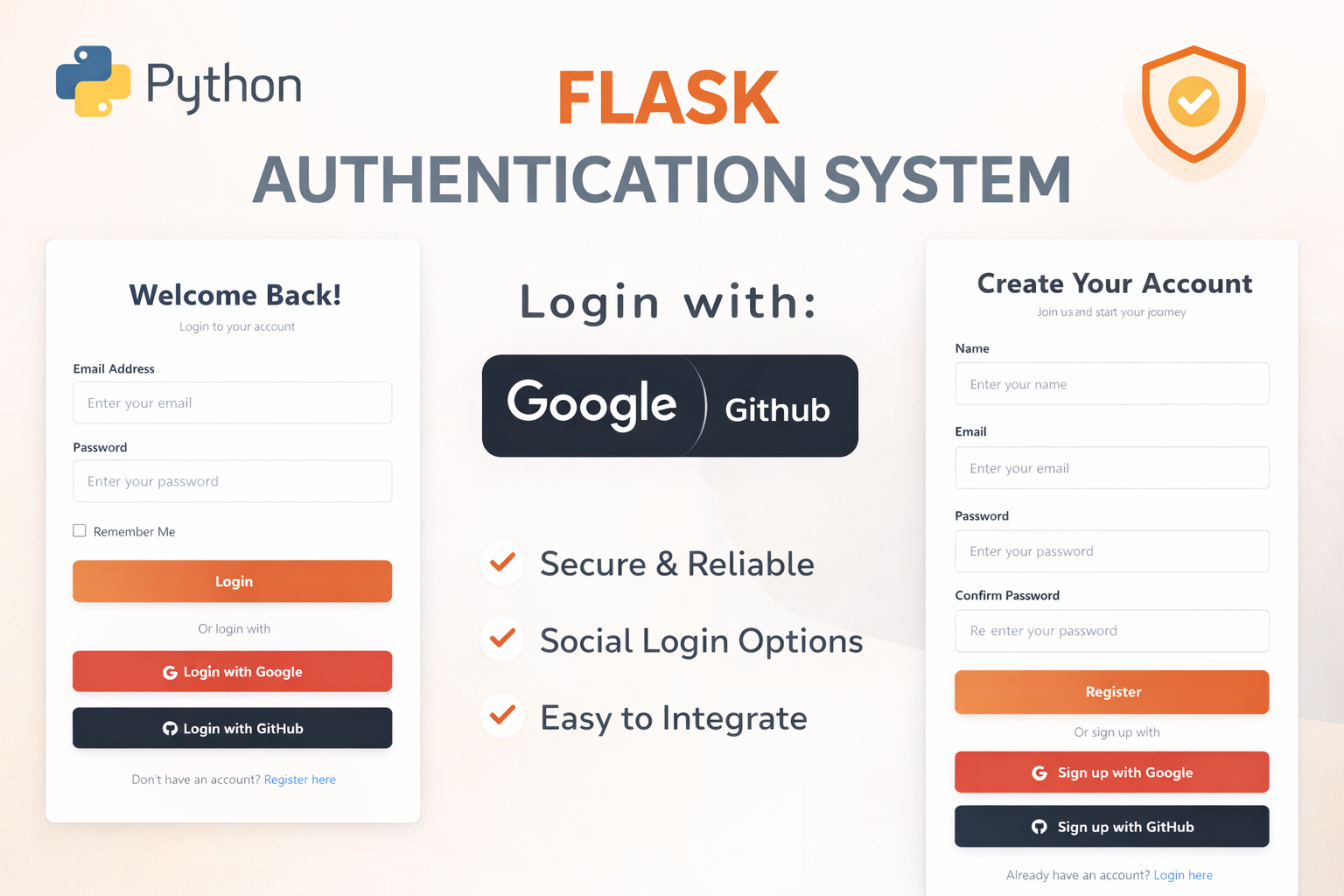
Flask Authentication System (Free Version) - Kritim Yantra
🛠 Features✔ Google & GitHub Authentication✔ User Registration & Login✔ Profile/Dashboard Access✔ Secure & Mi...

Flask Blog CMS with Admin Dashboard — Python Source Code
A Flask-based blogging website with a built-in admin dashboard. Manage articles, images, categories, tags and featured p...
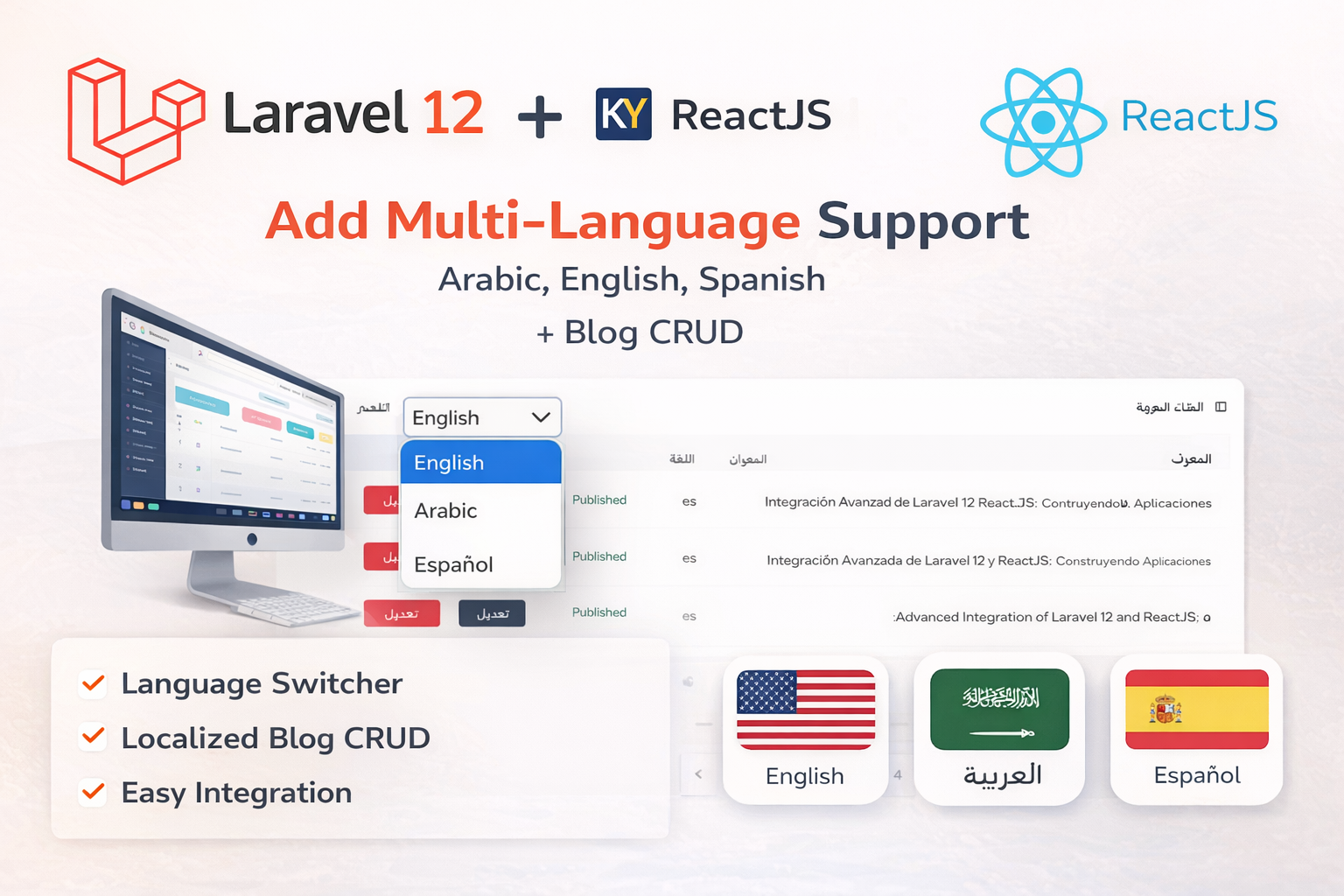
Laravel 12 + ReactJS Starter Kit: Add Multi-Language Support (Arabic, English, Spanish) with Blog CRUD
🚀 Installation & Setup Download & Extract Get the ZIP from kritimyantra.com and extract it. Includes preconfigu...
Understanding SOLID Design Principles in Laravel (For Beginners)
Understanding SOLID Design Principles in Laravel (For Beginners) SOLID design principles are a set of guidelines that help developers w...
Laravel 12 Multi-Auth System: Implementing Separate Admin and User Tables
In this blog post, we'll walk through creating a login system in Laravel 12 that supports both admin and user roles using separate data...

Laravel 12 Roles and Permissions Setup: Complete Guide
In many web applications, controlling user access based on roles and permissions is crucial. For example, an admin might need full acce...
Comments
No comments yet. Be the first to comment.
Sign in to join the discussion.