
Laravel 12 Sessions: A Beginner-Friendly Guide

Sessions are a crucial part of web development, allowing you to store user data across multiple requests. Laravel makes working with sessions simple and efficient. In this guide, we'll explore how sessions work in Laravel 12 and how you can use them in your applications.
What is a Session?
A session is a way to store user-specific data on the server between HTTP requests. Unlike cookies (which are stored on the client side), sessions are stored securely on the server.
Common use cases for sessions include:
- Storing user login status
- Keeping track of shopping cart items
- Storing temporary flash messages (e.g., success/error alerts)
How Laravel Handles Sessions
Laravel provides a clean, unified API for working with sessions. It supports several session drivers:
- File – Sessions are stored in
storage/framework/sessions. - Cookie – Encrypted session data stored in cookies (not recommended for sensitive data).
- Database – Sessions are stored in a database table.
- Redis / Memcached – High-performance in-memory storage.
By default, Laravel uses the file driver, which works well for most small to medium applications.
Configuring Sessions in Laravel 12
Session configuration is located in config/session.php. Key settings include:
'driver' => env('SESSION_DRIVER', 'file'), // Default session driver
'lifetime' => 120, // Session lifetime in minutes
'expire_on_close' => false, // End session when browser closes
'encrypt' => false, // Encrypt session data
To change the session driver, update the .env file:
SESSION_DRIVER=database
If using the database driver, run:
php artisan session:table
php artisan migrate
Using Sessions in Laravel
Laravel provides multiple ways to interact with sessions:
1. Using the session() Helper
// Store data in session
session(['key' => 'value']);

// Retrieve data
$value = session('key');

// Default value if key doesn't exist
$value = session('key', 'default');
2. Using the Session Facade
use Illuminate\Support\Facades\Session;

// Store data
Session::put('username', 'john_doe');

// Retrieve data
$username = Session::get('username');

// Check if a key exists
if (Session::has('username')) {
    // Do something
}

// Remove a session key
Session::forget('username');

// Clear all session data
Session::flush();
3. Flash Data (Temporary Session Data)
Flash data is useful for one-time messages (e.g., success/error alerts).
// Store flash data
Session::flash('message', 'Login successful!');

// Retrieve flash data (available only in the next request)
$message = Session::get('message');
Example: Storing User Preferences
Let’s build a simple example where we store a user’s theme preference (light/dark mode).
1. Create a Route & Controller
php artisan make:controller ThemeController
2. Define Routes (routes/web.php)
use App\Http\Controllers\ThemeController;

Route::get('/theme', [ThemeController::class, 'show']);
Route::post('/theme', [ThemeController::class, 'update']);
3. Implement the Controller
namespace App\Http\Controllers;

use Illuminate\Http\Request;
use Illuminate\Support\Facades\Session;

class ThemeController extends Controller
{
    public function show()
    {
        $theme = session('theme', 'light'); // Default: light
        return view('theme', compact('theme'));
    }

    public function update(Request $request)
    {
        $request->validate(['theme' => 'required|in:light,dark']);

        session(['theme' => $request->theme]); // Store theme preference

        return back()->with('success', 'Theme updated!');
    }
}
4. Create a View (resources/views/theme.blade.php)
<!DOCTYPE html>
<html lang="en" data-theme="{{ $theme }}">
<head>
    <title>Theme Example</title>
    <style>
        [data-theme="light"] { background: #fff; color: #000; }
        [data-theme="dark"] { background: #333; color: #fff; }
    </style>
</head>
<body>
    @if(session('success'))
        <div class="alert">{{ session('success') }}</div>
    @endif

    <h1>Current Theme: {{ $theme }}</h1>

    <form method="POST" action="/theme">
        @csrf
        <select name="theme">
            <option value="light" {{ $theme == 'light' ? 'selected' : '' }}>Light</option>
            <option value="dark" {{ $theme == 'dark' ? 'selected' : '' }}>Dark</option>
        </select>
        <button type="submit">Change Theme</button>
    </form>
</body>
</html>
Now, when a user selects a theme, it will persist across requests!
Best Practices for Using Sessions
- Avoid storing large data – Sessions are meant for small amounts of data.
- Use database/Redis for production – File-based sessions may slow down your app under heavy traffic.
- Secure session data – If storing sensitive info, enable encryption (
'encrypt' => true). - Use flash messages wisely – Great for notifications but don’t overuse them.
Conclusion
Sessions in Laravel 12 are simple yet powerful. Whether you need to store user preferences, authentication status, or temporary messages, Laravel’s session system has you covered.
Start experimenting with sessions in your Laravel projects today! 🚀
Happy coding! 😊
Projects related to this guide
Use the concepts from this article in practical source-code projects.
 Web Development
Free
Preview
Web Development
Free
Preview
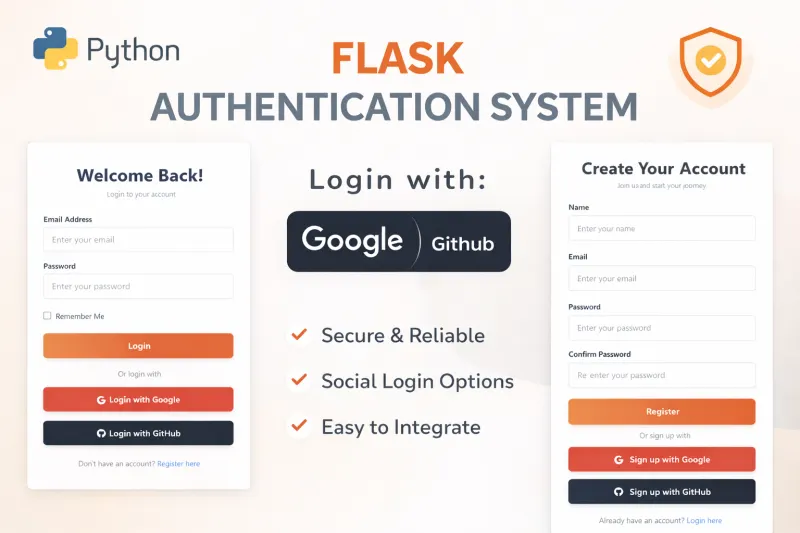
Flask Authentication System (Free Version) - Kritim Yantra
🛠 Features✔ Google & GitHub Authentication✔ User Registration & Login✔ Profile/Dashboard Access✔ Secure...
 Web Development
₹399
Preview
Web Development
₹399
Preview
Python Flask Blog Project with Admin Panel
Are you ready to launch a powerful, modern, and fully customizable blog? Look no further! Introducing the Flask-...
 Web Development
₹299
Preview
Web Development
₹299
Preview
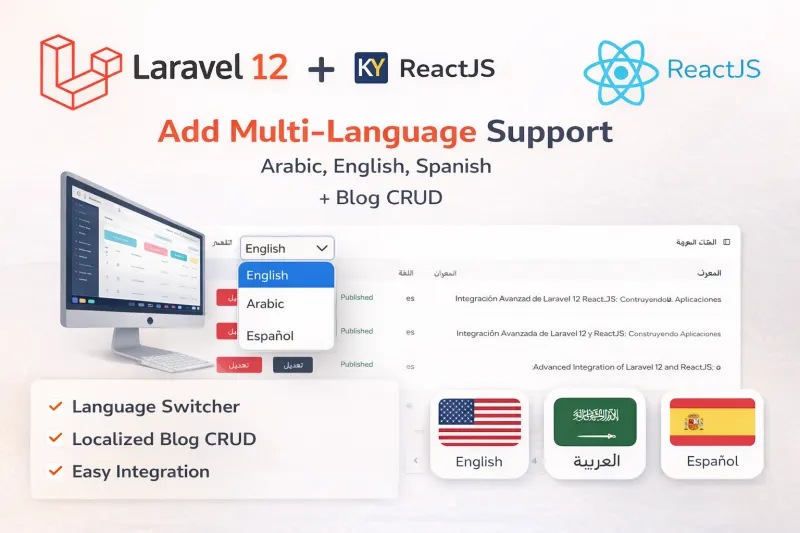
Laravel 12 + ReactJS Starter Kit: Add Multi-Language Support (Arabic, English, Spanish) with Blog CRUD
🚀 Installation & Setup Download & Extract Get the ZIP from kritimyantra.com and extract it. Includes pr...
Laravel 12 CRUD Tutorial: Build a Complete Blog with Image Upload
pre { background: #f8f9fa; padding: 1rem; overflow: auto; } code { font-family: Menlo, Monaco, Consolas, "Courier New", monospace;...
Boost Your Laravel Skills by Mastering Key PHP Features
Laravel is one of the most popular PHP frameworks, loved for its elegant syntax and powerful tools that make web development faste...
Understanding Laravel 12 Middleware
Welcome to this beginner-friendly guide on Laravel 12 middleware! If you're new to Laravel or web development, don’t worry—we’ll w...
Comments
No comments yet. Be the first to comment.
Sign in to join the discussion.