Advanced Front-End with Livewire & Alpine.js

🌟 Introduction: Bridging PHP Logic and Instant Front-End
Your PHP backend is powerful—now imagine making your front end feel real-time, responsive, and sleek without learning a full SPA framework. That’s the magic of Livewire with Alpine.js. Think of Livewire as the dependable scaffolding and Alpine as the decorative trim—together they give you a modern front‑end without the bulk of Vue or React.
This combo lets you write mostly PHP, sprinkle lightweight JavaScript, and build interactive experiences—all while keeping things simple, maintainable, and fast.
⚙️ 1. What’s the Latest? Versions You Should Know
Before we dig deeper, let’s make sure we’re using the latest versions:
- Laravel Livewire: v3.6.3 (April 12, 2025)
- Alpine.js: v3.14.9 (March 12, 2025)
Include in Your Project:
<!-- Livewire -->
@livewireStyles
@livewireScripts

<!-- Alpine.js -->
<script defer src="https://cdn.jsdelivr.net/npm/[email protected]/dist/cdn.min.js"></script>
Or install via NPM:
npm install alpinejs@3.14.9
composer require livewire/livewire "^3.0"
Note: Livewire 3 requires PHP ≥ 8.1
🧩 2. Why Use Livewire + Alpine?
Imagine building a dynamic dropdown menu where clicking a button slides open options and clicking outside closes it. Traditionally, you'd need AJAX or Vue/React.
With Livewire + Alpine:
- Alpine handles the front-end behavior
- Livewire handles backend updates
This collaboration gives you clean, reactive, and elegant user interfaces.
⚙️ 3. Getting Started: Setup & Simple Example
3.1 Add Assets
Add this to your Blade layout:
<head>
  @livewireStyles
  <script defer src="https://cdn.jsdelivr.net/npm/[email protected]/dist/cdn.min.js"></script>
</head>
<body>
  @livewireScripts
</body>
3.2 Create a Dropdown Component
Livewire Component (PHP):
namespace App\Livewire;
use Livewire\Component;

class ActionDropdown extends Component {
    public function archive() { /* archive logic */ }
    public function delete() { /* delete logic */ }

    public function render() {
        return view('livewire.action-dropdown');
    }
}
Blade View:
<div x-data="{ open: false }" class="relative">
  <button @click="open = !open">Actions</button>
  <ul x-show="open" @click.outside="open = false" class="absolute bg-white shadow">
    <li><button @click="$wire.archive()">Archive</button></li>
    <li><button @click="$wire.delete()">Delete</button></li>
  </ul>
</div>
Use in Blade:
@livewire('action-dropdown')
🧠 4. Two-Way Binding with $wire.entangle()
Share State Between Alpine and Livewire
Livewire Component:
class ModalComponent extends Component {
    public bool $isOpen = false;
    public function toggle() { $this->isOpen = !$this->isOpen; }
    public function render() { return view('livewire.modal-component'); }
}
Blade View:
<div x-data="{ open: @entangle('isOpen') }">
  <button @click="open = true">Open Modal</button>
  <div x-show="open" class="modal">
    <button @click="$wire.toggle()">Close</button>
    <p>Modal content...</p>
  </div>
</div>
This syncs UI and server state seamlessly.
🧠 5. Manipulate Livewire from Alpine
Display Livewire Data:
<input wire:model="title">
<p>Length: <span x-text="$wire.title.length"></span> characters</p>
Modify Data:
<button @click="$wire.title = ''">Reset Title</button>
Call Methods:
<button @click="$wire.save()">Save</button>
🎨 6. UI Transitions & Hooks
Alpine Transitions:
<div x-show="$wire.showPanel" x-transition.opacity.duration.500ms>
  <p>Nice panel content.</p>
</div>
Livewire Directives:
<div wire:show="showPanel" wire:transition="fade">
  <p>Panel content</p>
</div>
These help enhance UI responsiveness.
🔄 7. Optimistic UI
Instant feedback with smooth interaction:
<button @click="
  archived = true;
  $wire.archive(itemId);
">Archive</button>
Your UI responds instantly, while Livewire confirms backend success.
🛡️ 8. Best Practices
- Use Blade loops with
@foreach, notx-for - Protect sensitive data; Livewire props are client-visible
- Alpine for small widgets, not large apps
- Livewire 3 requires PHP ≥ 8.1
⚙️ 9. Advanced Interactions
JavaScript Actions:
<button wire:click="doSomething">Do</button>

@script
<script>
  $js('doSomething', () => {
    console.log('Done triggered');
    $wire.doSomething();
  });
</script>
@endscript
Global Event Listeners:
window.addEventListener('item-saved', () => {
  // Show notification
});
🧰 10. Build a Modal with Livewire + Alpine
PHP Component:
class ConfirmDelete extends Component {
    public bool $show = false;
    public int $itemId;

    public function confirm(int $id) {
        $this->itemId = $id;
        $this->show = true;
    }

    public function delete() {
        Model::find($this->itemId)->delete();
        $this->show = false;
        $this->emit('item-deleted');
    }

    public function render() { return view('livewire.confirm-delete'); }
}
Blade Template:
<div x-data="{ show: @entangle('show') }">
  <button @click="$wire.confirm({{ $item->id }})">Delete</button>

  <div x-show="show" x-transition class="fixed inset-0 flex">
    <div class="bg-white p-6">
      <p>Confirm?</p>
      <button @click="$wire.delete()">Yes</button>
      <button @click="show = false">Cancel</button>
    </div>
  </div>
</div>

@script
<script>
  window.addEventListener('item-deleted', () => {
    alert('Item deleted!');
  });
</script>
@endscript
🎓 11. Testing & Debugging
- Use
@thisand$wireto debug Livewire - Use
console.log()inside Alpine - Use Laravel component tests for output assertions
🔑 Key Takeaways
- Livewire 3.6.3 + Alpine.js 3.14.9 = modern, reactive UI
- Two-way binding with
entangle()keeps state clean - Alpine handles UI logic; Livewire handles backend
- Transitions, optimistic UI, and JS Actions make UX elegant
🚀 Final Thoughts
If you want modern interactivity without full SPA overhead, Livewire and Alpine are your dream team. Stay PHP-first, build fast, and scale naturally.
Want to go deeper? Try building a live search, notification bell, or filterable list using this dynamic duo. Your front-end skills will thank you!
Projects to explore next
Source-code projects from the KritiMyantra catalogue. Check each project's details before buying.
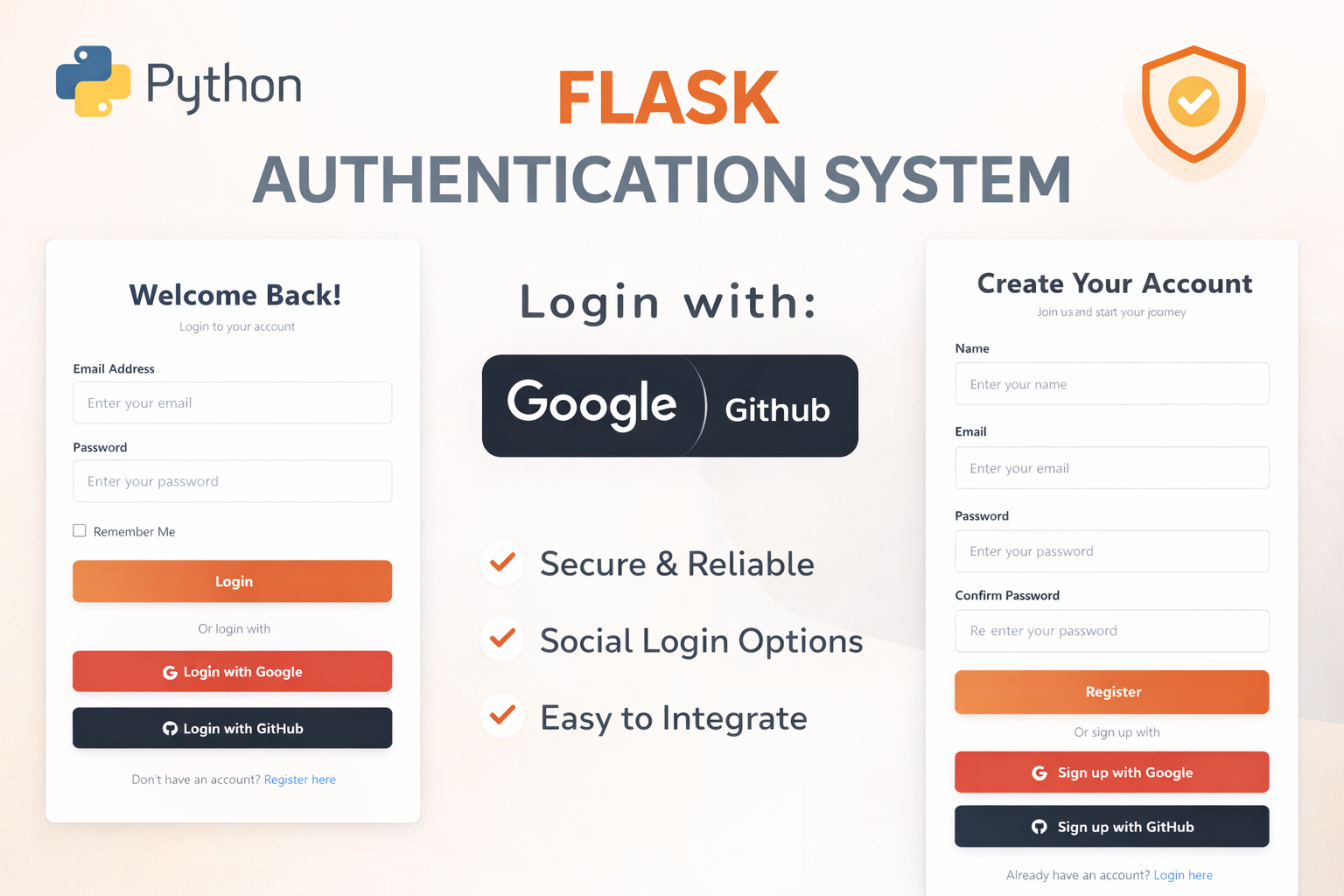
Flask Authentication System (Free Version) - Kritim Yantra
🛠 Features✔ Google & GitHub Authentication✔ User Registration & Login✔ Profile/Dashboard Access✔ Secure & Mi...

Flask Blog CMS with Admin Dashboard — Python Source Code
A Flask-based blogging website with a built-in admin dashboard. Manage articles, images, categories, tags and featured p...
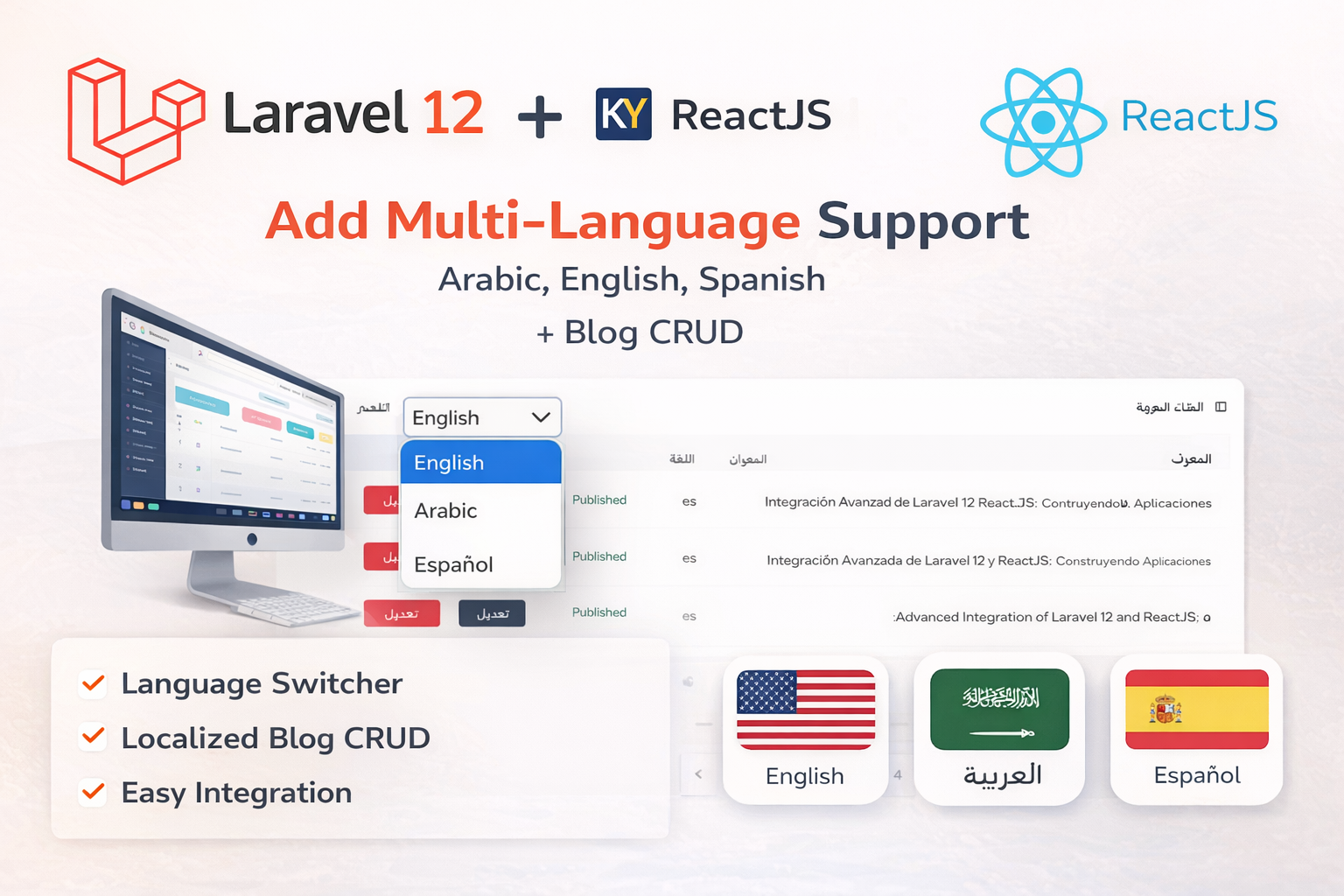
Laravel 12 + ReactJS Starter Kit: Add Multi-Language Support (Arabic, English, Spanish) with Blog CRUD
🚀 Installation & Setup Download & Extract Get the ZIP from kritimyantra.com and extract it. Includes preconfigu...

Laravel 12 New Features And Updates
Laravel 12 is finally here, bringing exciting improvements that boost productivity without breaking existing applications. In this rele...
Building APIs with Laravel 12: A Comprehensive Guide
Laravel remains one of the most popular PHP frameworks for building robust APIs, and with Laravel 12, the process has become even more...
Generating QR Codes in Laravel 12: A Complete Guide
QR codes are widely used for quick data sharing, payment systems, authentication, and marketing campaigns. Laravel makes it easy to gen...
Comments
No comments yet. Be the first to comment.
Sign in to join the discussion.